Clearance (tolerance) test for 3D printers
Make a bar with discs that spin inside rings, with clearances from 0.1 to 0.5 mm, and find the right clearance for your printer for fits and articulated parts.
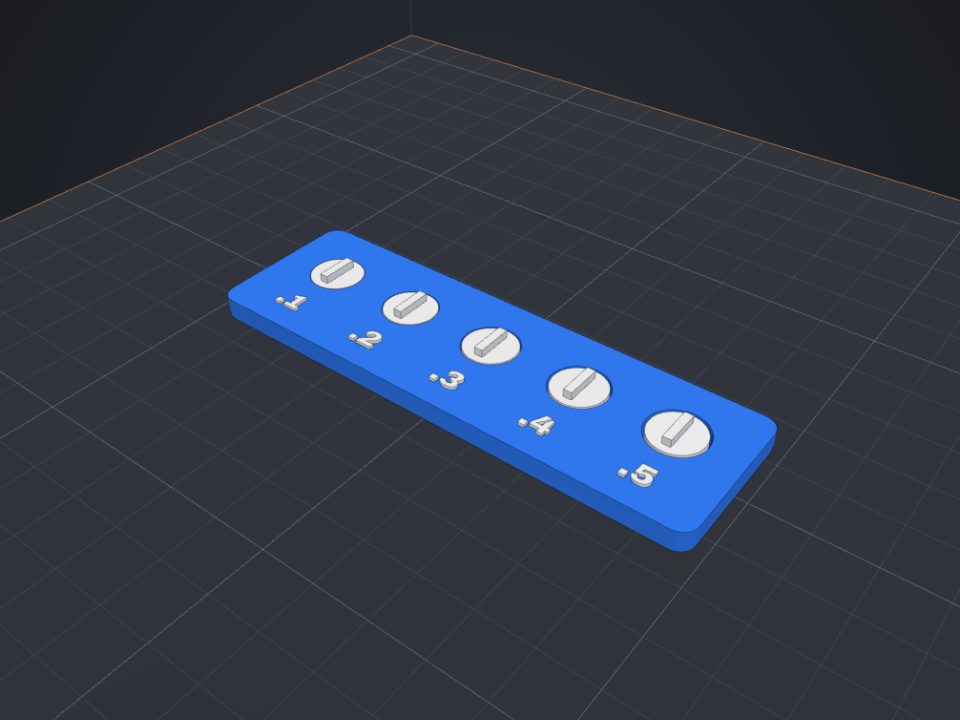
How it works
- Choose the clearances (for example 0.1 to 0.5 mm in 0.1 steps).
- Print the bar as it is, without supports.
- Try to spin each disc: the smallest clearance that turns freely is yours. Use it for fits, threads and Articulate.
FAQ
Why don't the smaller discs spin?
With too little clearance, the plastic lines fuse (especially on the first layer). That is exactly what the test shows.
What clearance is typical?
Between 0.2 and 0.4 mm, depending on the printer, nozzle, material and calibration.
Is it free?
Yes. The maker and the editor are free and run in your browser. Without an account, the project is kept for 48 hours; with a free account, it is kept in your account.
Which format do I download?
3MF (recommended: keeps colors and opens directly in Bambu Studio, OrcaSlicer and Creality Print), STL or OBJ, always in millimeters.
Other makers
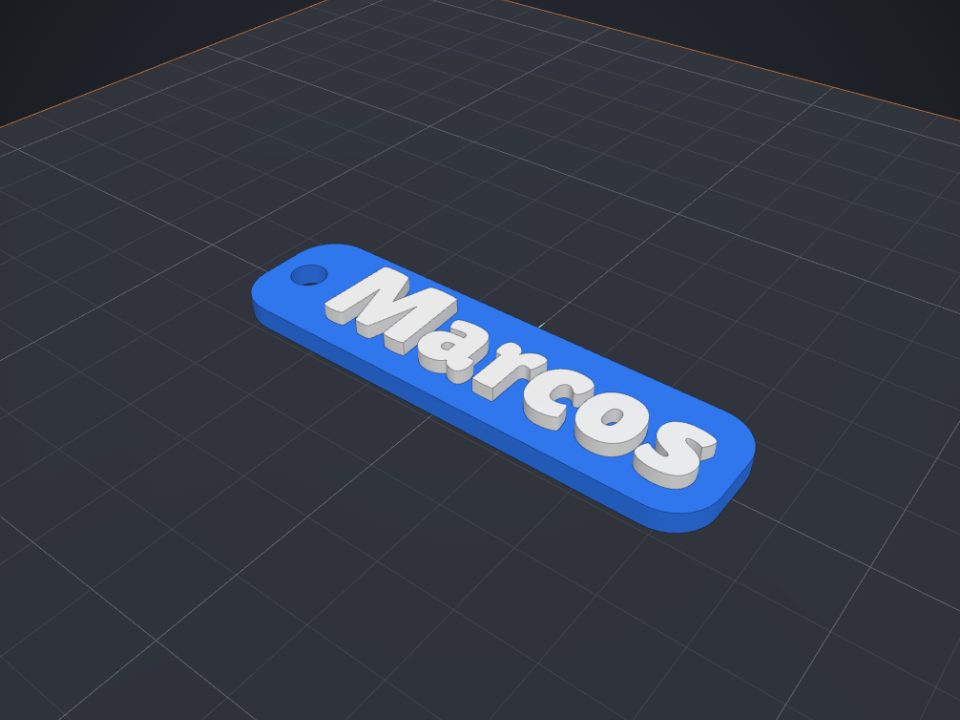 Name keychain maker for 3D printing
Raised name on a base with a ring hole, in two colors.
Name keychain maker for 3D printing
Raised name on a base with a ring hole, in two colors.
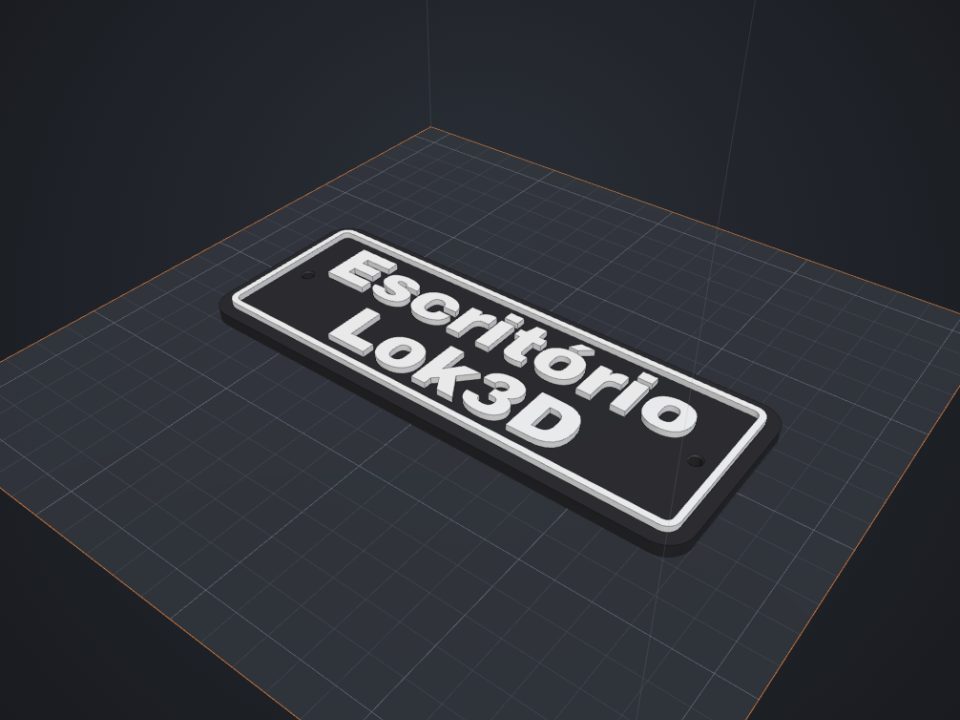 Door sign maker for 3D printing
Raised text with a border and countersunk screw holes.
Door sign maker for 3D printing
Raised text with a border and countersunk screw holes.
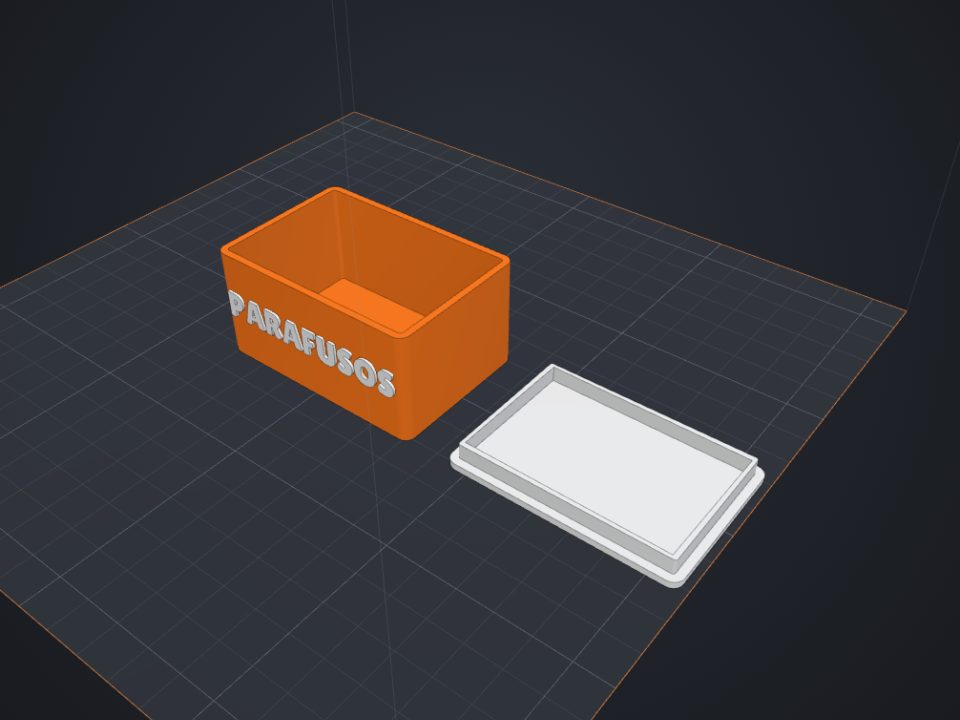 Box with lid maker for 3D printing
Exact inner size, fitted lid with clearance and rounded corners.
Box with lid maker for 3D printing
Exact inner size, fitted lid with clearance and rounded corners.
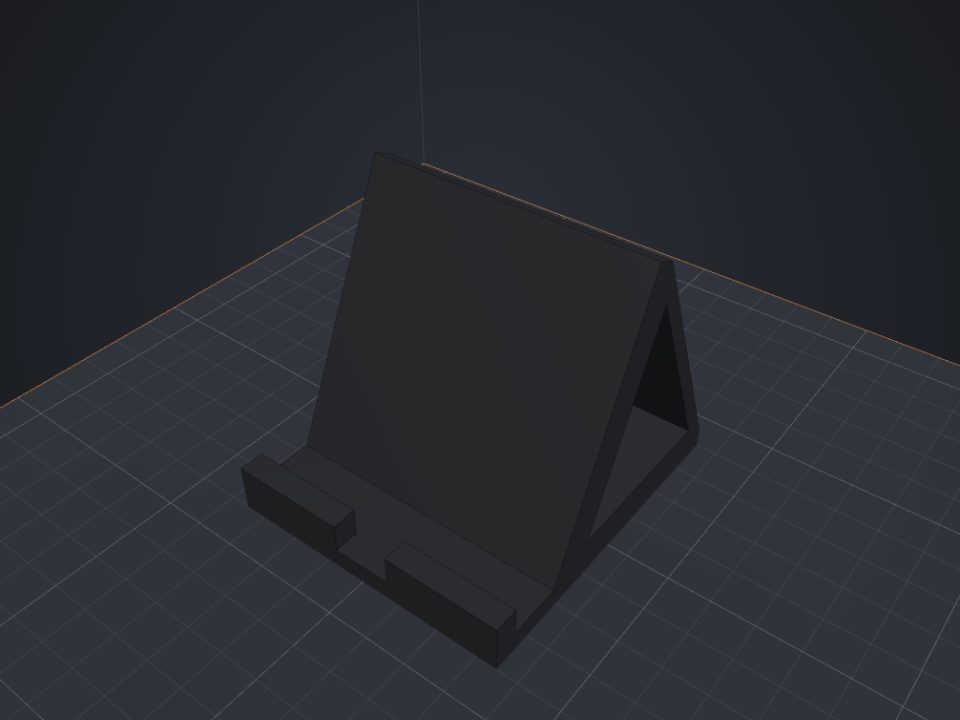 Phone stand for 3D printing
Custom tilt and fit, with a cable pass-through.
Phone stand for 3D printing
Custom tilt and fit, with a cable pass-through.
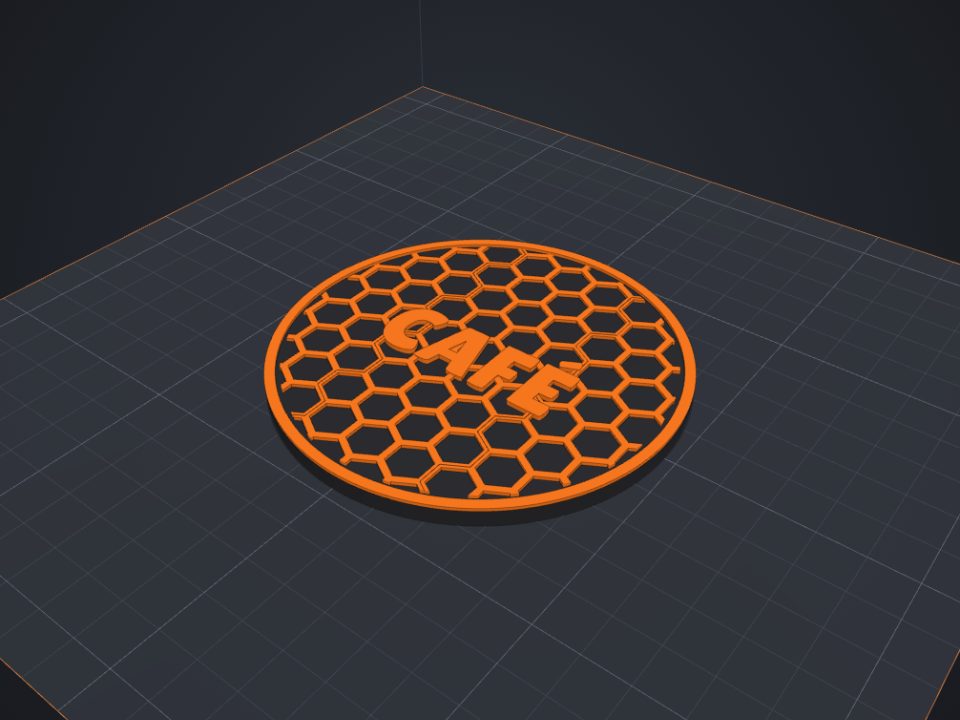 Coaster for 3D printing
Round or hexagonal, with a raised pattern and text, in two colors.
Coaster for 3D printing
Round or hexagonal, with a raised pattern and text, in two colors.
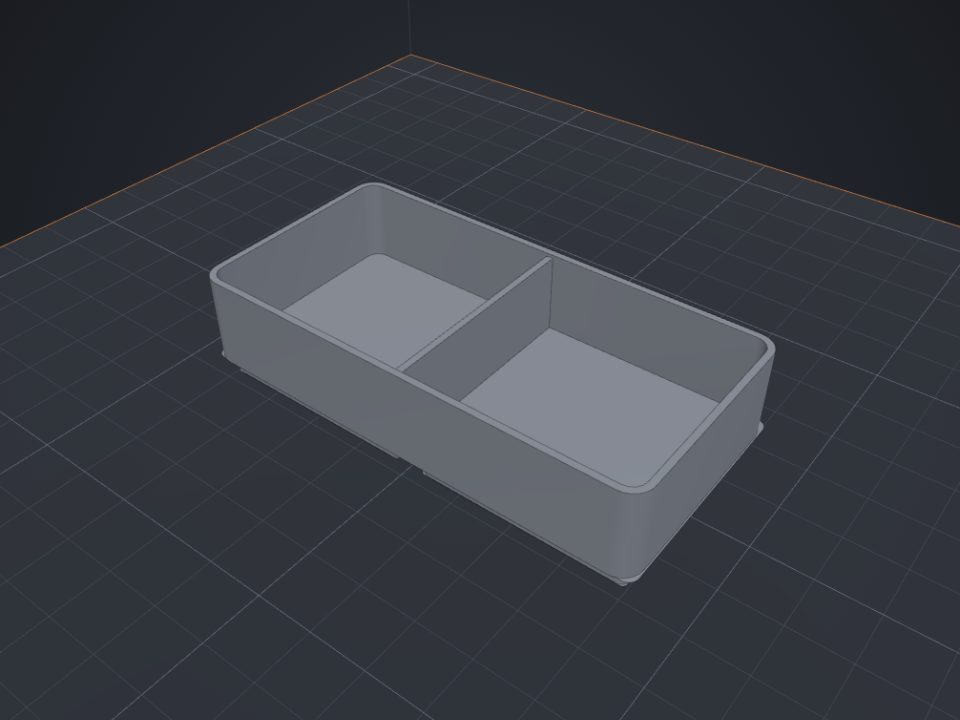 Gridfinity bins for 3D printing
Standard 42 mm base, dividers and magnet holes.
Gridfinity bins for 3D printing
Standard 42 mm base, dividers and magnet holes.
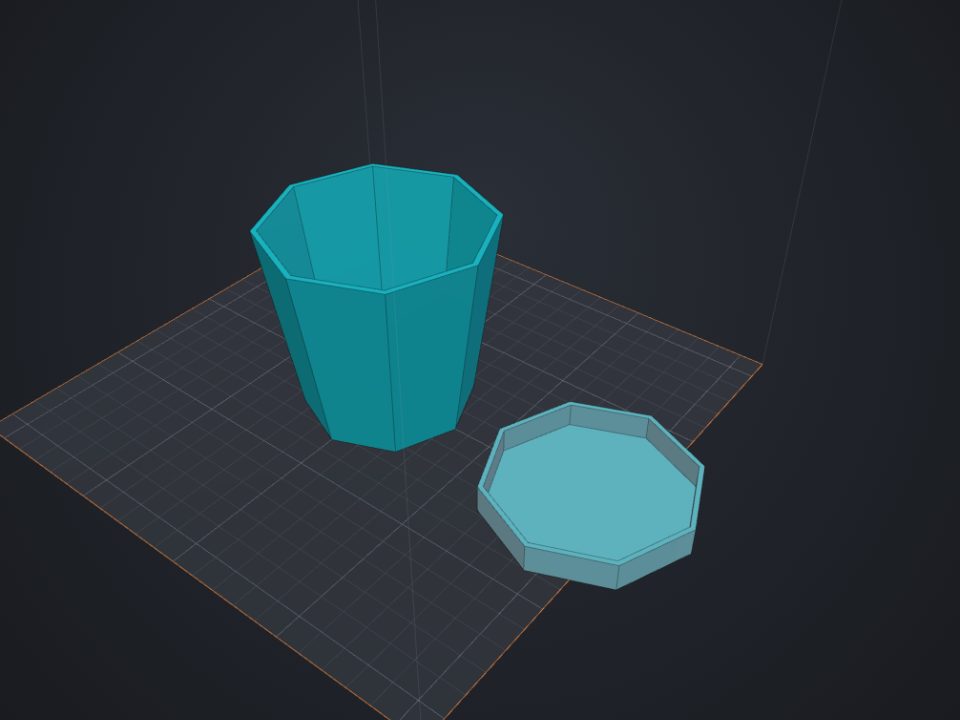 Plant pot for 3D printing
Round or faceted, with drainage and a saucer.
Plant pot for 3D printing
Round or faceted, with drainage and a saucer.