Three shapes
Straight, ribbon tail or rounded.
Create a bookmark with a raised name or quote in two colors, with a hole for a tassel. Straight, ribbon-tail or rounded. Free and online.
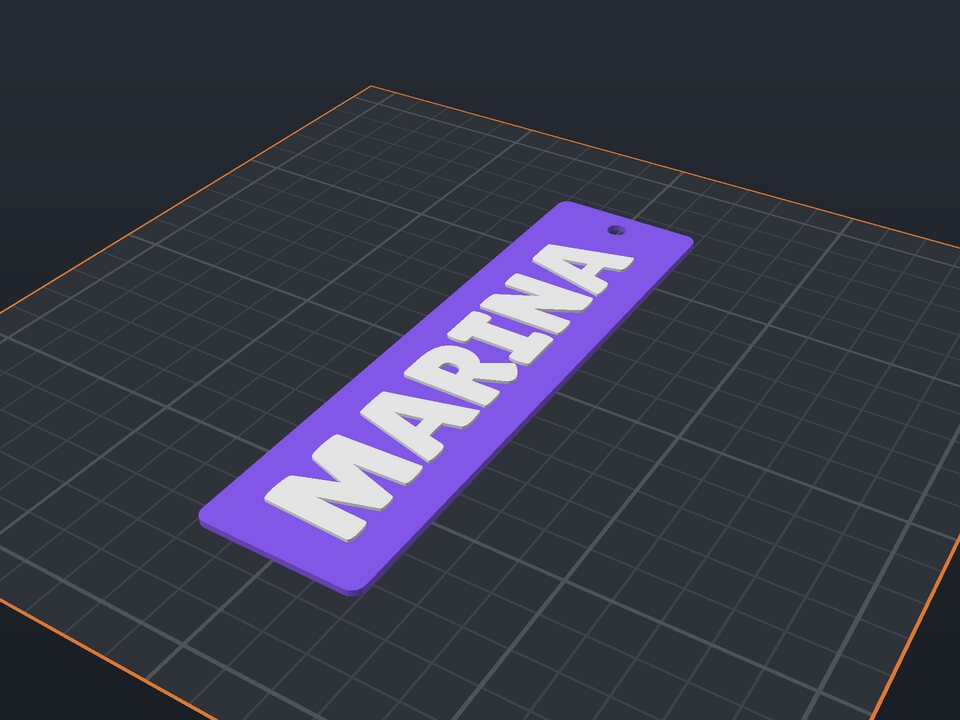
A bookmark with someone's name or a quote is a simple gift readers love. Thin and light, it prints in minutes and fits any book.
The text runs vertically, raised and in another color, as large as fits. Choose the shape (straight, ribbon tail or rounded) and a hole to tie a ribbon or tassel.
Straight, ribbon tail or rounded.
A name or quote up to 24 characters.
To tie a ribbon or tassel (optional).
1 to 3 mm thick, does not mark the book.
At 1.6 mm with low relief, no. For thin books, use 1.2 mm.
Yes: download STL and print it all in one color; the relief stays visible.
Yes. The maker and the editor are free and run in your browser. Without an account, the project is kept for 48 hours; with a free account, it is kept in your account.
3MF (recommended: keeps colors and opens directly in Bambu Studio, OrcaSlicer and Creality Print), STL or OBJ, always in millimeters.
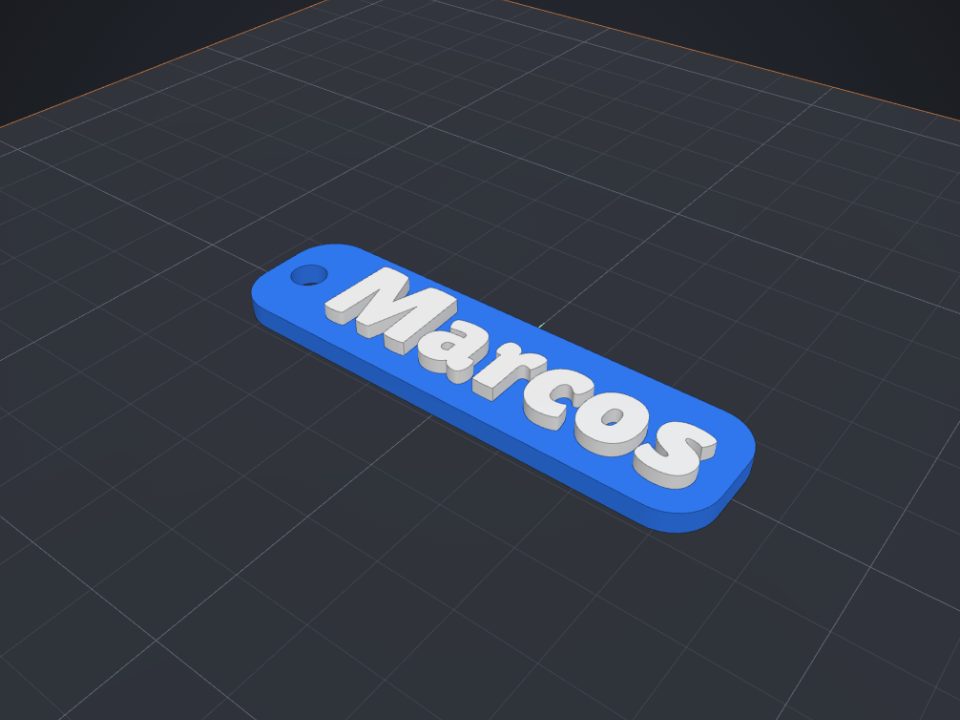 Name keychain to 3D print
Raised name on a base with a ring hole, in two colors.
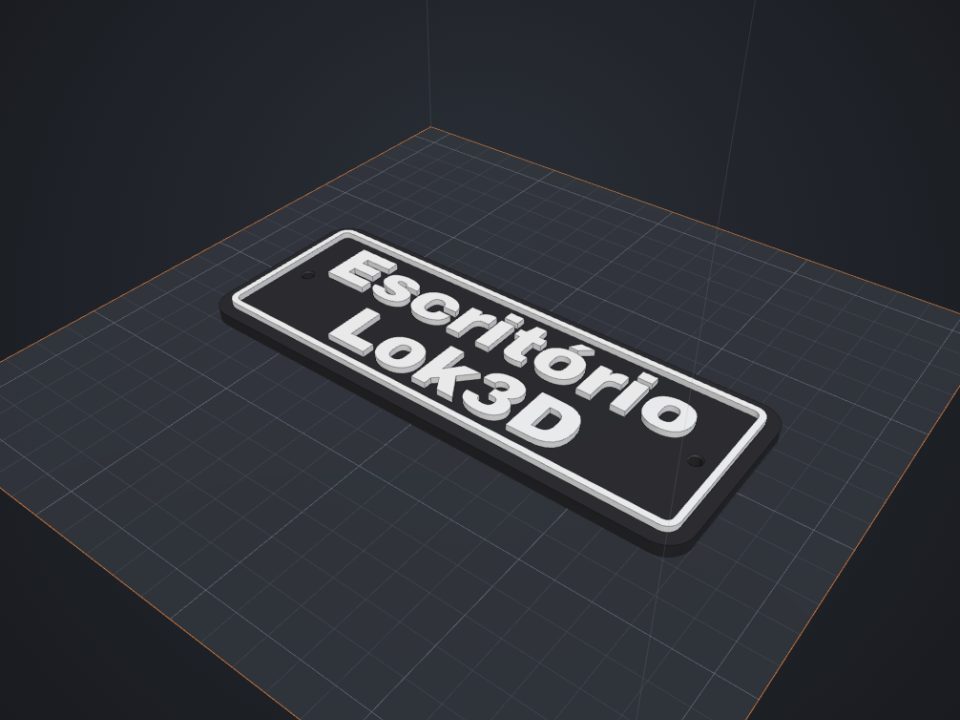 Door sign with text to 3D print
Raised text with a frame and countersunk screw holes.
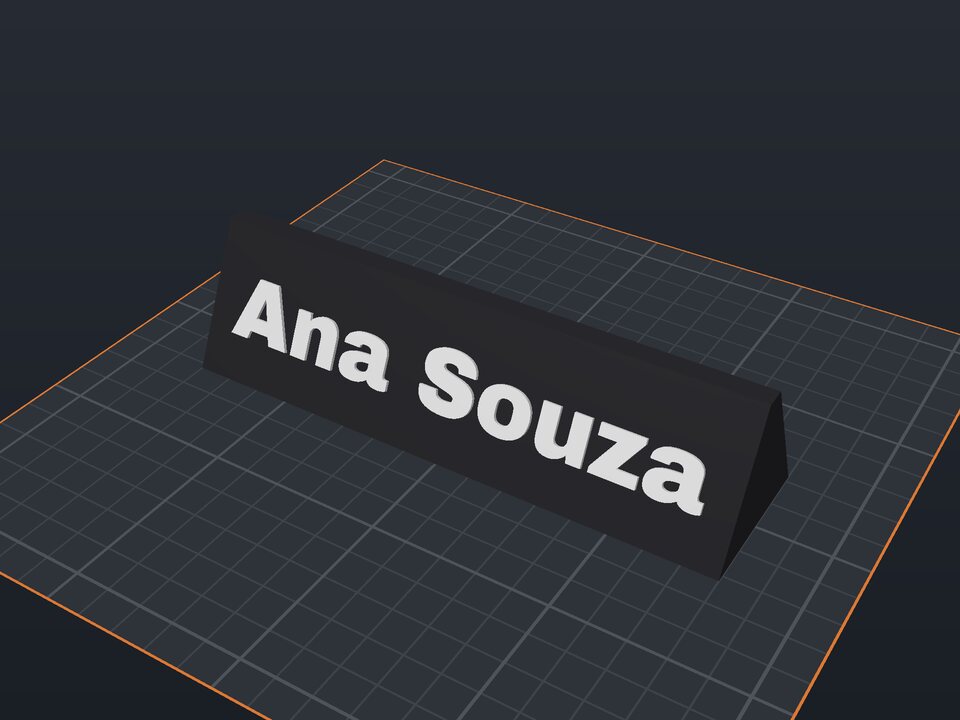 Desk name plate to 3D print
Prism with a name on the front and optional text on the back.
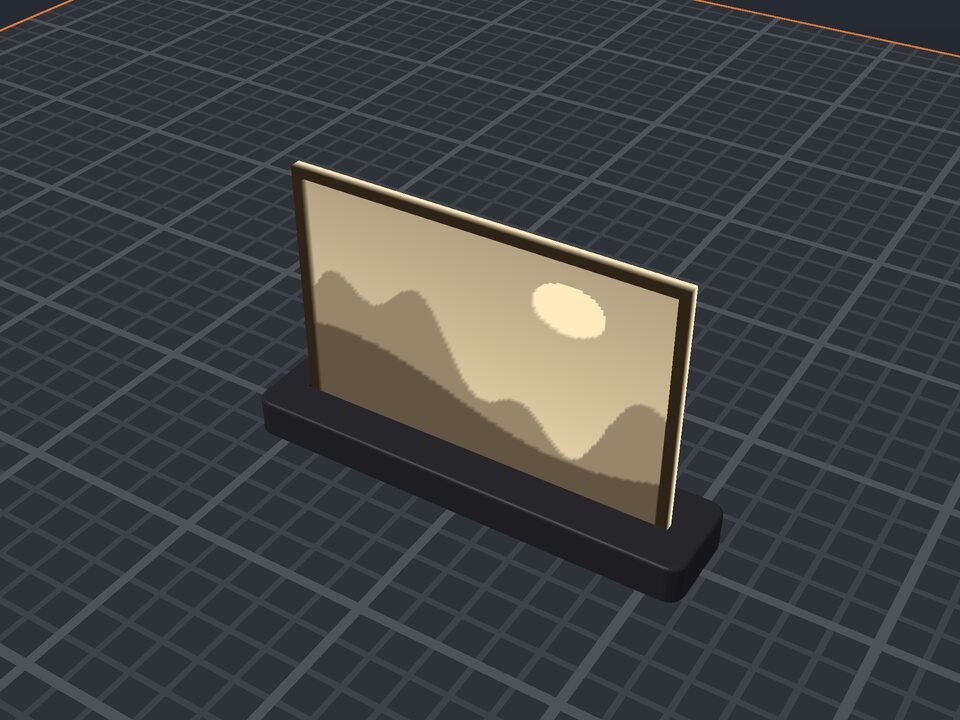 Photo lithophane to 3D print
A photo in a thin plate that shows against the light, with a stand.
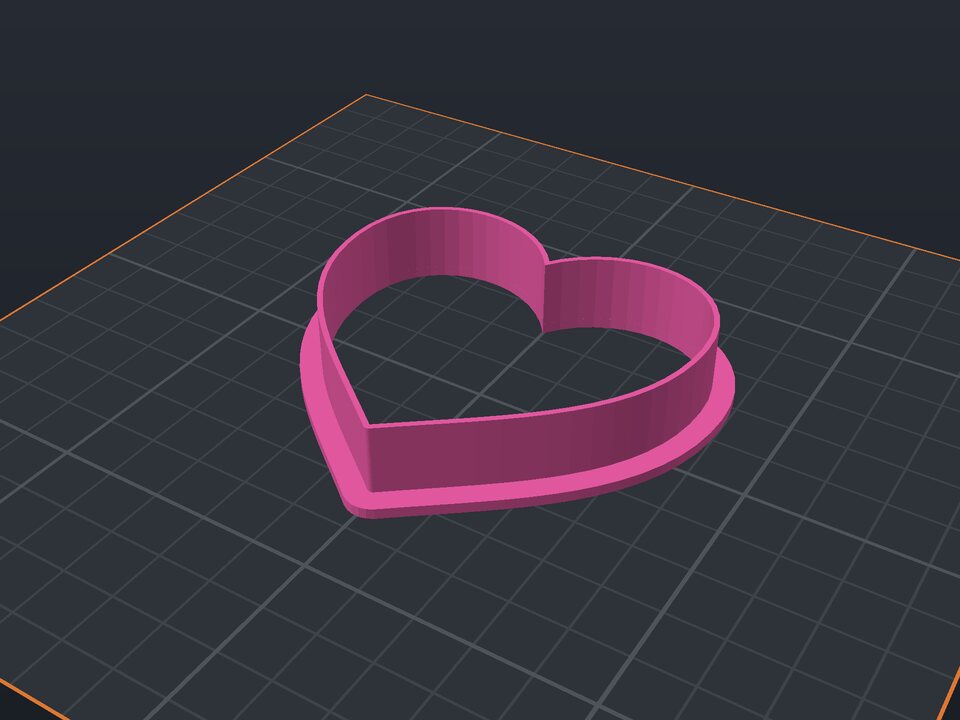 Cookie cutter to 3D print
Heart, star, flower or a name, with blade and rim.
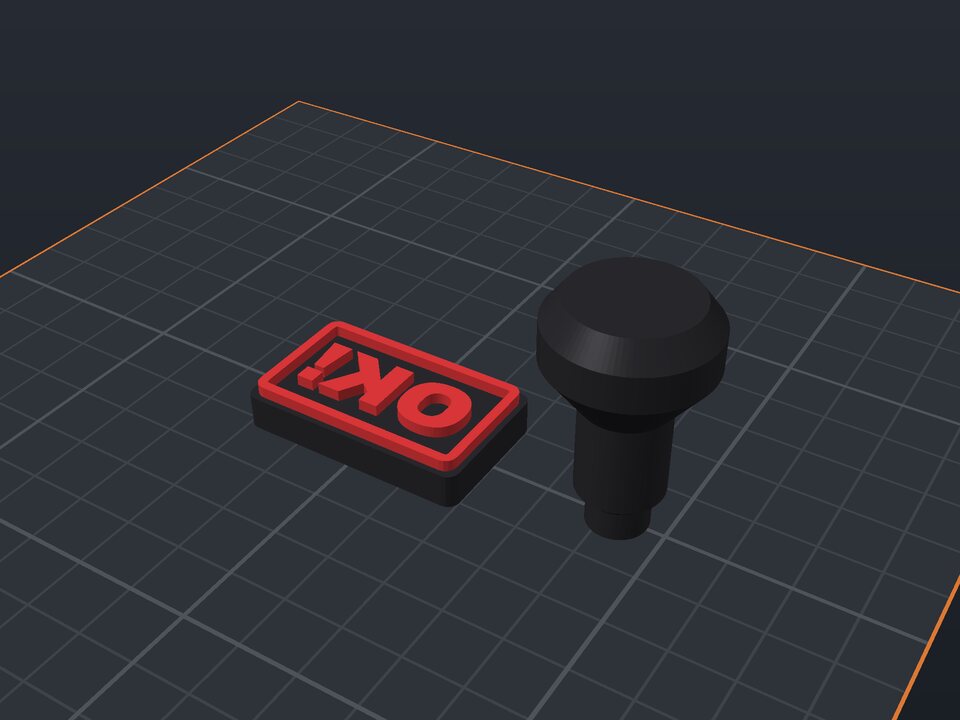 Custom stamp to 3D print
Mirrored text, border and snap-in handle.
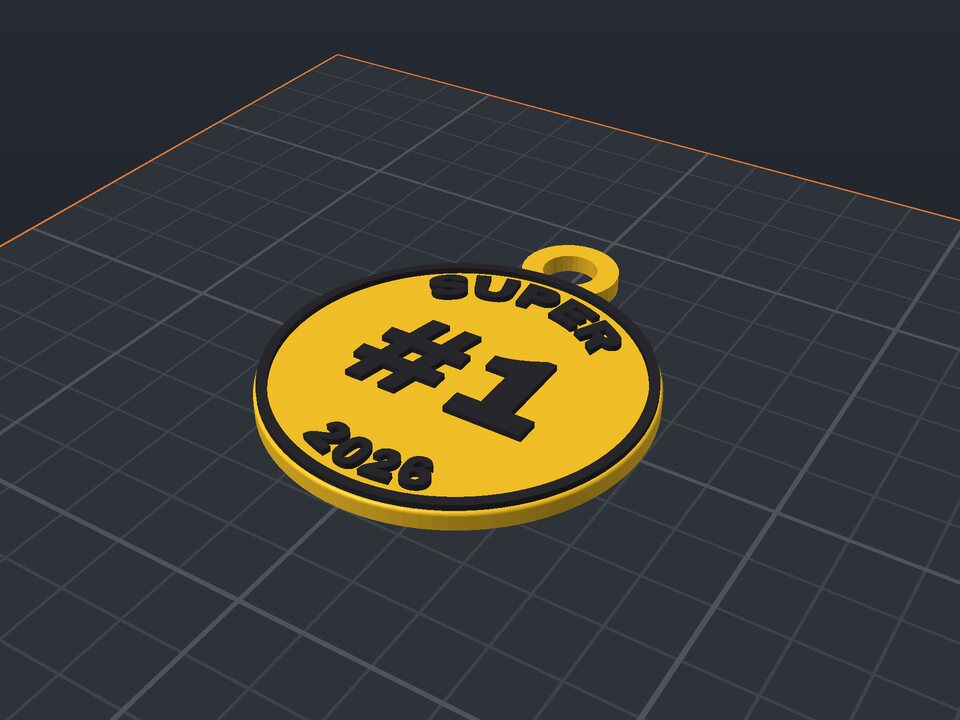 Custom medal to 3D print
Curved text, a number in the middle and a ribbon loop.
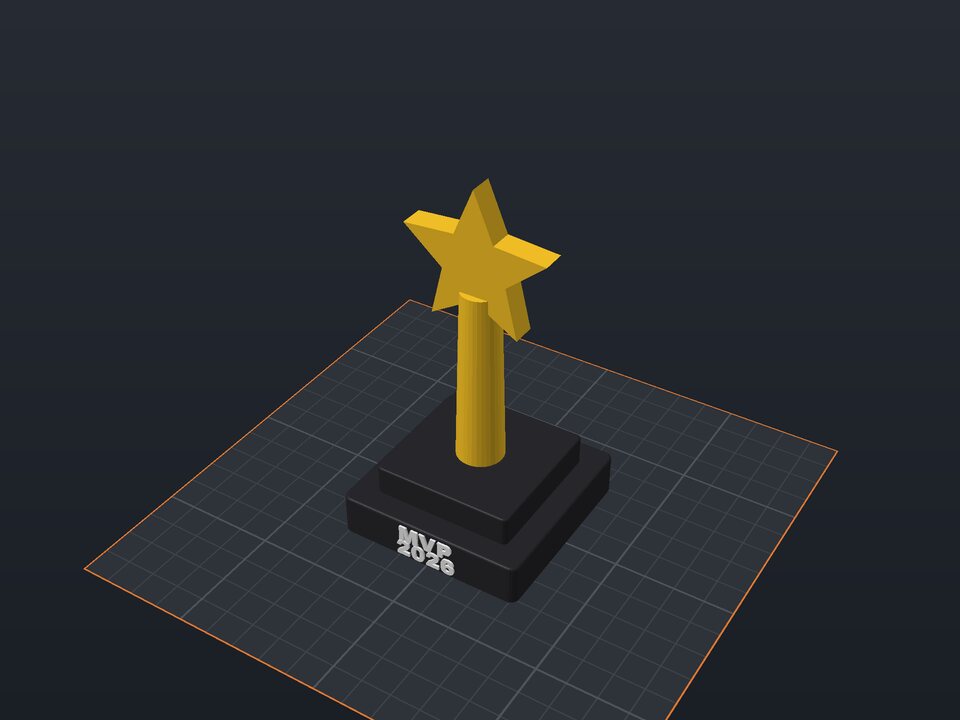 Custom trophy to 3D print
Base with a name, column and a star or cup.