Mirrored text
Prints the right way on paper, no flipping needed.
Generate a stamp with your text already mirrored, an optional border and a snap-in handle. For paper, clay, cookies and dough. Free and online.
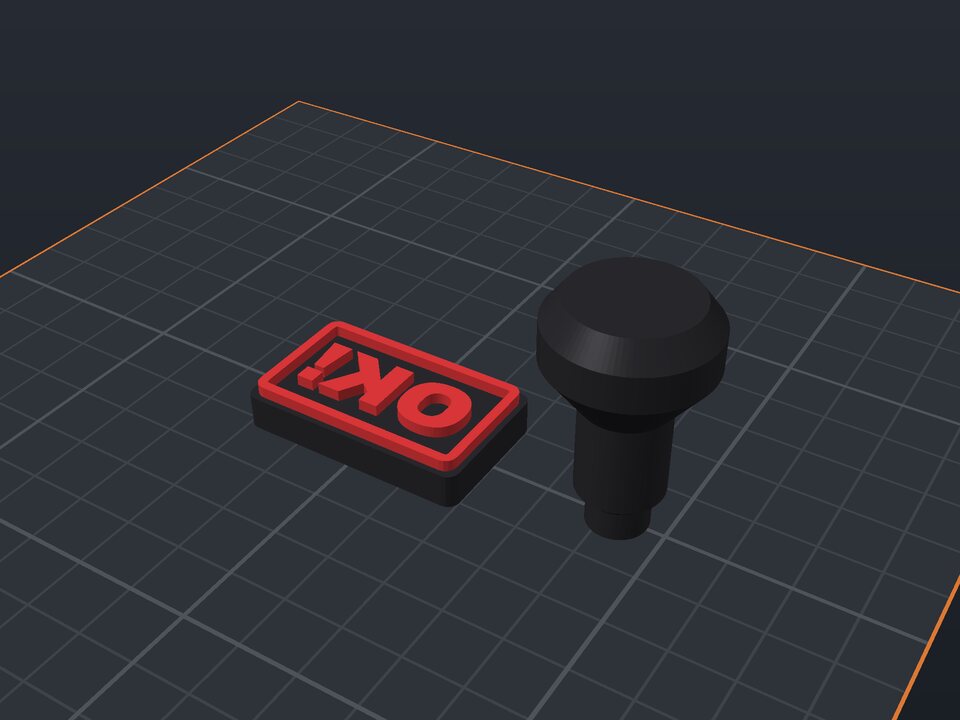
A 3D printed stamp marks envelopes, packaging, cards, clay, leather or cookies with your name or logo. The generator mirrors the text automatically so it prints the right way on paper.
The stamp has two parts: the base, with the raised text (and an optional border), and a handle that plugs into the back. Choose rectangular or round and the relief height.
Prints the right way on paper, no flipping needed.
With an optional border.
A separate part that plugs into the base.
Higher for clay and dough.
On purpose: the stamp has to be mirrored for the print to come out right.
Use little ink and a firm pad. On PLA, sanding the letter tops helps the mark come out even.
Yes. The maker and the editor are free and run in your browser. Without an account, the project is kept for 48 hours; with a free account, it is kept in your account.
3MF (recommended: keeps colors and opens directly in Bambu Studio, OrcaSlicer and Creality Print), STL or OBJ, always in millimeters.
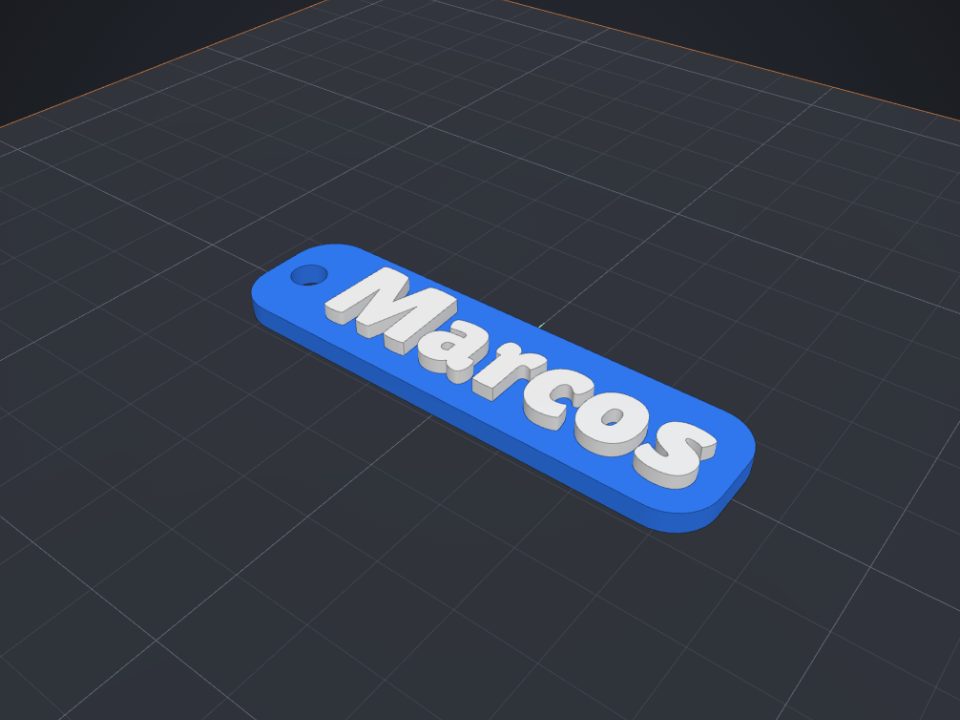 Name keychain to 3D print
Raised name on a base with a ring hole, in two colors.
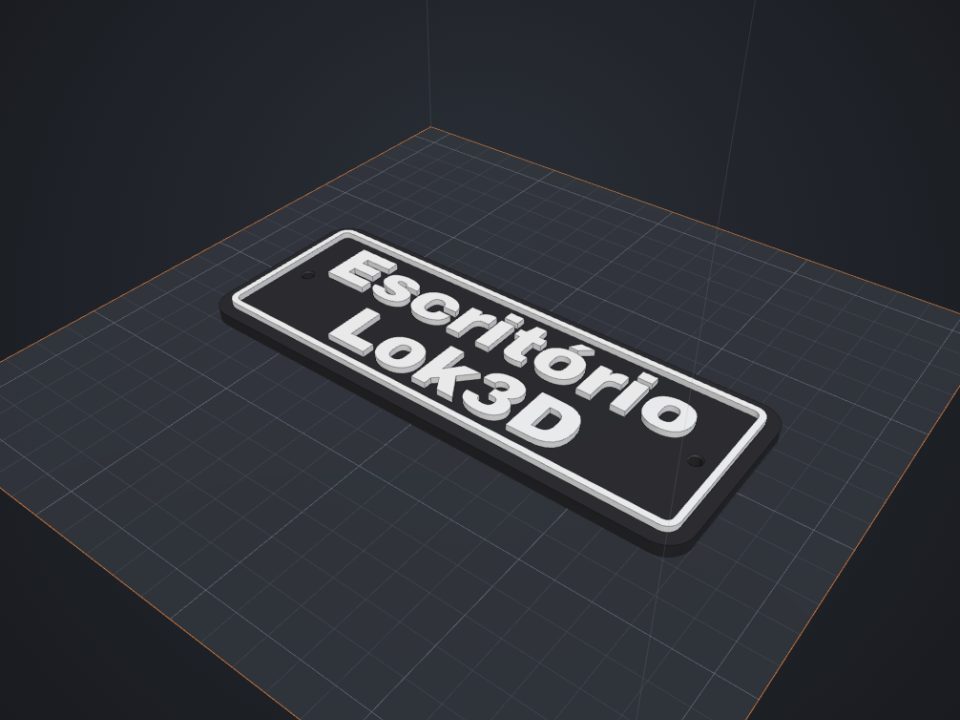 Door sign with text to 3D print
Raised text with a frame and countersunk screw holes.
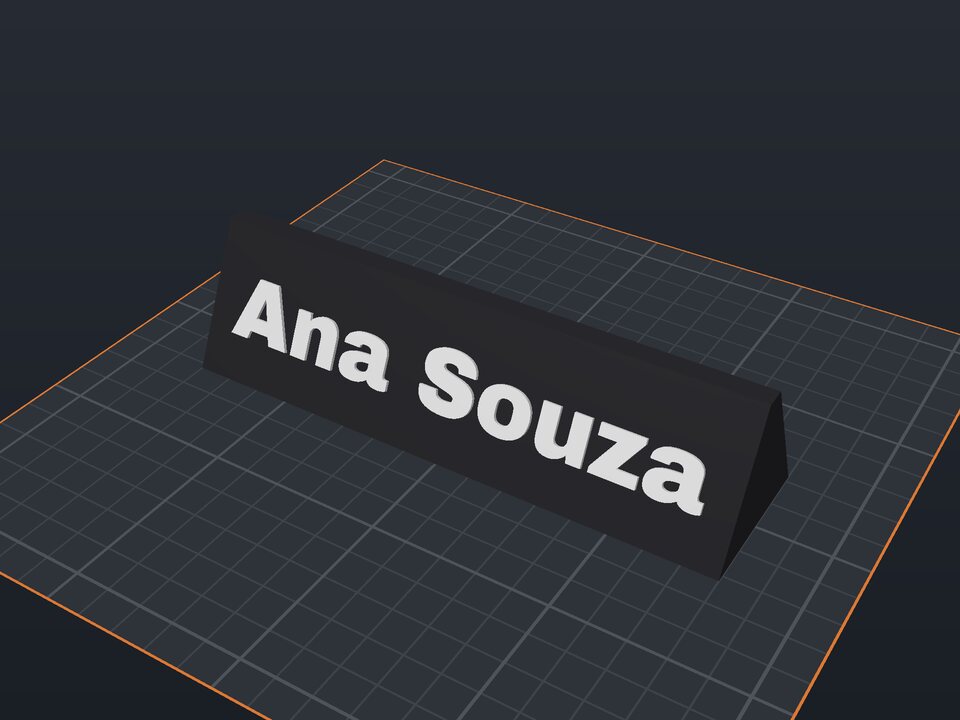 Desk name plate to 3D print
Prism with a name on the front and optional text on the back.
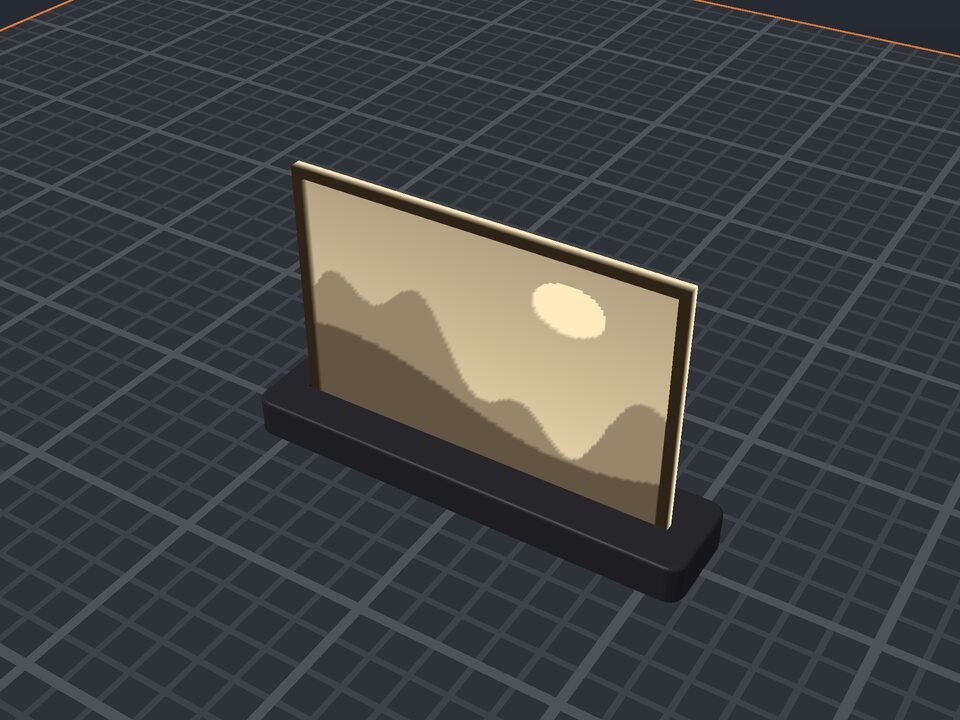 Photo lithophane to 3D print
A photo in a thin plate that shows against the light, with a stand.
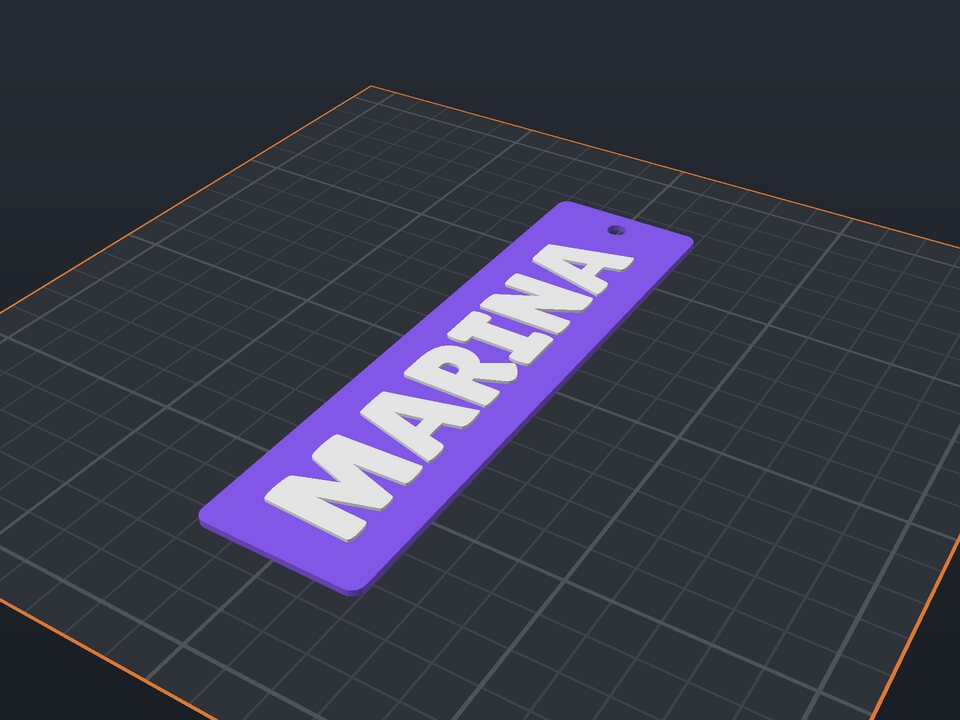 Bookmark to 3D print
Raised name or quote, with a tassel hole.
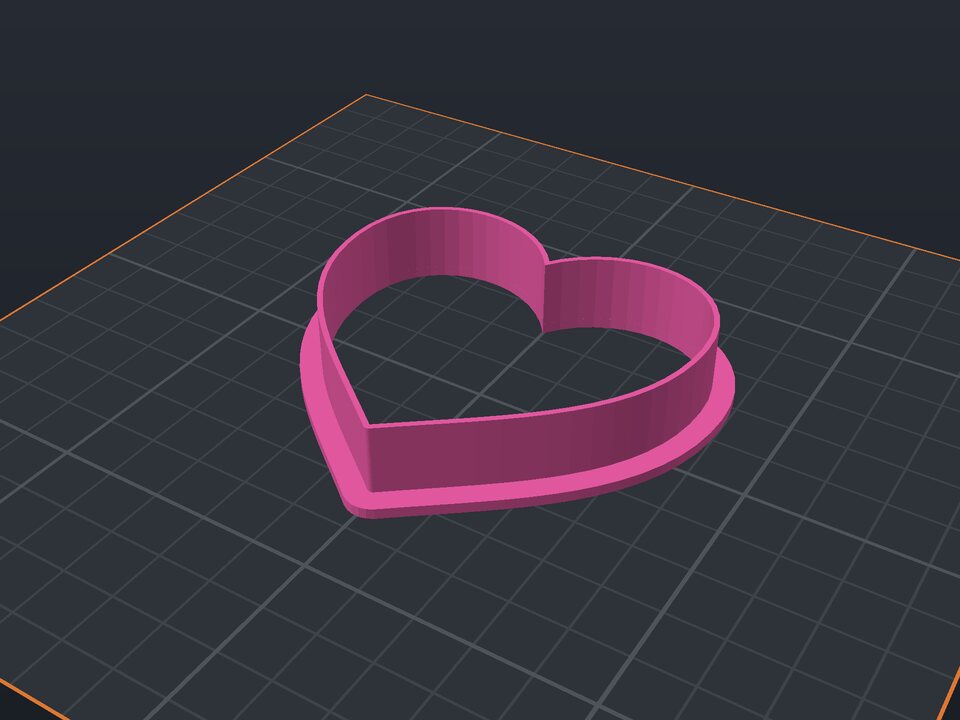 Cookie cutter to 3D print
Heart, star, flower or a name, with blade and rim.
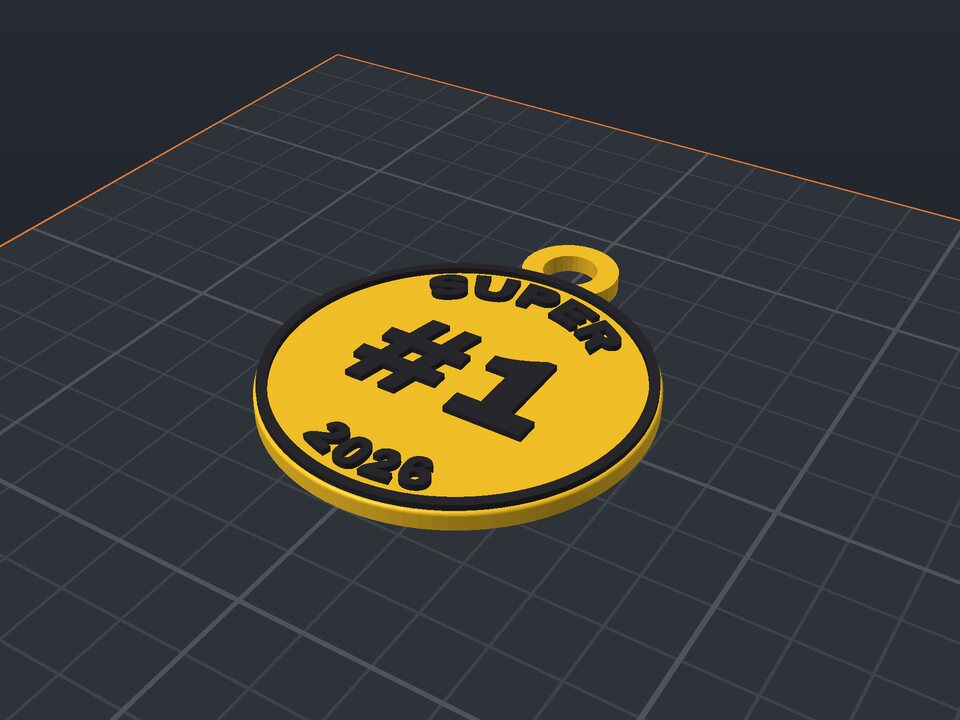 Custom medal to 3D print
Curved text, a number in the middle and a ribbon loop.
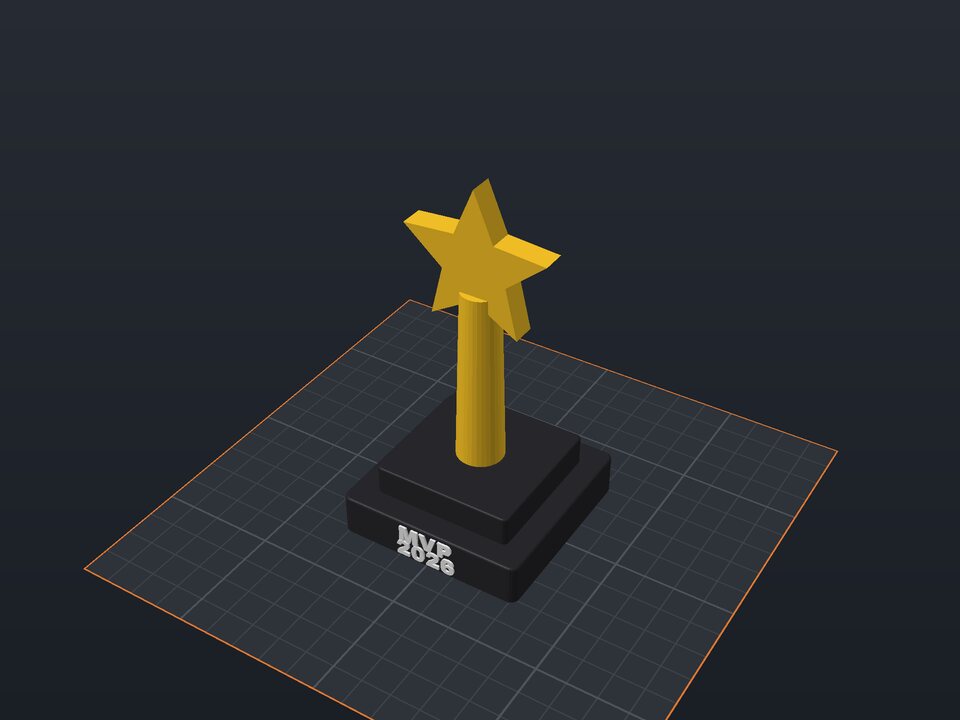 Custom trophy to 3D print
Base with a name, column and a star or cup.