Centimeters or inches
1 mm or 1/16" marks.
Generate a ruler in centimeters or inches, with raised marks and numbers in another color, any length, with a hanging hole. Free and online.
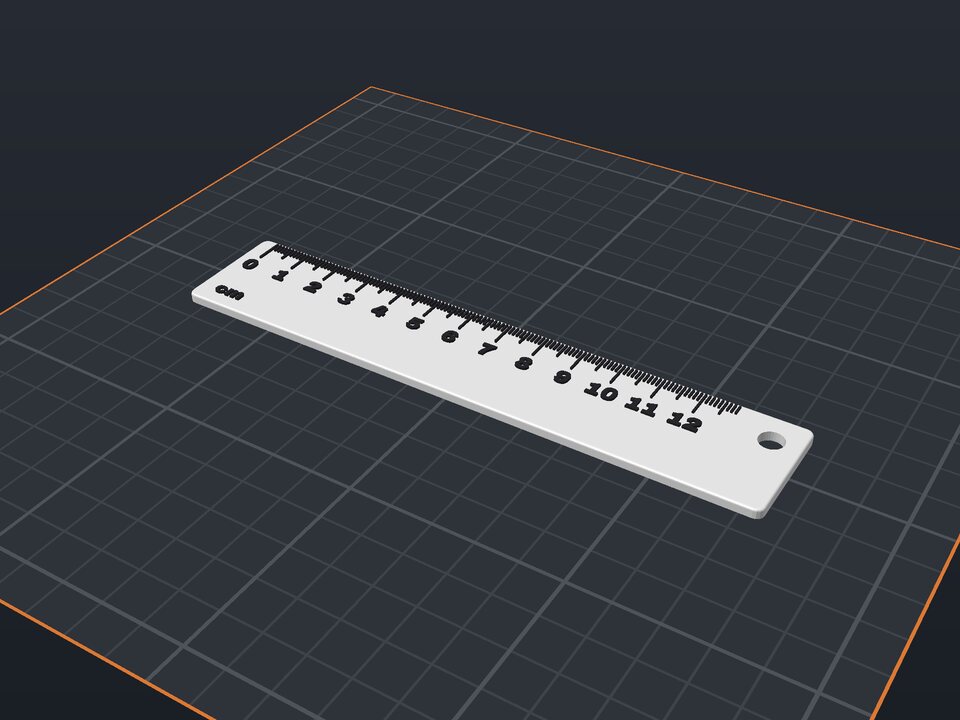
A 3D printed ruler is handy at the workbench, in a school bag or as a giveaway. The millimeter marks and numbers are raised and in another color, easy to read.
Choose centimeters (marks every 1 mm, longer at 5 and 10 mm) or inches (1/16" marks), the length and width. A hole at the end lets you hang it on the wall.
1 mm or 1/16" marks.
In another color, at every centimeter or inch.
50 to 300 mm.
At the end (optional).
As accurate as your printer, usually 0.1 to 0.2 mm over 150 mm. For critical measurements, use a metal ruler.
Yes: in the editor, add text on the plain part of the ruler.
Yes. The maker and the editor are free and run in your browser. Without an account, the project is kept for 48 hours; with a free account, it is kept in your account.
3MF (recommended: keeps colors and opens directly in Bambu Studio, OrcaSlicer and Creality Print), STL or OBJ, always in millimeters.
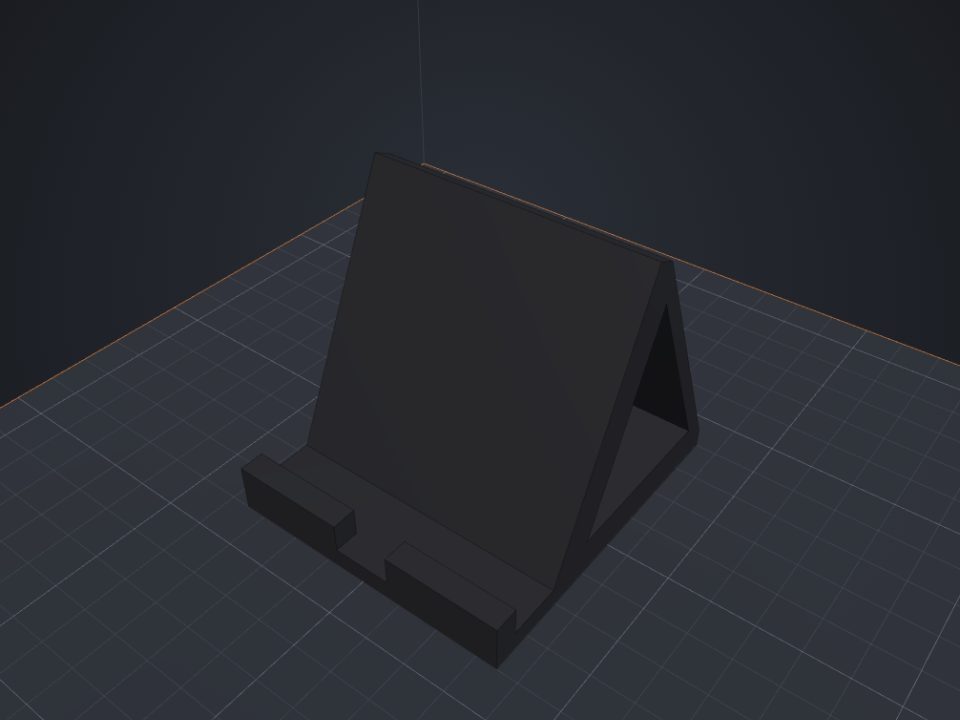 Phone stand to 3D print
Custom angle and fit, with a cable slot.
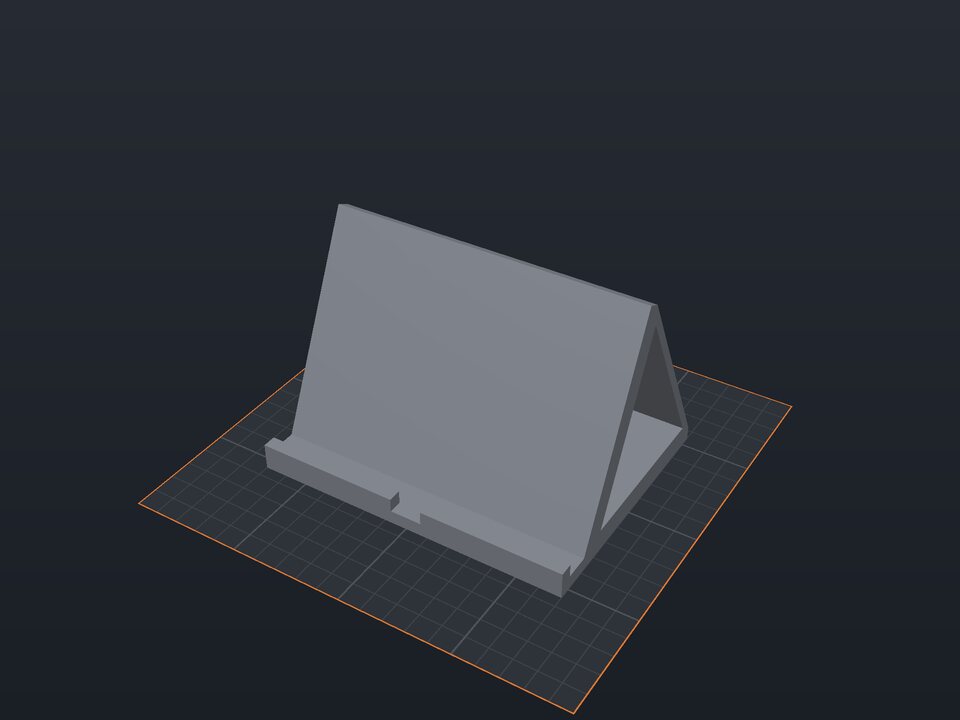 Tablet stand to 3D print
For tablets and iPads, with angle and cable slot.
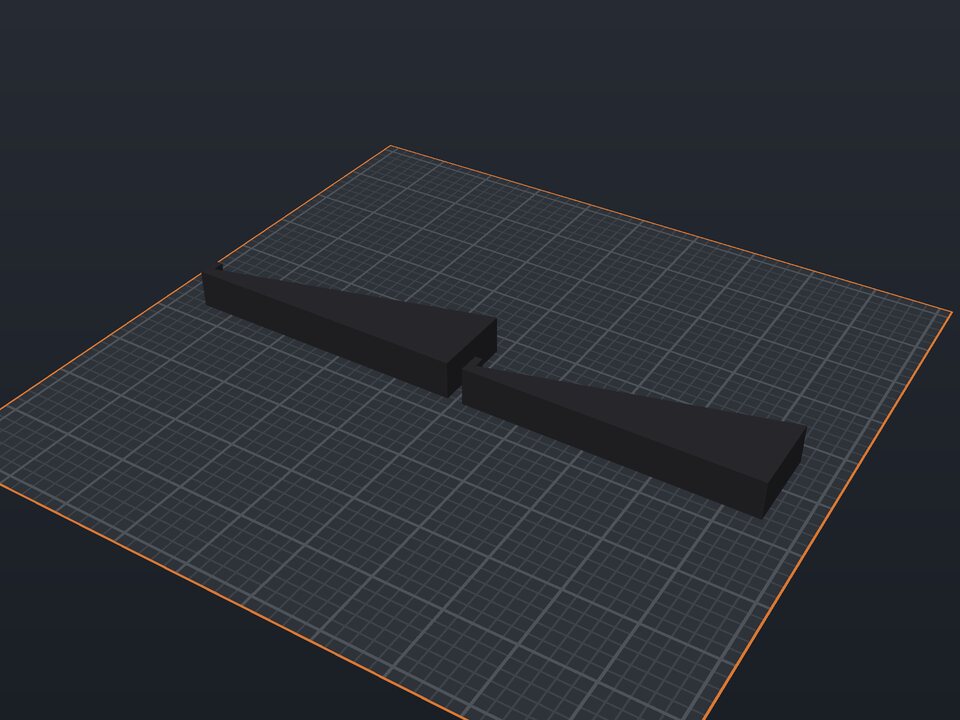 Laptop stand to 3D print
A pair of angled risers with a front stop.
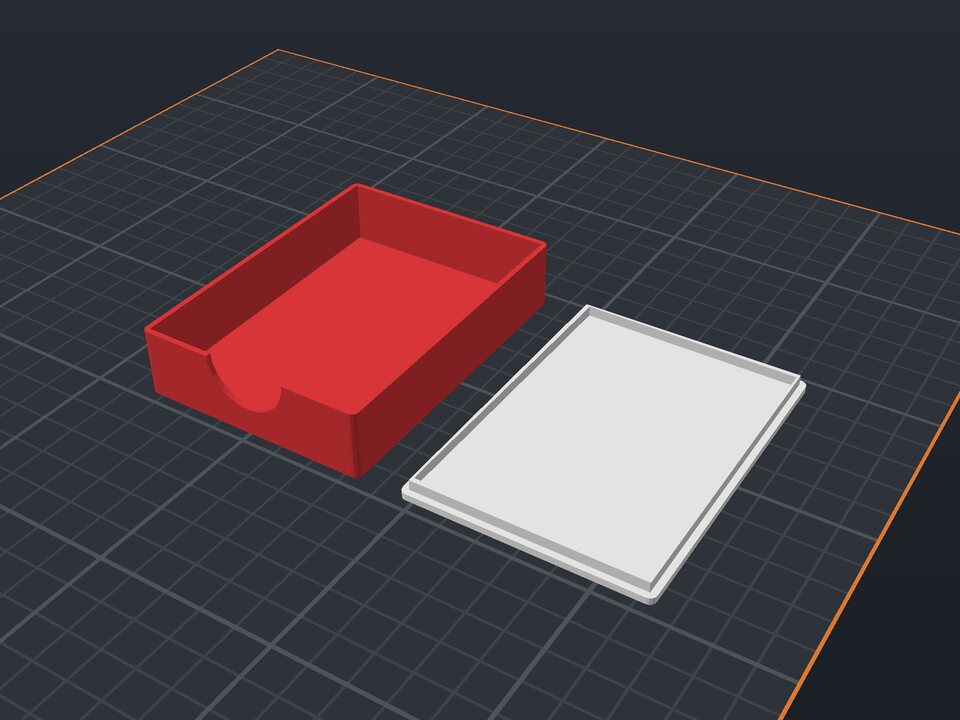 Card deck box to 3D print
For decks, UNO, tarot and card games, sleeved or not.
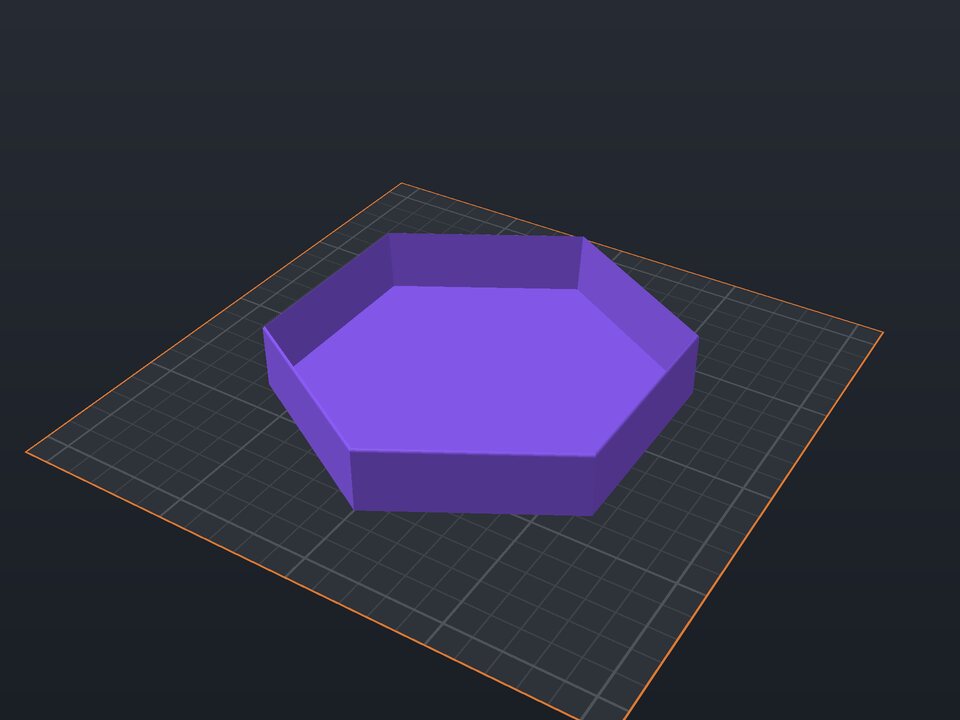 Dice tray to 3D print
Hexagonal, round or rectangular, for RPGs and board games.
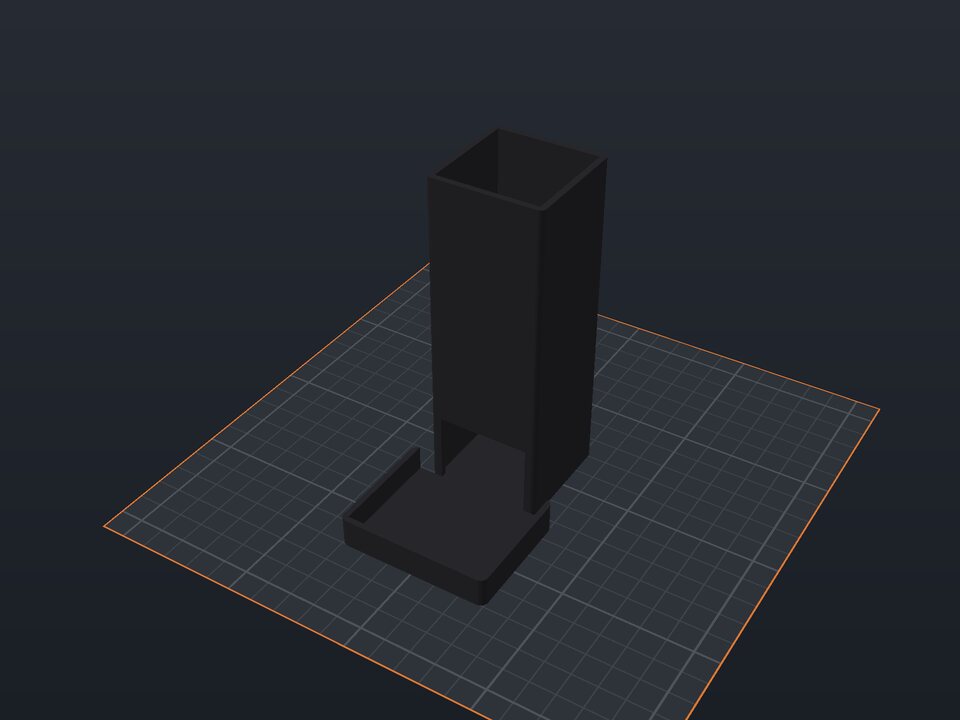 Dice tower to 3D print
Inner ramps and an exit tray.
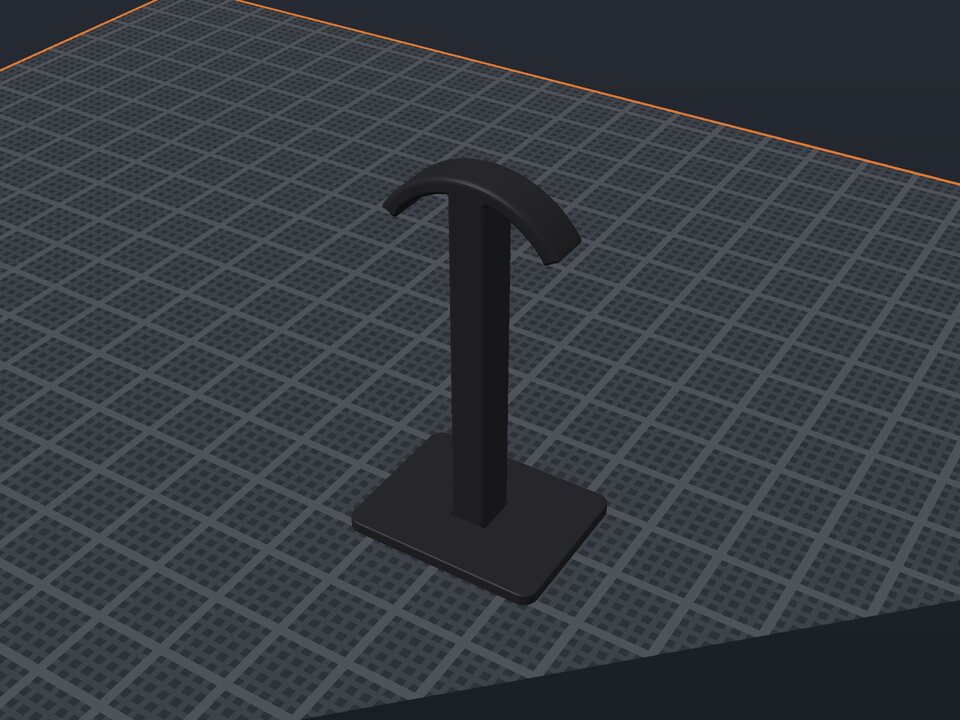 Headphone stand to 3D print
Desk stand (column and arc) or under-desk hook.
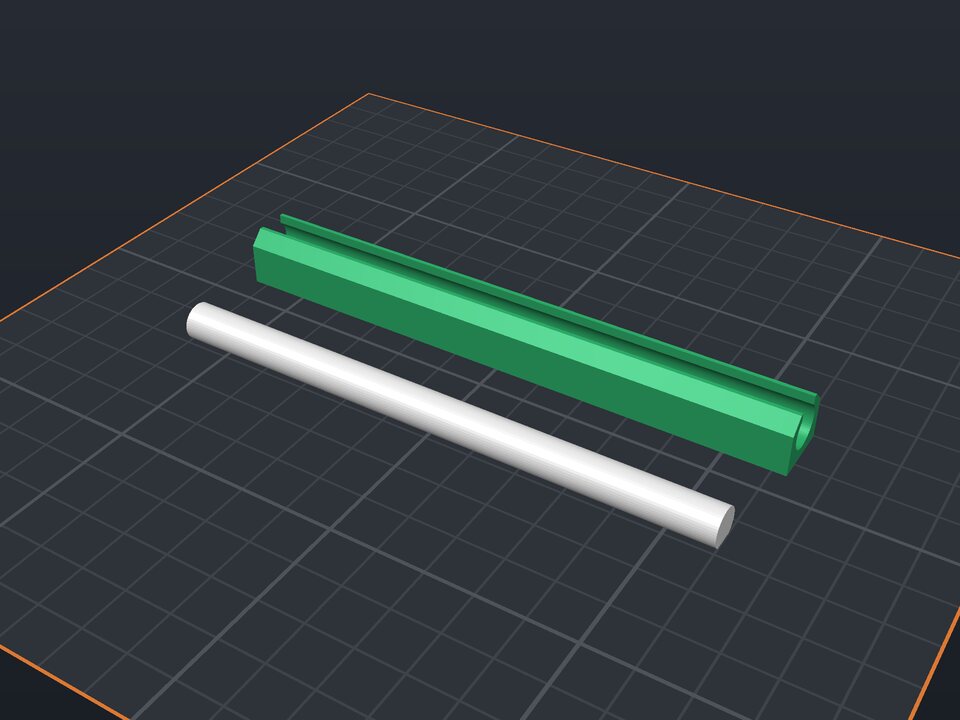 Bag clip to 3D print
A rod and C channel that lock the bag.