Involute teeth
Standard profile with a 20° pressure angle.
Generate two meshing gears with involute teeth: choose the module, number of teeth, thickness and bores. Shows the center distance. Free.
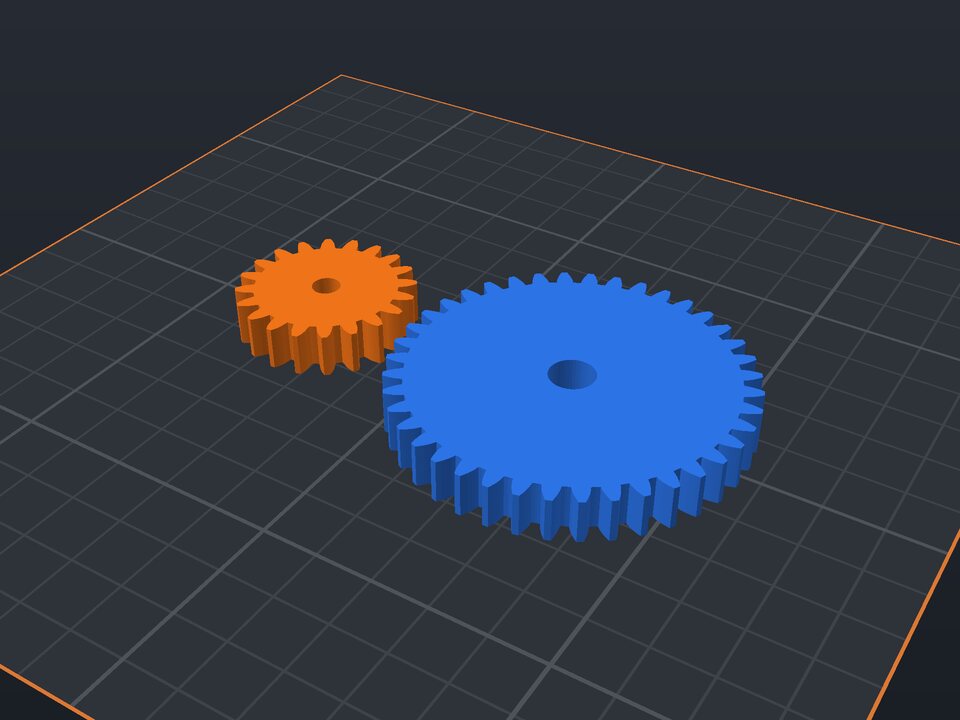
Gears that really work need the involute profile and the same tooth size (the module) on both. This generator computes both gears from the module and tooth counts, with a little backlash so they do not bind.
The center distance is shown in the part name, and an optional base with two pins puts the gears in the right position for testing. The gear ratio is one tooth count divided by the other.
Standard profile with a 20° pressure angle.
0.5 to 4 mm (the tooth size).
8 to 150 teeth each, with a shaft bore.
At the right center distance (optional).
It is module × (teeth 1 + teeth 2) ÷ 2. The generator shows it in the part name.
Yes, if it has the same module and a 20° pressure angle, which is the standard.
Teeth of the larger gear ÷ teeth of the smaller. With 20 and 40 teeth, the ratio is 2:1.
Yes. The maker and the editor are free and run in your browser. Without an account, the project is kept for 48 hours; with a free account, it is kept in your account.
3MF (recommended: keeps colors and opens directly in Bambu Studio, OrcaSlicer and Creality Print), STL or OBJ, always in millimeters.
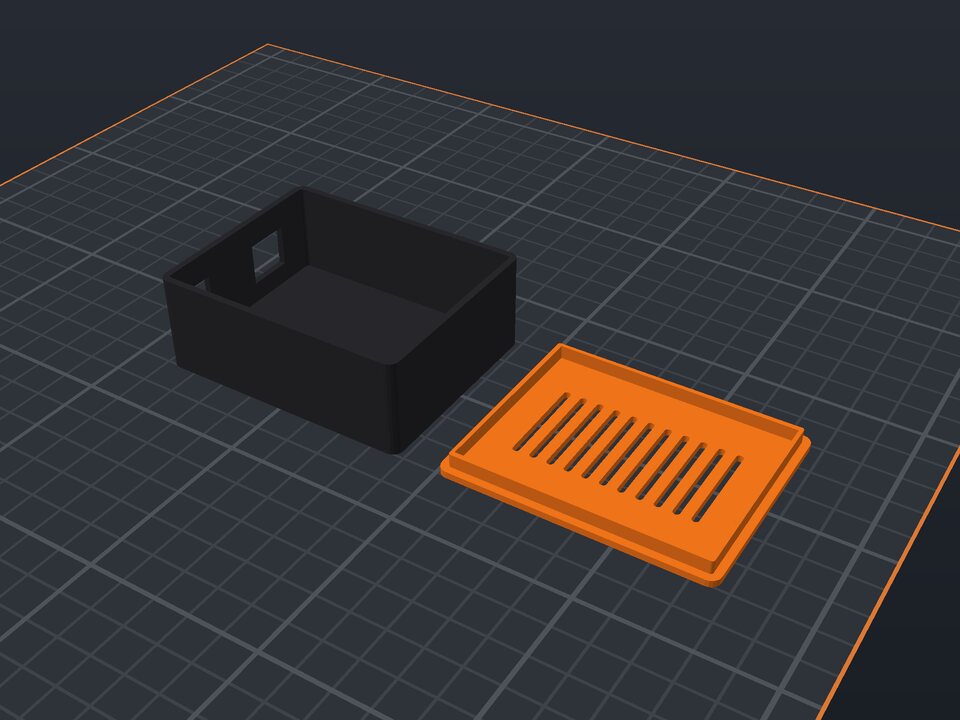 Arduino, Raspberry Pi and ESP32 enclosure to 3D print
Case with standoffs, USB cutouts and a vented lid.
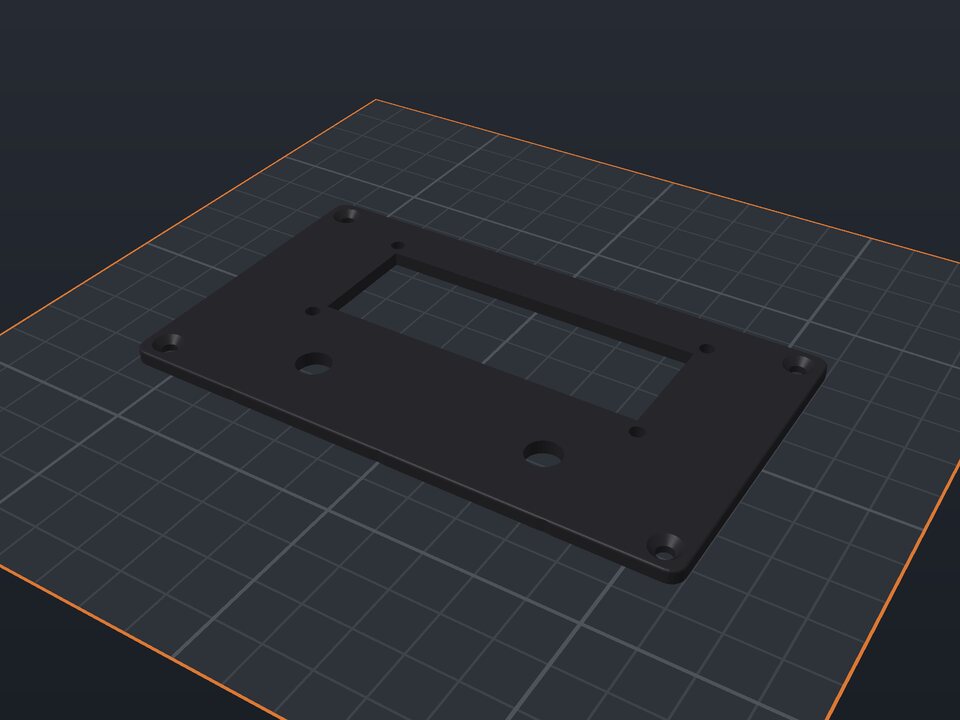 Electronics front panel to 3D print
Display cutout, buttons, LEDs and potentiometers.
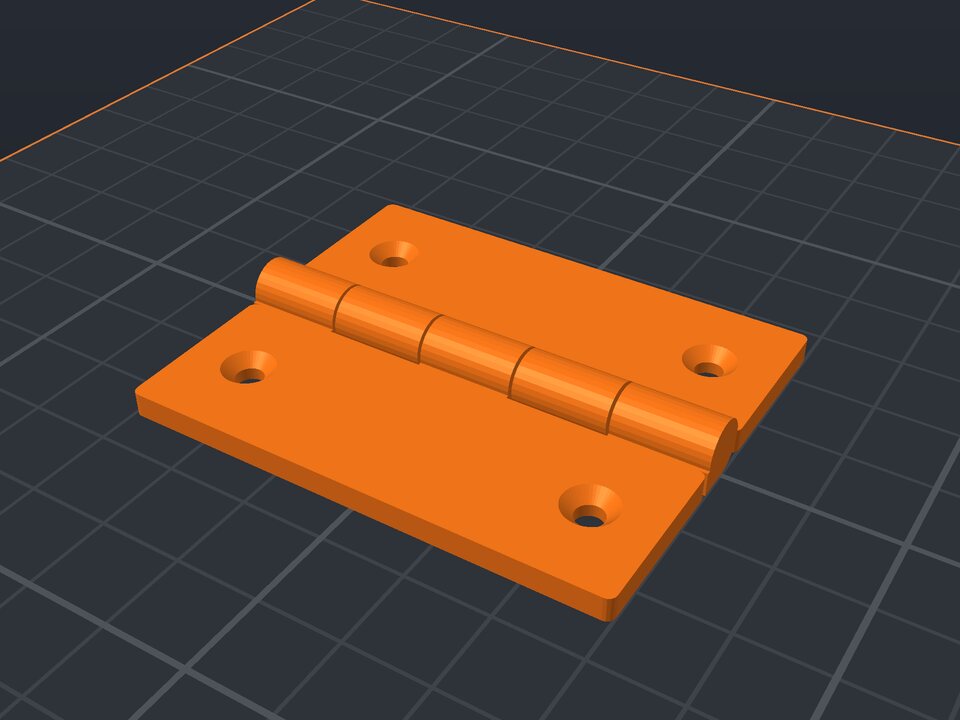 Print-in-place hinge to 3D print
Comes off the printer assembled, with a built-in pin.
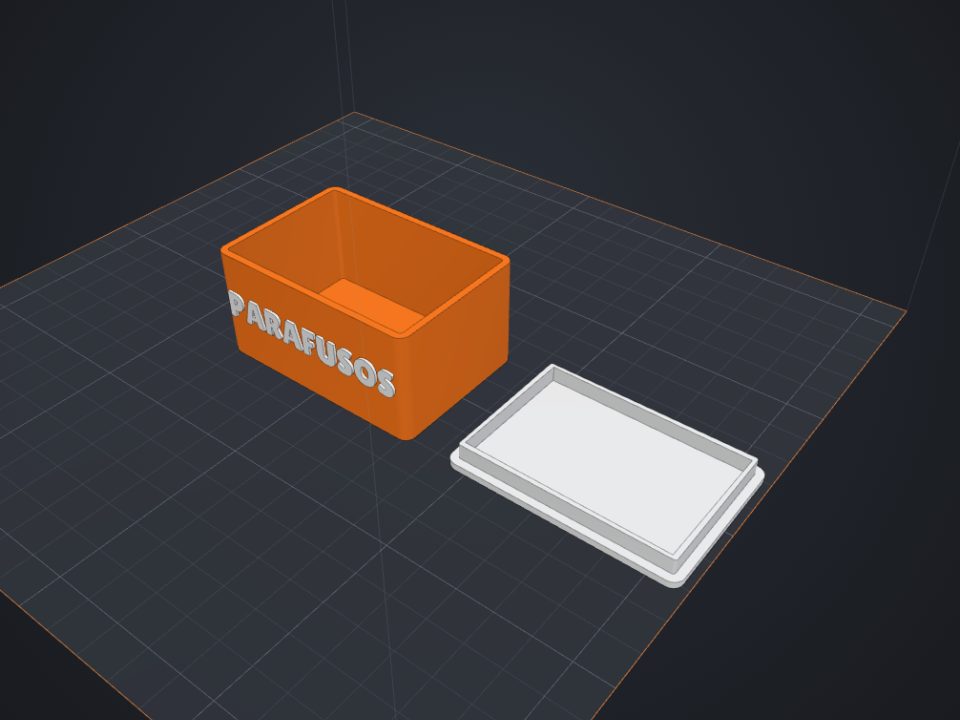 Box with lid to 3D print
Exact inner size, fitted or sliding lid and dividers.
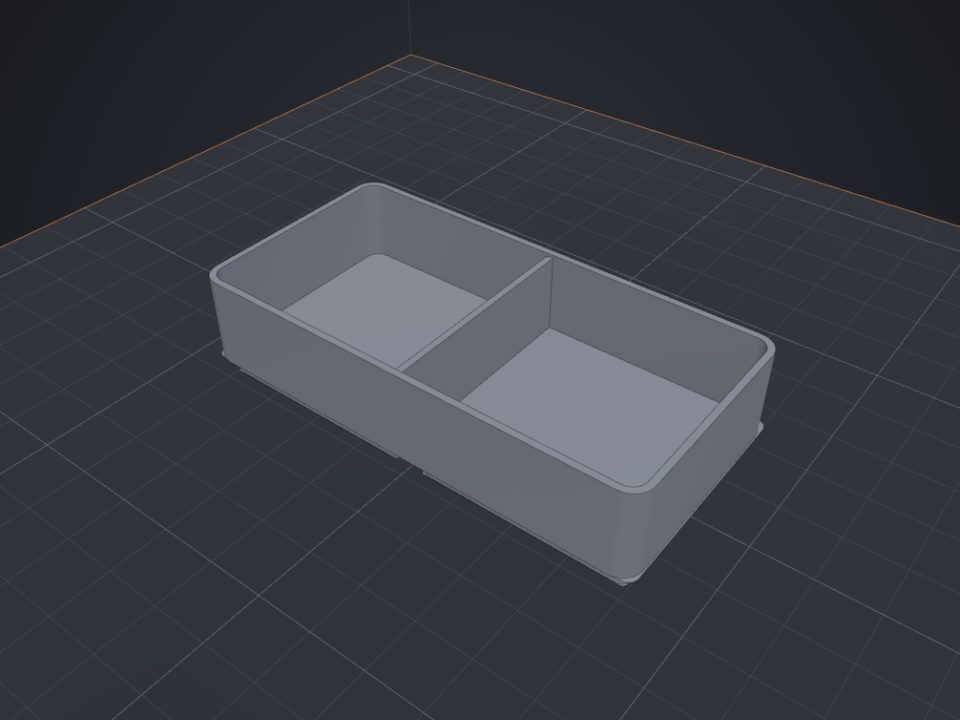 Gridfinity bins to 3D print
Standard 42 mm base, dividers and magnet holes.
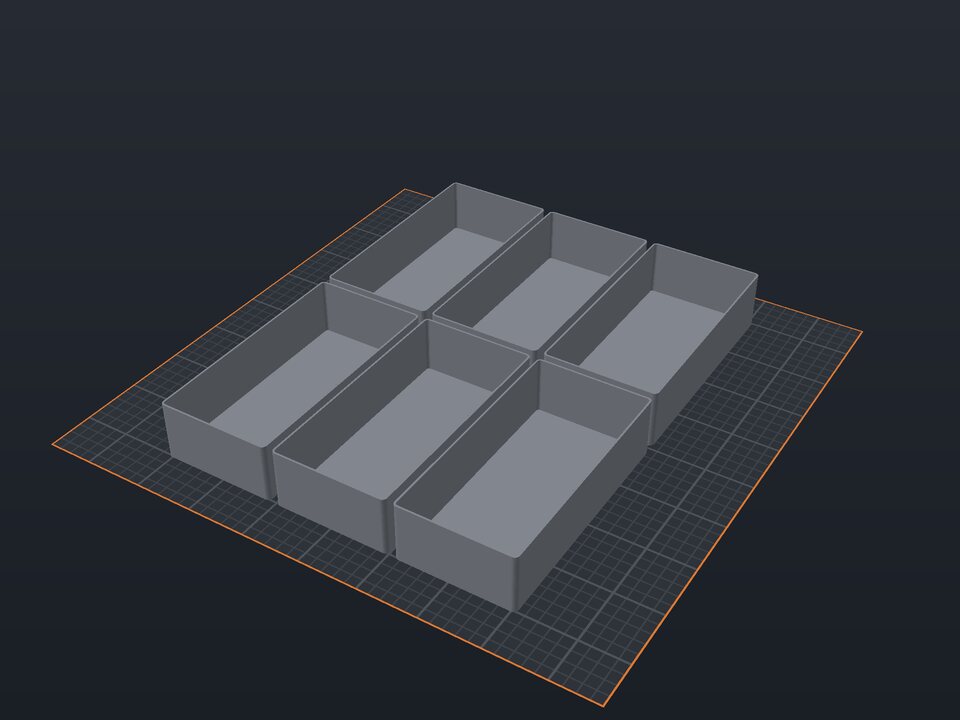 Drawer organizer to 3D print
Trays that fill the whole drawer, made to its size.
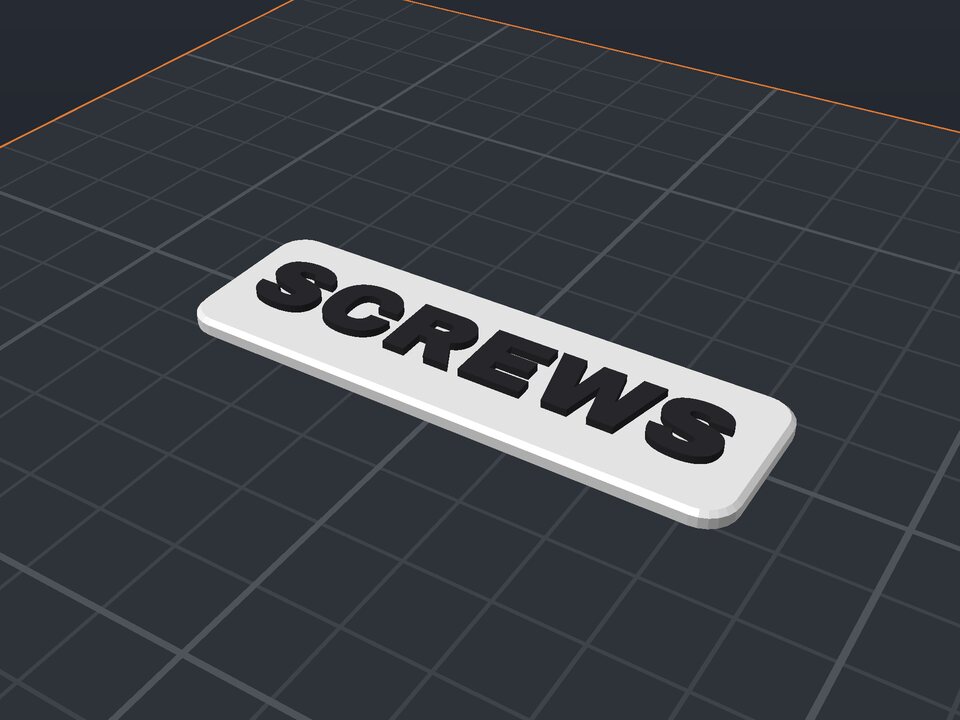 Drawer and shelf label to 3D print
Raised two-color text, with tape, screws or magnets.
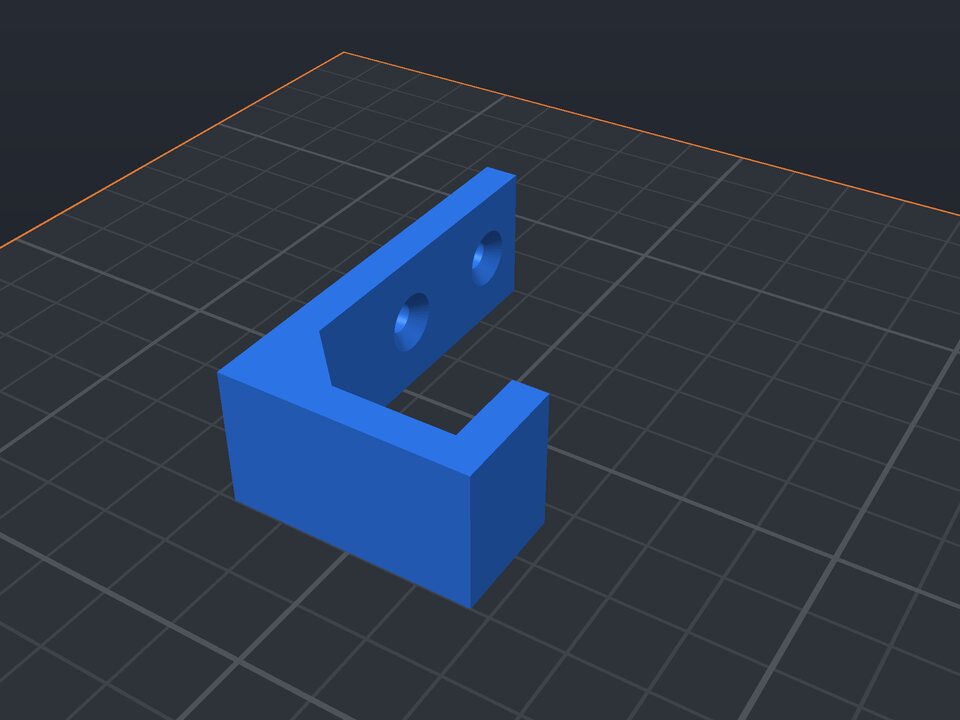 Wall hook to 3D print
J hook printed on its side: strong, with countersunk holes.