Text that fits
Letters are as large as fits on the label.
Create labels with raised text for drawers, bins and shelves, with double-sided tape, screw holes or magnets. Two colors, free and online.
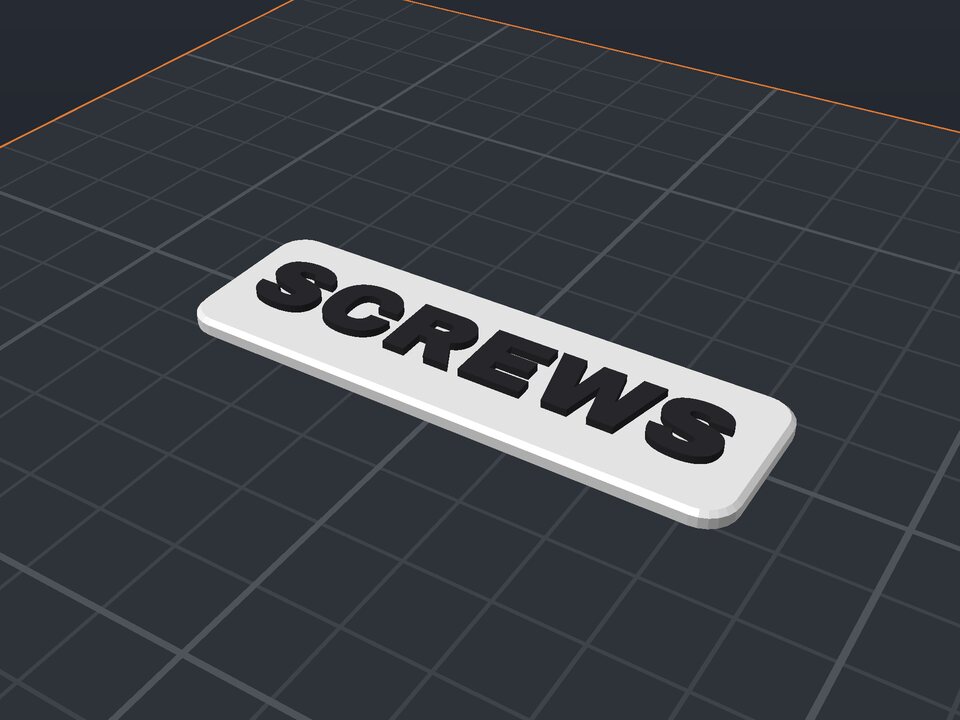
3D printed labels last much longer than paper and are readable from afar: the text is raised and in another color. The generator automatically fits the letter size to the label.
Choose how to mount it: double-sided tape (flat back), two countersunk M3 screw holes, or pockets for 6×2 mm magnets on the back, great for metal cabinets and tool chests.
Letters are as large as fits on the label.
Double-sided tape, countersunk M3 screws or 6×2 mm magnets.
A raised border in the letter color.
Base and letters as separate parts in the 3MF.
From chunky letters to tall condensed fonts.
Pause the print at the height where the letters start (the base thickness) and swap filament.
30 × 12 mm. Below that, the letters get too small for a 0.4 mm nozzle.
The magnet pocket needs at least 2.4 mm of thickness. On thinner labels it is left out.
Yes. The maker and the editor are free and run in your browser. Without an account, the project is kept for 48 hours; with a free account, it is kept in your account.
3MF (recommended: keeps colors and opens directly in Bambu Studio, OrcaSlicer and Creality Print), STL or OBJ, always in millimeters.
Create your drawer label now ↑
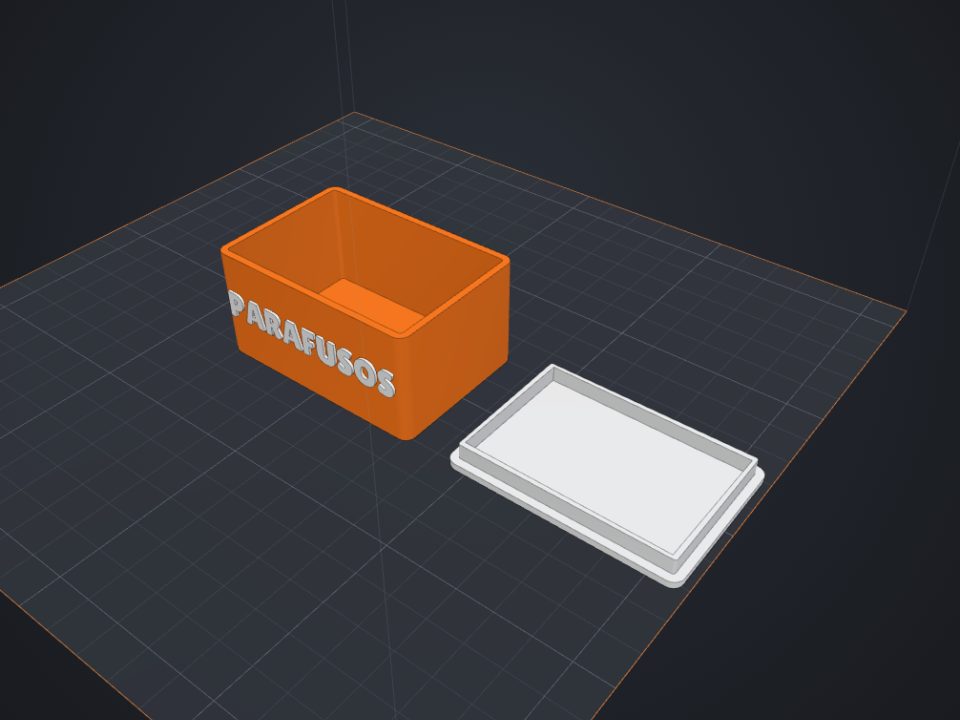 Box with lid to 3D print
Exact inner size, fitted or sliding lid and dividers.
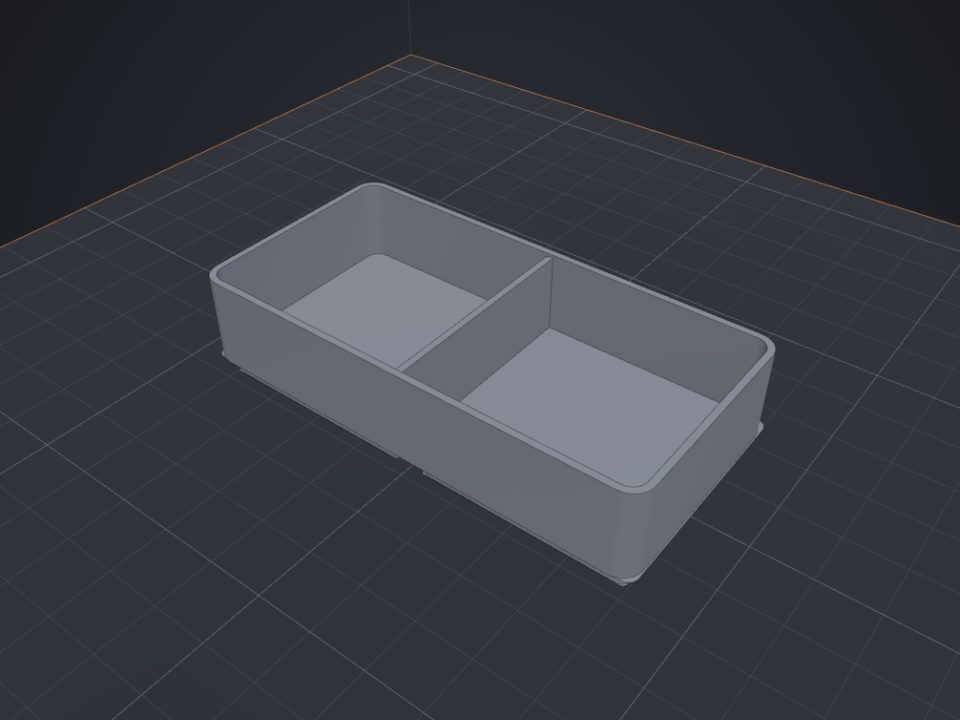 Gridfinity bins to 3D print
Standard 42 mm base, dividers and magnet holes.
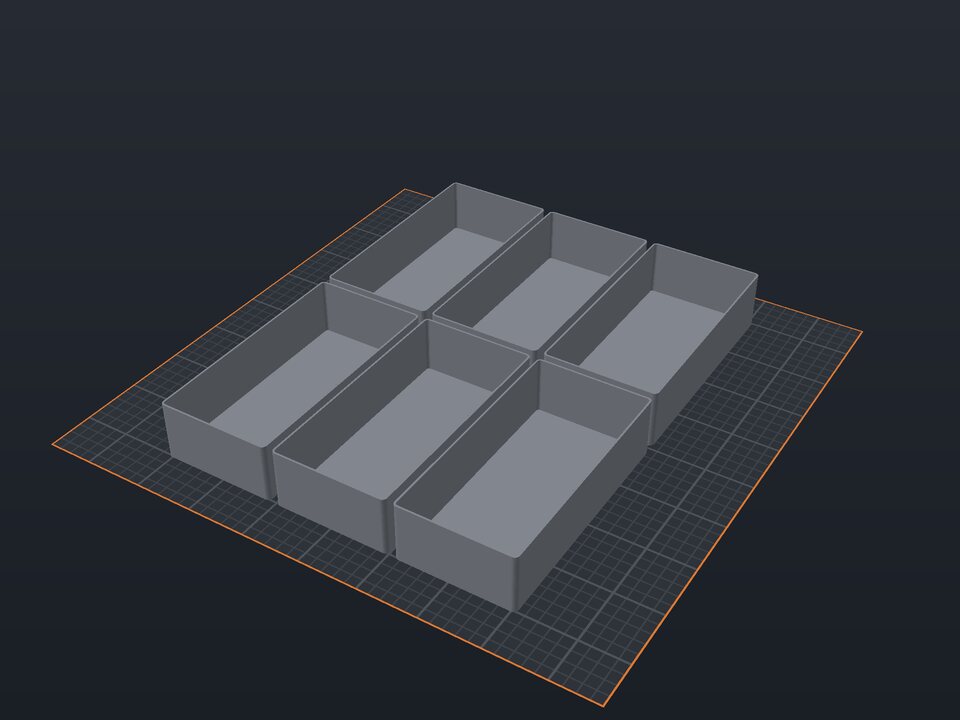 Drawer organizer to 3D print
Trays that fill the whole drawer, made to its size.
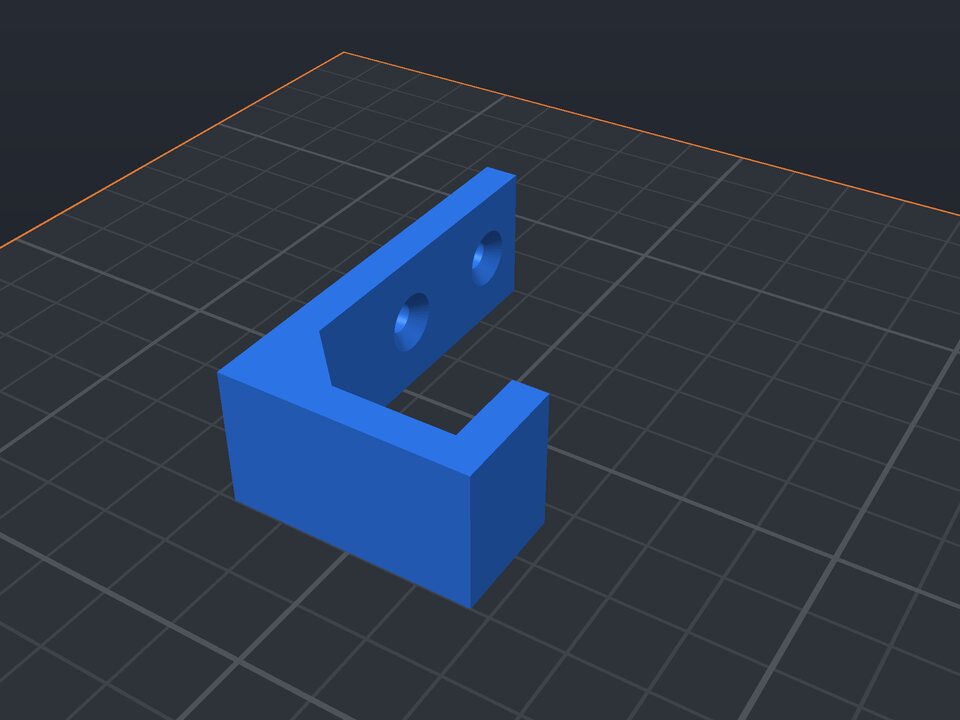 Wall hook to 3D print
J hook printed on its side: strong, with countersunk holes.
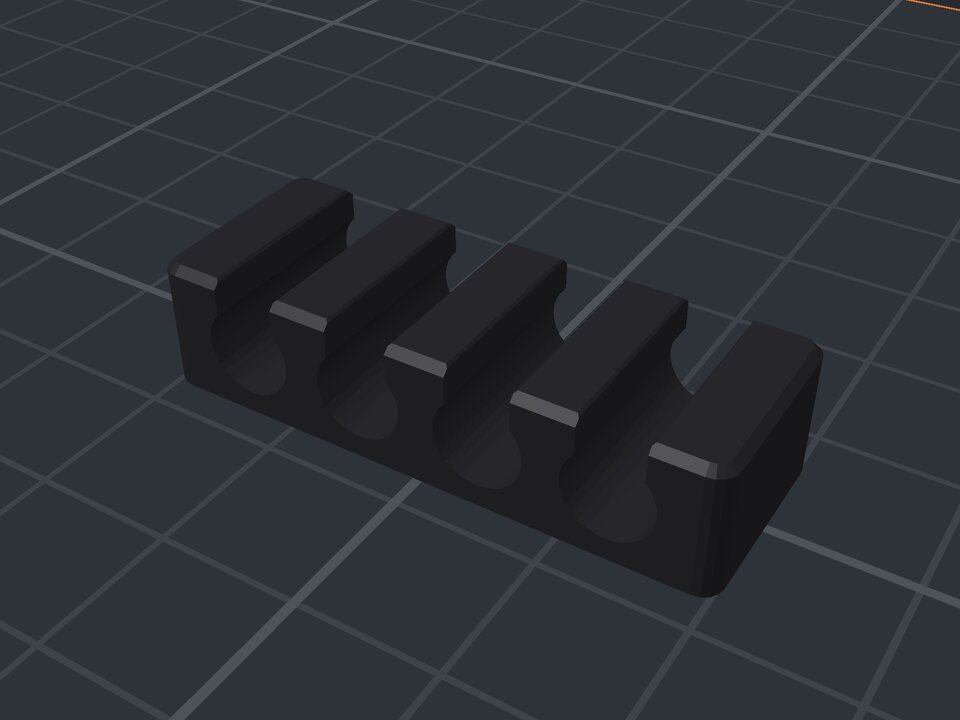 Cable organizer to 3D print
Channels sized to the cable that snap in.
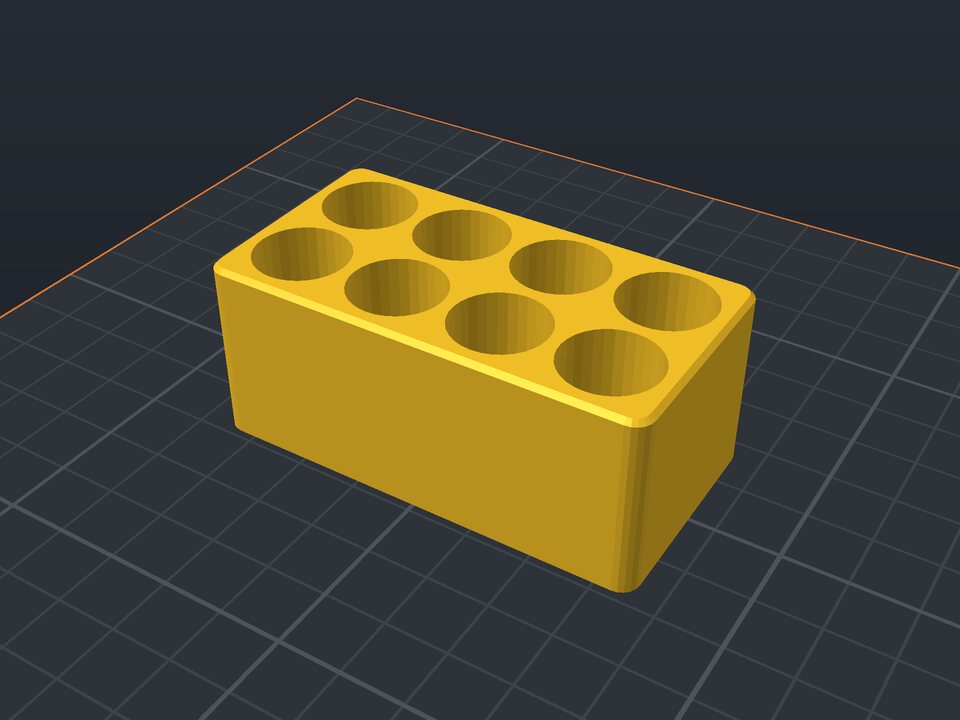 Battery holder to 3D print
AA, AAA, 18650, CR2032 or 9V, in columns and rows.
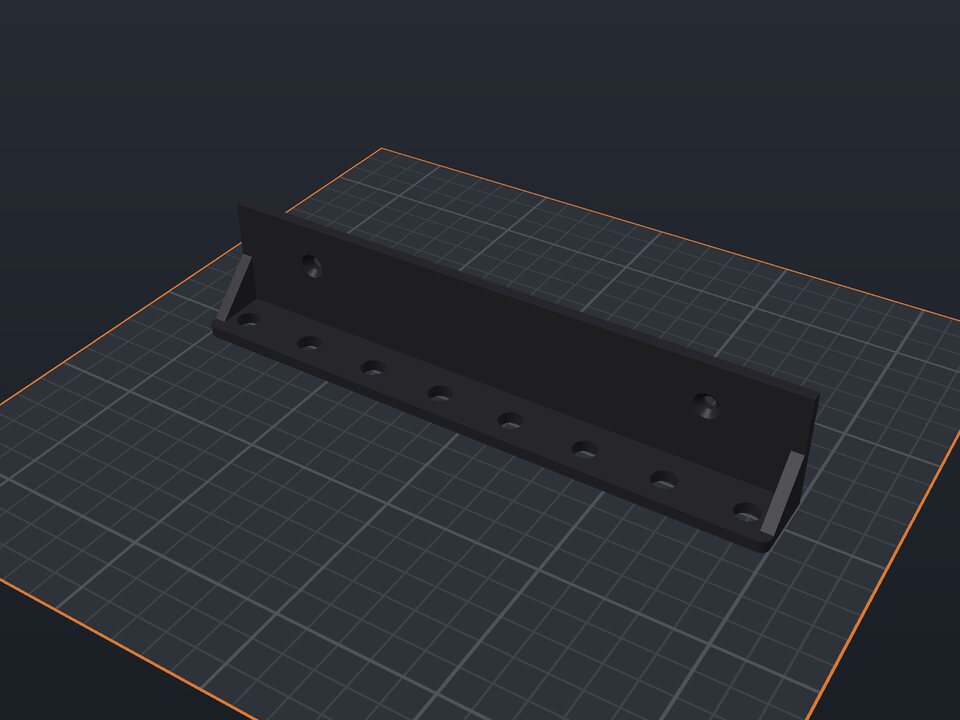 Wall tool holder to 3D print
Shelf with holes or slots for screwdrivers and pliers.
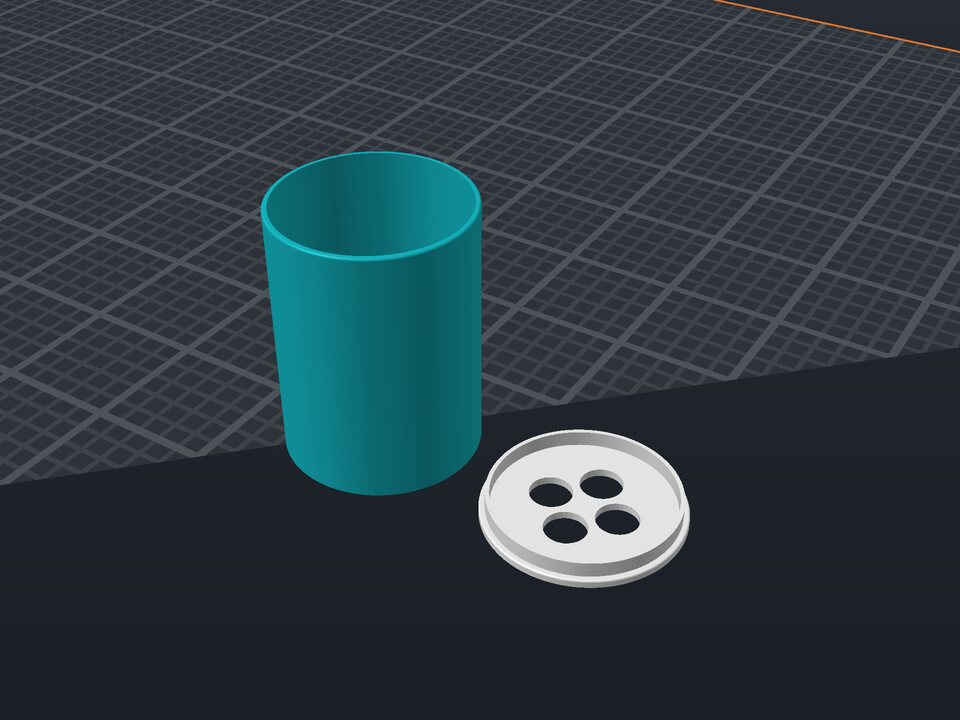 Toothbrush holder to 3D print
Cup with a holed insert that keeps each brush apart.