Angle range
10 to 85° from vertical.
Generate an overhang test with slanted fins from 20 to 85° and the angle engraved on each one. Find out how far your printer goes without supports. Free.
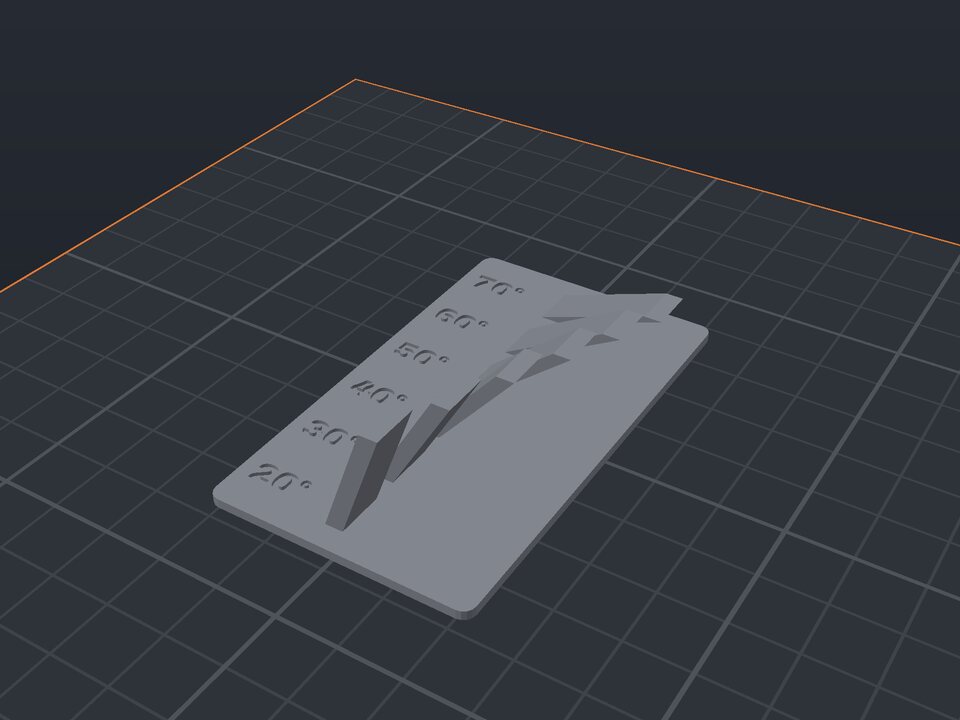
An overhang is the part of a print that hangs out, slanted outward. Every printer has a limit: past a certain angle, the underside looks bad or droops. Knowing that limit helps you decide when you need supports.
This test prints a series of fins, each at an angle from vertical, with the value engraved on the base. The last fin that comes out clean is your limit.
10 to 85° from vertical.
5 to 15° between fins.
Next to each fin.
A small part that prints in minutes.
From vertical: 0° is a straight wall and 90° would be a ceiling. Most printers do well up to 45–60°.
With PLA and good cooling, 60° usually comes out fine. Past 70°, you almost always need supports.
Yes. The maker and the editor are free and run in your browser. Without an account, the project is kept for 48 hours; with a free account, it is kept in your account.
3MF (recommended: keeps colors and opens directly in Bambu Studio, OrcaSlicer and Creality Print), STL or OBJ, always in millimeters.
Create your overhang test now ↑
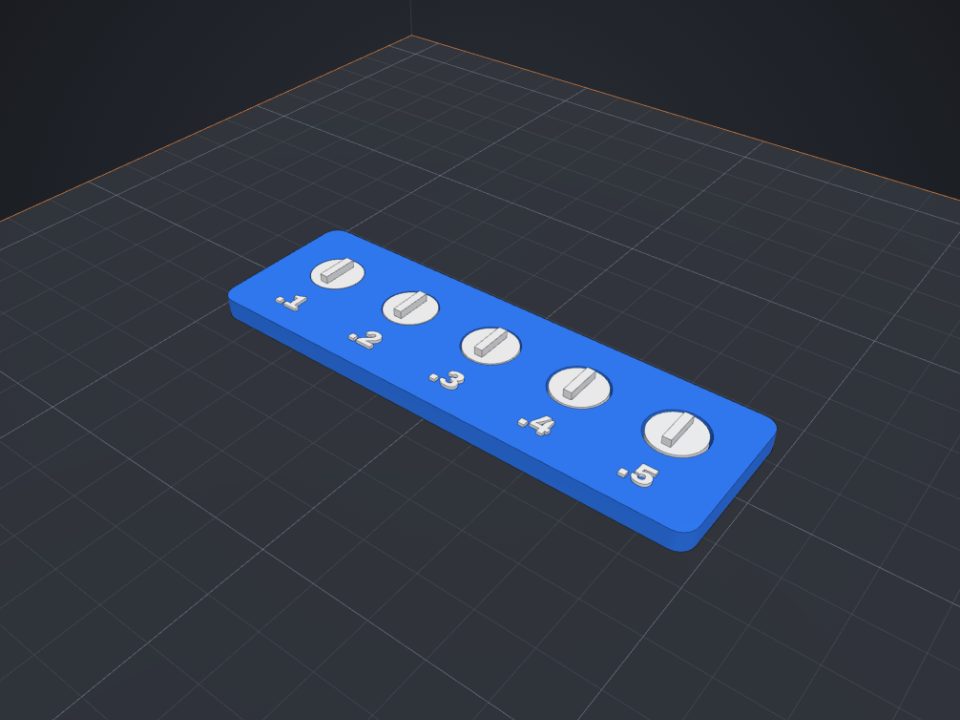 Clearance (tolerance) test for 3D printers
Loose discs with different clearances: see which one spins freely on your printer.
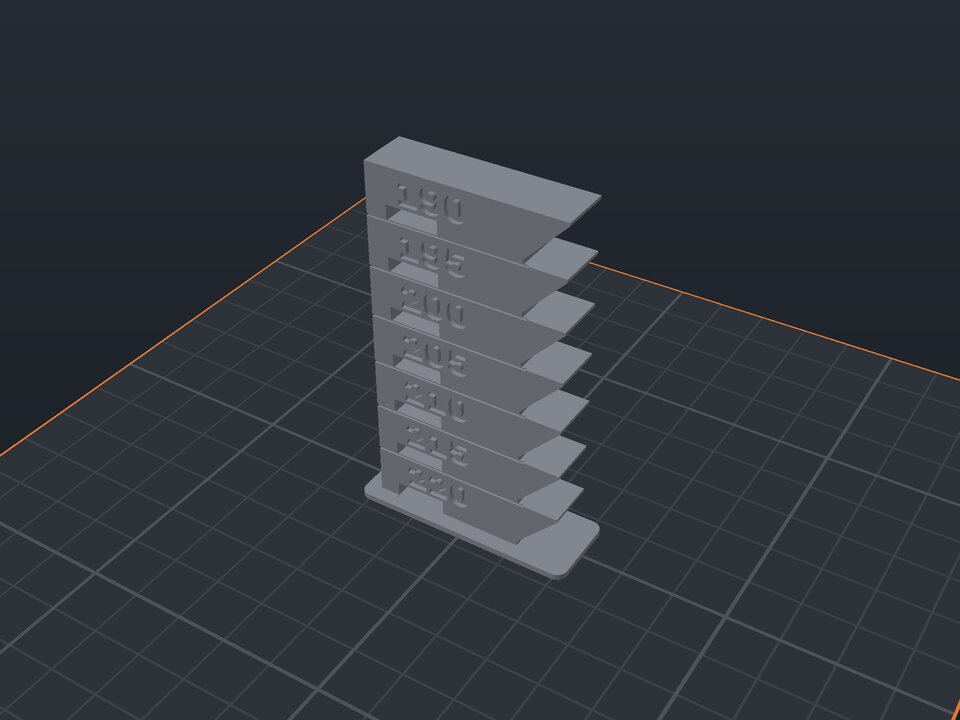 Temperature tower to calibrate filament
One floor per temperature, with overhang, bridge and engraved value.
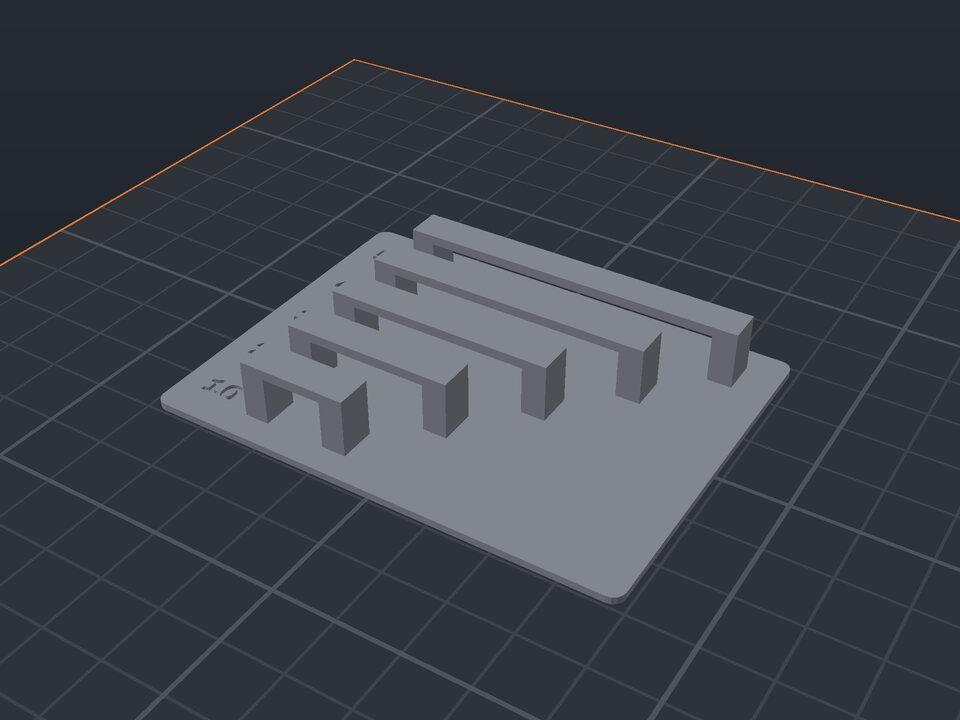 Bridge test for 3D printers
Bridges with growing spans and the length engraved.
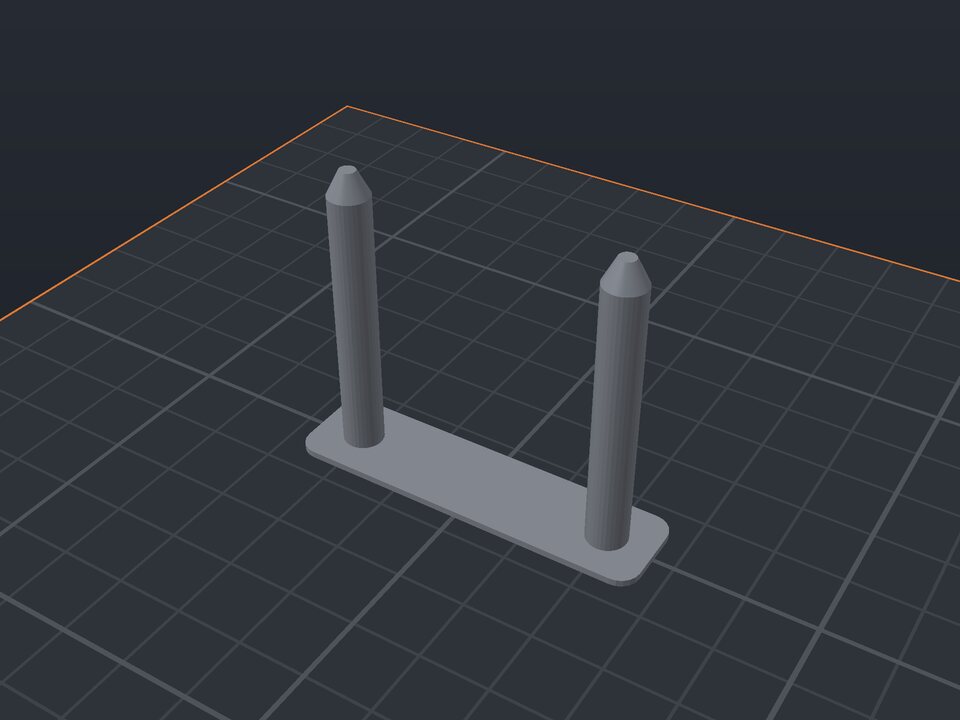 Retraction (stringing) test for 3D printers
Spaced towers to see and fix stringing.
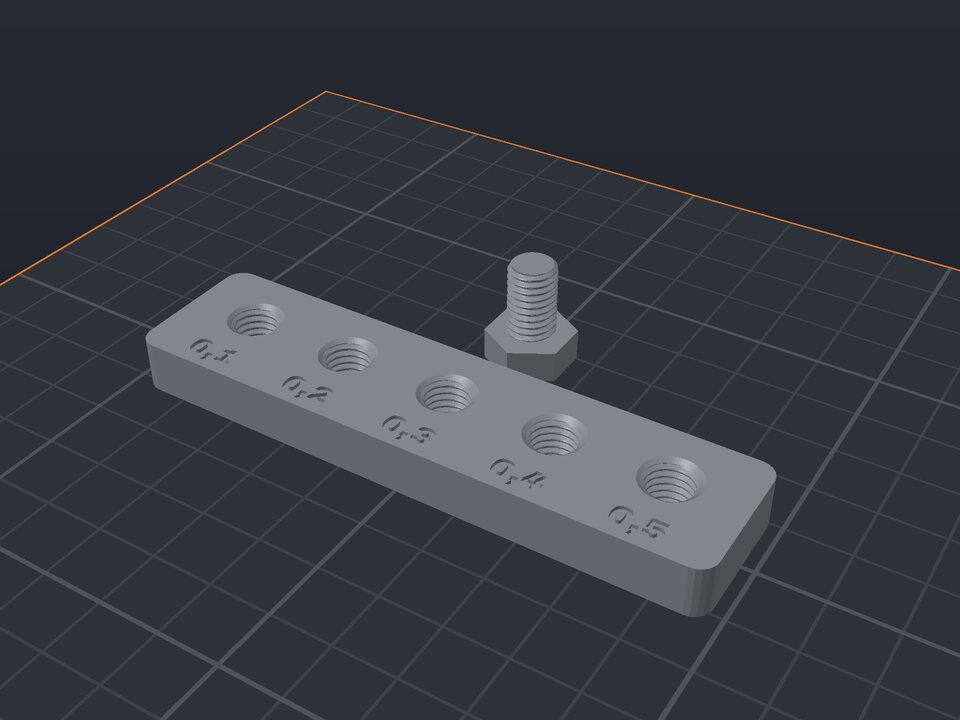 Thread clearance test for 3D printers
Threaded holes with different clearances and a bolt.
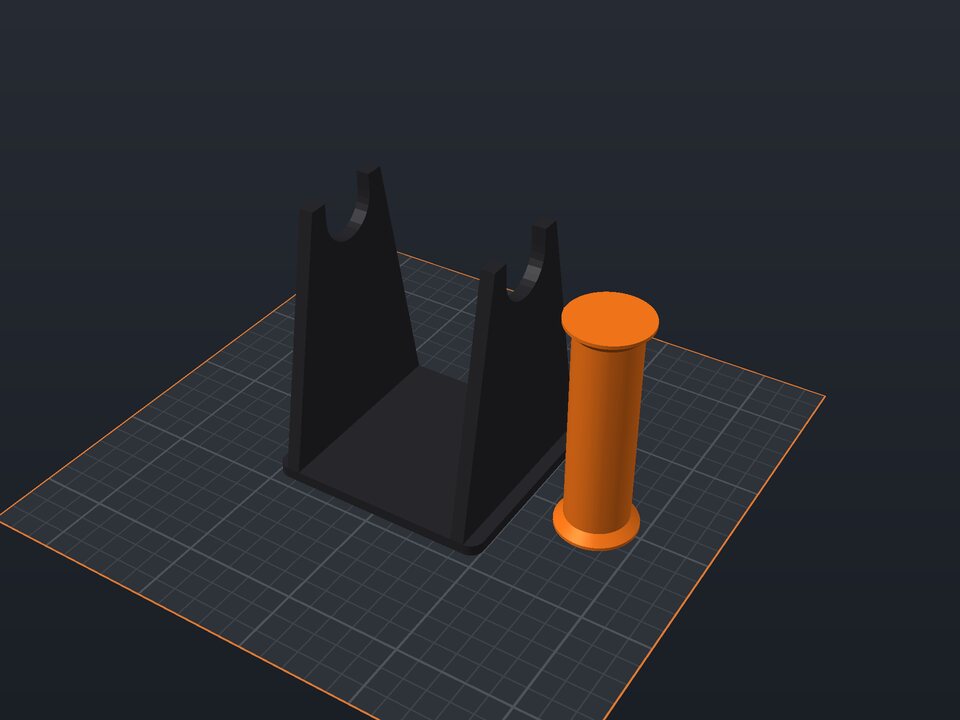 Filament spool holder to 3D print
Base with two supports and an axle, sized to the spool.
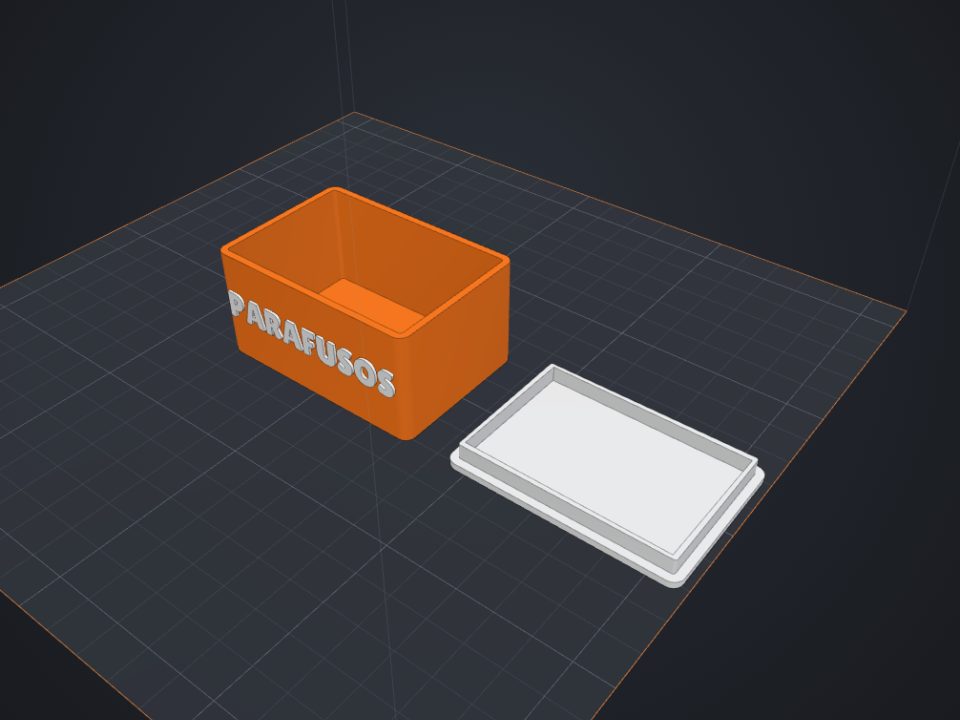 Box with lid to 3D print
Exact inner size, fitted or sliding lid and dividers.
 Gridfinity bins to 3D print
Standard 42 mm base, dividers and magnet holes.