Any range
160 to 300 °C, up to 16 floors.
Generate a temperature tower for any range (e.g. 220 to 190 °C), one floor per temperature, with an overhang, a bridge and the value engraved. Free and online.
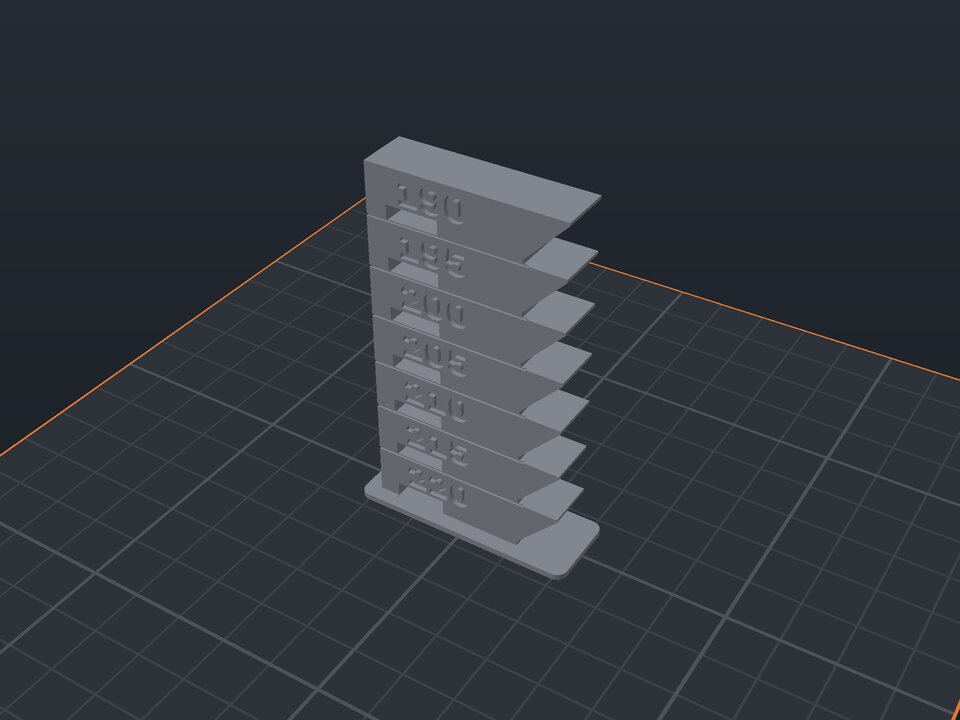
Every filament spool has its own ideal temperature, even of the same type and brand. A temperature tower prints several identical floors and you change the temperature for each: at the end, you compare them and pick the best.
Each floor has a slanted tip (overhang), a bridge and the value engraved on the front. A line between floors marks where the temperature changes. The tower starts with the highest temperature at the bottom.
160 to 300 °C, up to 16 floors.
2 to 10 °C between floors.
On every floor, to compare.
The temperature written on the front of each floor.
No: the file is just the shape. The temperature change is set in the slicer, every floor (10 mm).
The first floor starts at 1.2 mm (the base) and each floor is 10 mm. Floor N starts at 1.2 + 10 × (N − 1) mm.
Strings between parts, the bridge underneath, the slanted tip, the gloss and the layer strength.
Yes. The maker and the editor are free and run in your browser. Without an account, the project is kept for 48 hours; with a free account, it is kept in your account.
3MF (recommended: keeps colors and opens directly in Bambu Studio, OrcaSlicer and Creality Print), STL or OBJ, always in millimeters.
Create your temperature tower now ↑
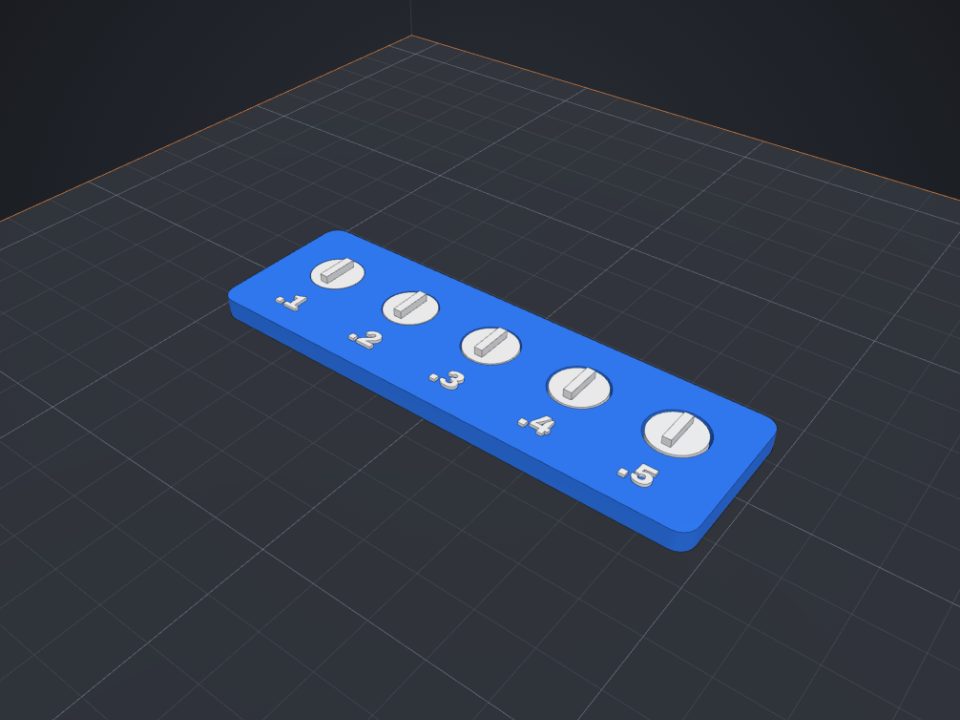 Clearance (tolerance) test for 3D printers
Loose discs with different clearances: see which one spins freely on your printer.
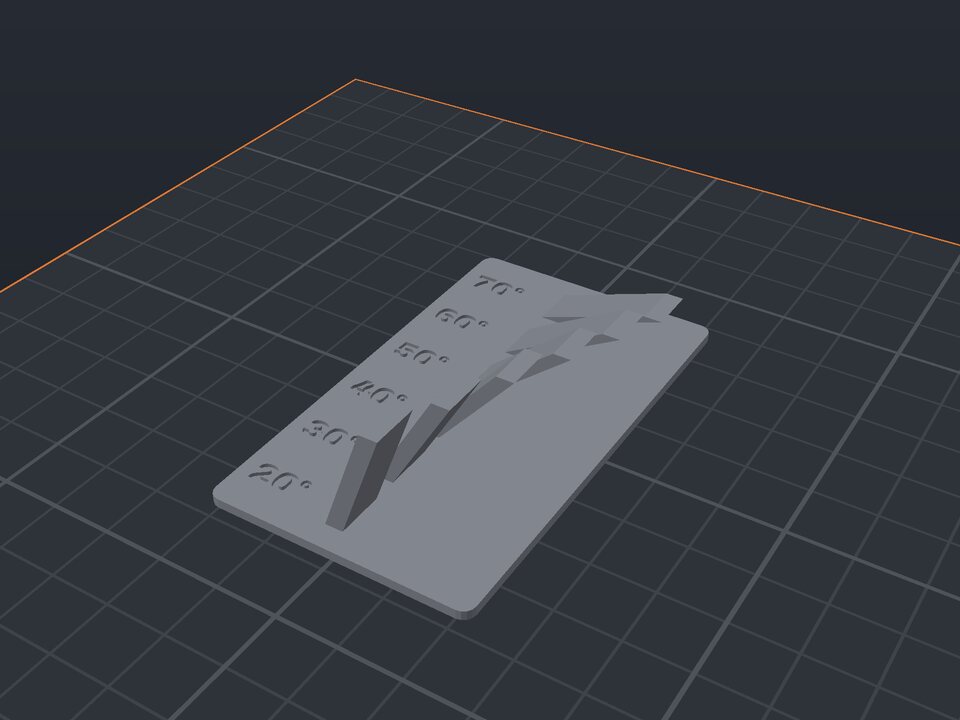 Overhang test for 3D printers
Slanted fins with the angle engraved on each one.
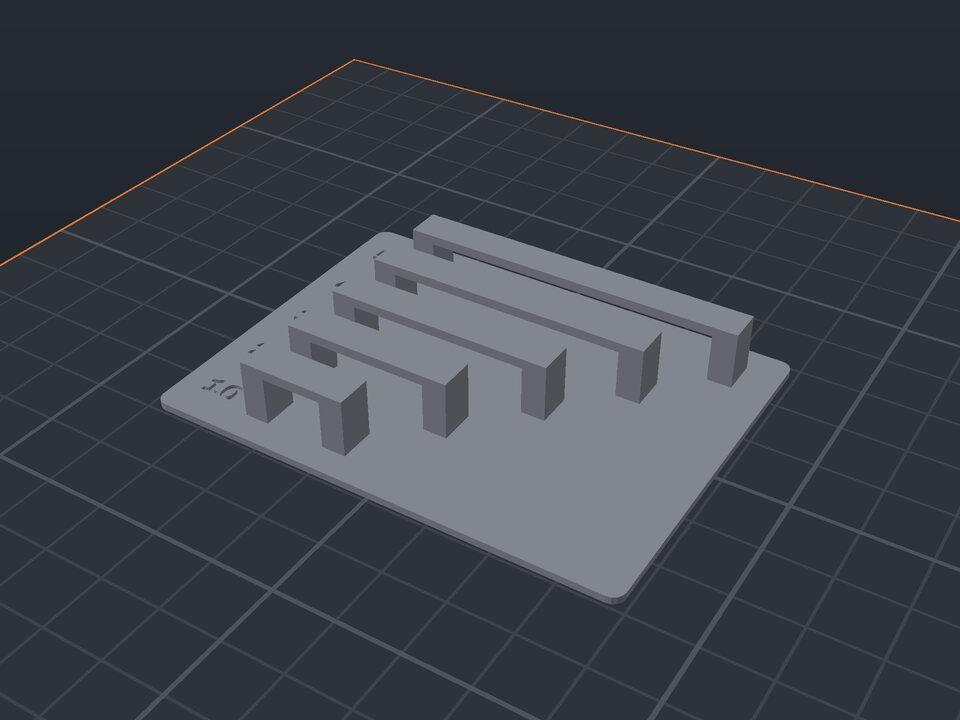 Bridge test for 3D printers
Bridges with growing spans and the length engraved.
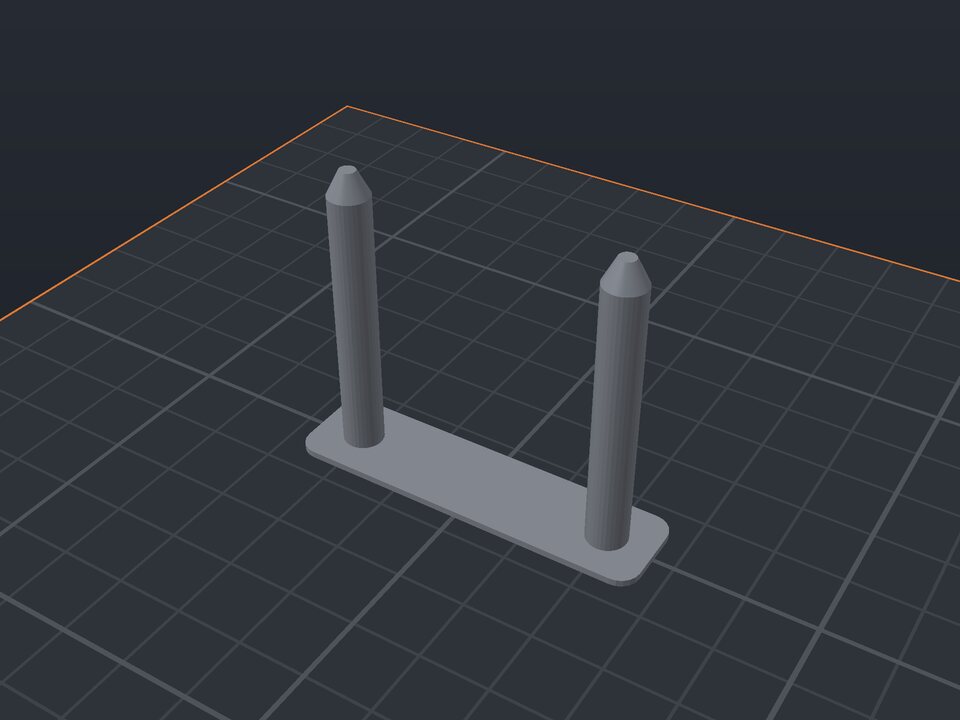 Retraction (stringing) test for 3D printers
Spaced towers to see and fix stringing.
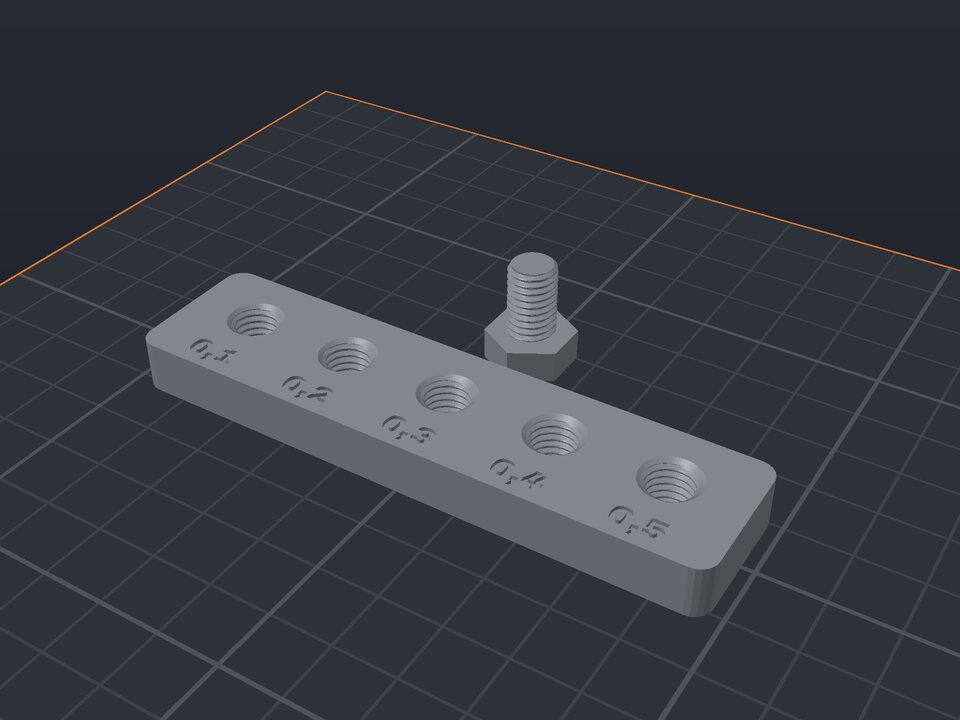 Thread clearance test for 3D printers
Threaded holes with different clearances and a bolt.
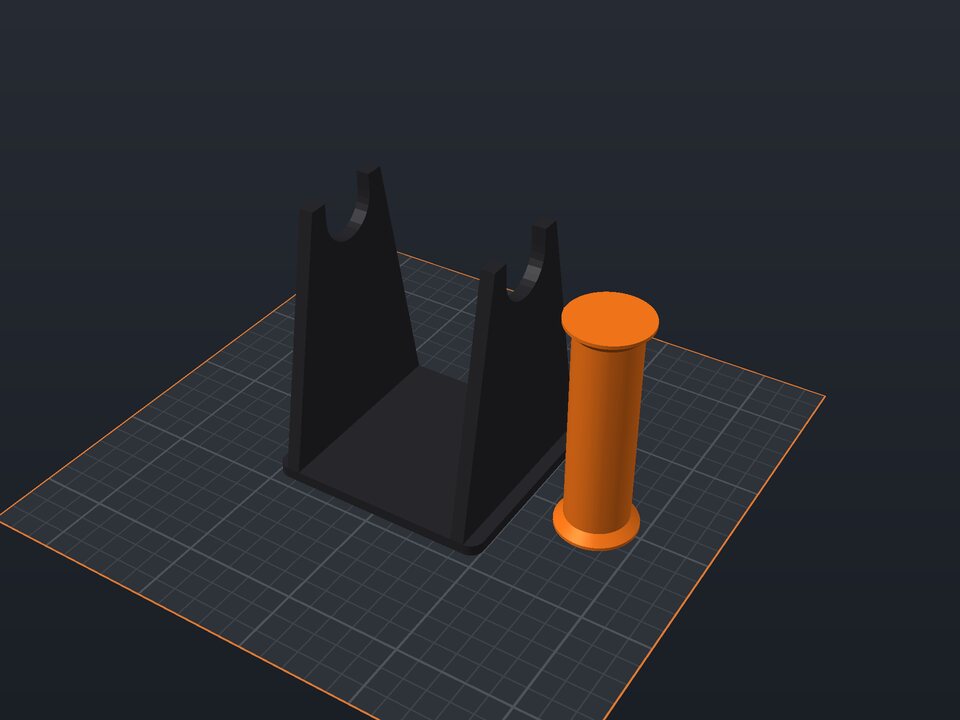 Filament spool holder to 3D print
Base with two supports and an axle, sized to the spool.
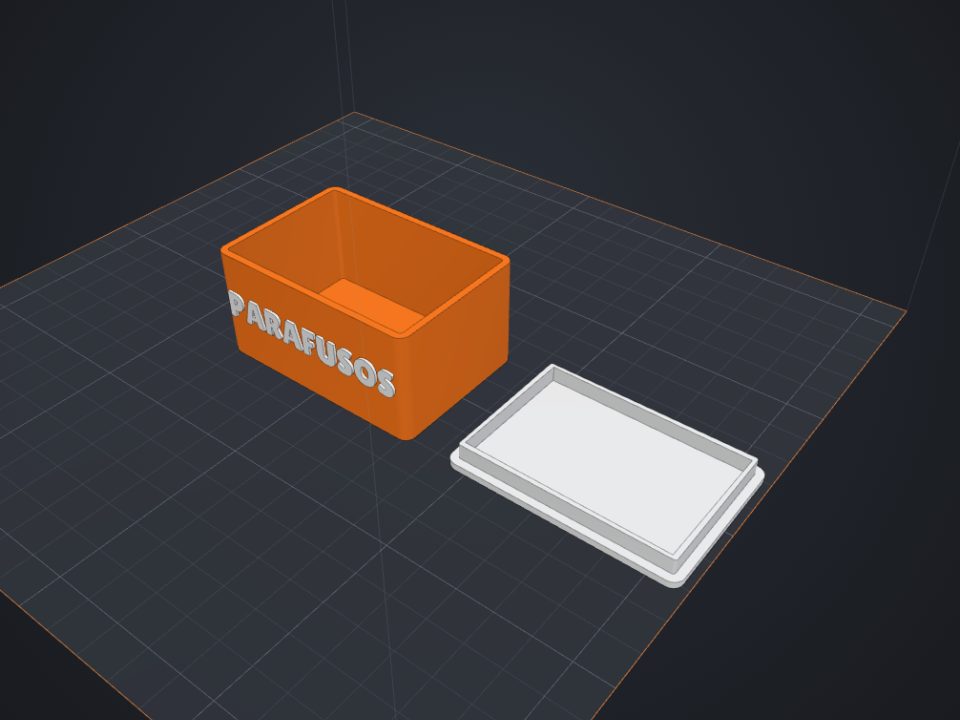 Box with lid to 3D print
Exact inner size, fitted or sliding lid and dividers.
 Gridfinity bins to 3D print
Standard 42 mm base, dividers and magnet holes.