Guides · 1 min read
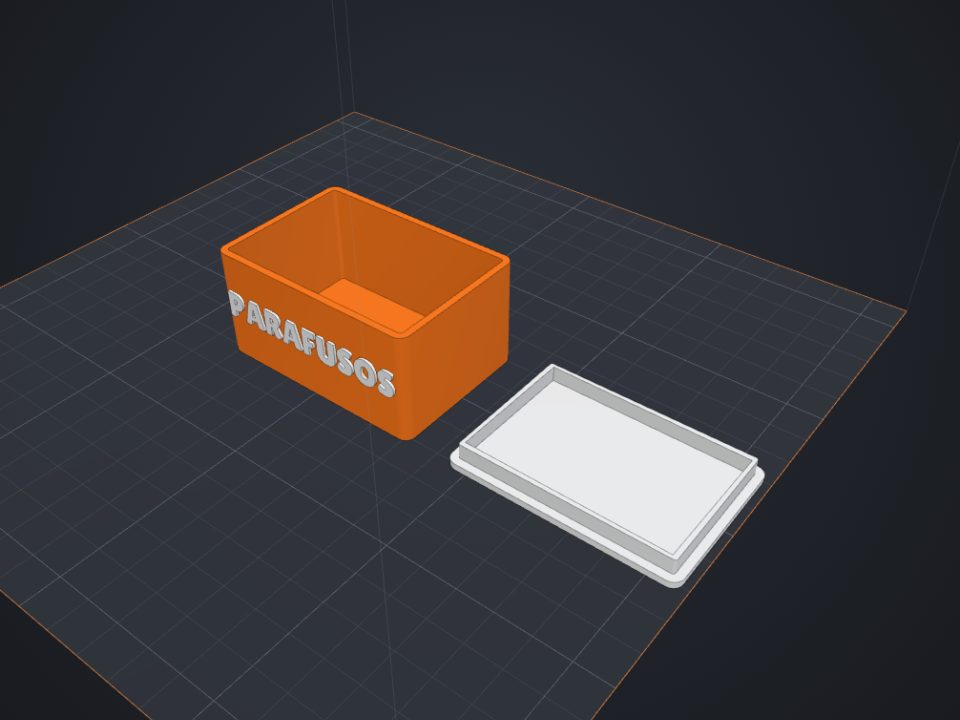
How to make a custom-size box with lid for 3D printing
The secret of a box with a lid is clearance: too tight and it will not close, too loose and it falls off. Here is how to get it right the first time.
Step by step
- Measure what goes inside
Use inner dimensions: the width, depth and height of what needs to fit.
- Find your printer clearance
Print the "Clearance test" (5 minutes) and see which disc spins freely. That is your clearance.
- Generate the box
In the box maker, choose the lid (fitted or sliding), the dividers and the clearance.
- Print it
The box prints opening up; the lid as it is. Neither needs supports.
Tips
- 0.2 to 0.3 mm of clearance is usually snug.
- For small screws, use dividers.
- Rounded corners make the box stronger.
Other guides
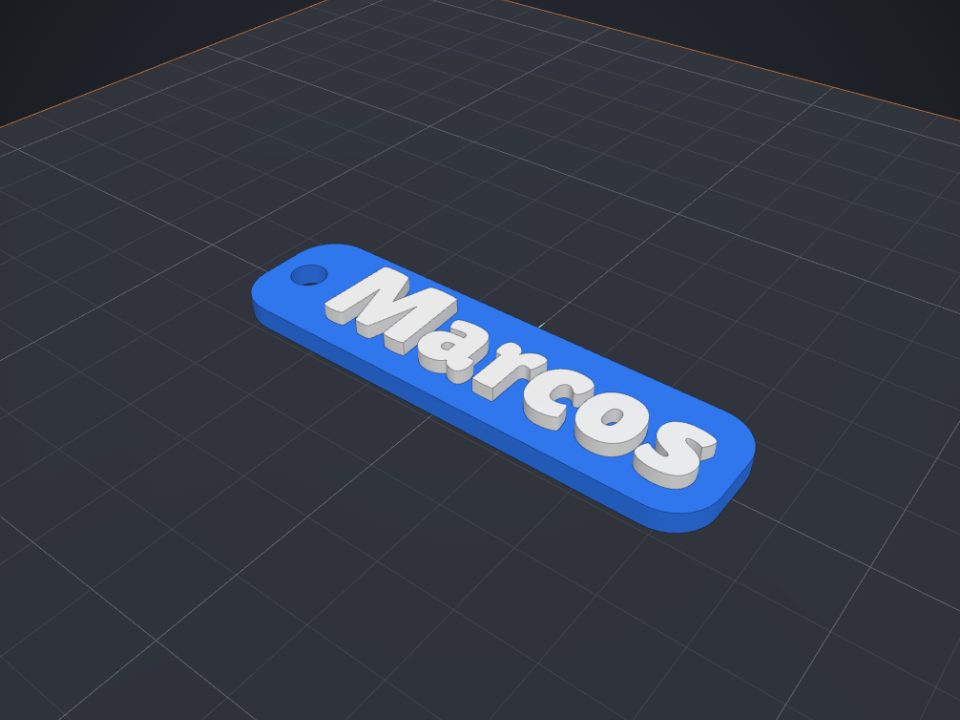 How to make a name keychain for 3D printing
A name keychain is a great first project: it is ready in minutes, prints fast and makes a very personal gift.
How to make a name keychain for 3D printing
A name keychain is a great first project: it is ready in minutes, prints fast and makes a very personal gift.
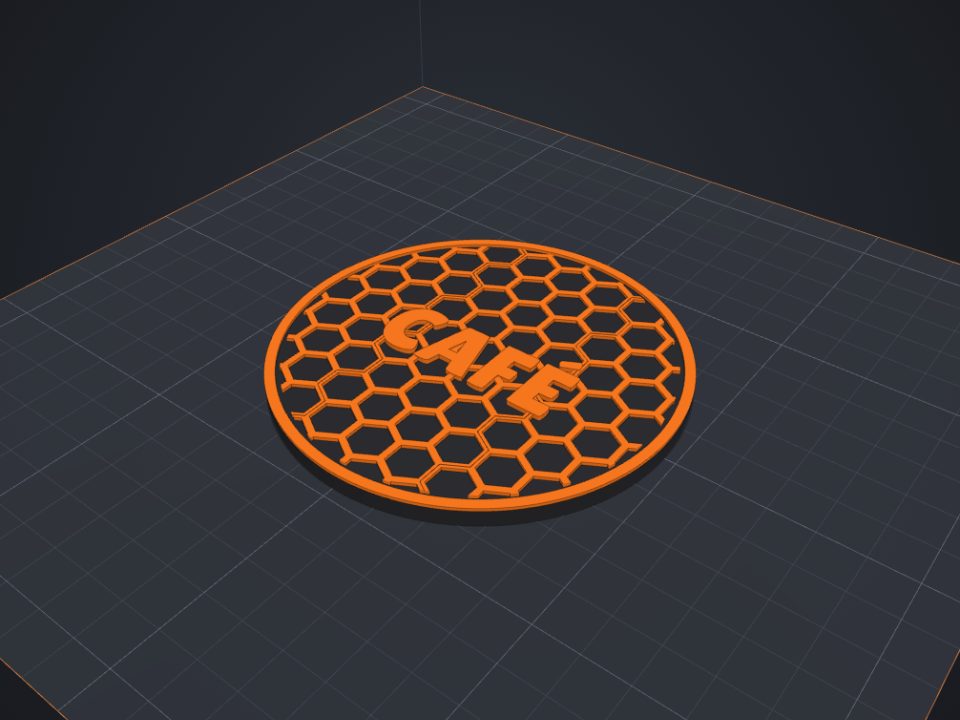 How to paint a model for multicolor printing on Bambu (AMS)
With the Paint tool you pick colors right on the part, like in Bambu Studio, and the 3MF keeps the painting.
How to paint a model for multicolor printing on Bambu (AMS)
With the Paint tool you pick colors right on the part, like in Bambu Studio, and the 3MF keeps the painting.
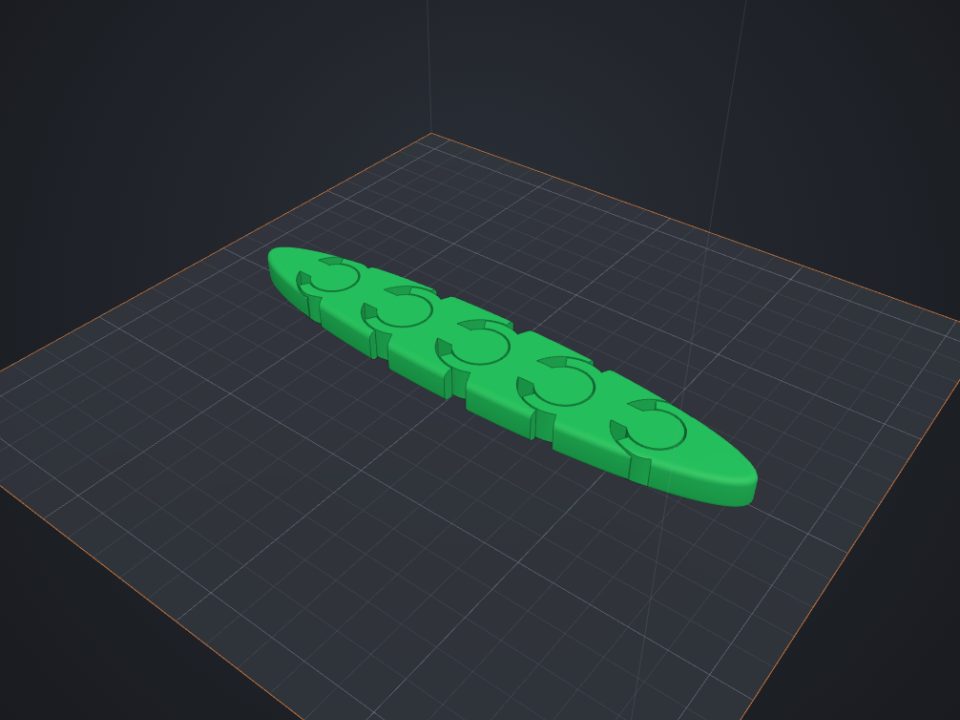 How to make an articulated part that comes off the printer ready
Print-in-place parts come off the printer already articulated: the joints print one inside the other, with a small clearance.
How to make an articulated part that comes off the printer ready
Print-in-place parts come off the printer already articulated: the joints print one inside the other, with a small clearance.
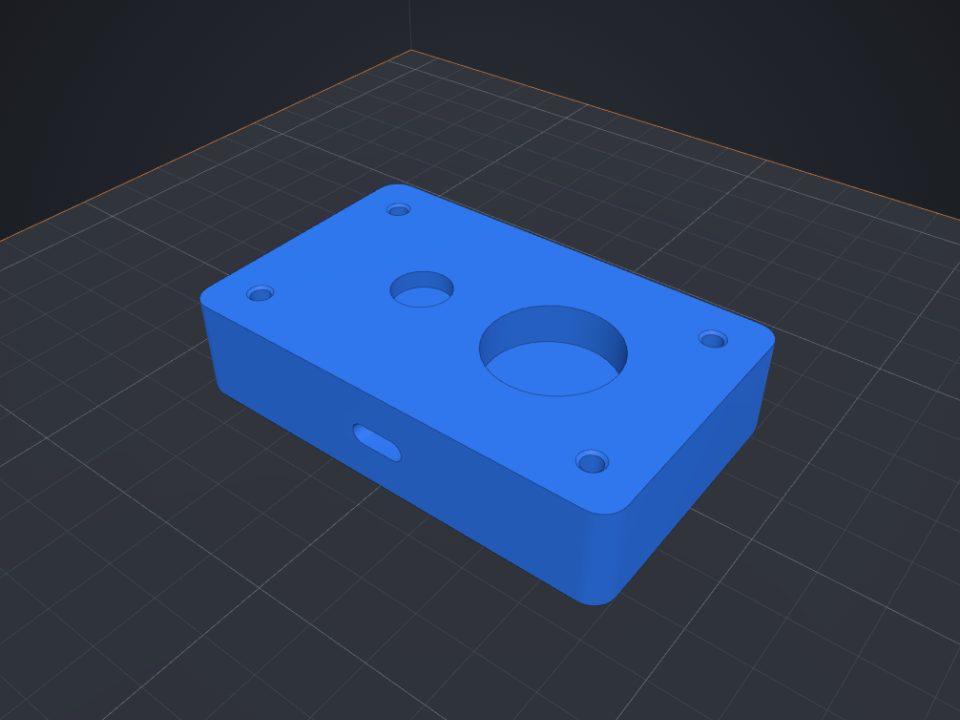 How to add screw holes, nut traps and magnet pockets
Printed holes always come out a bit smaller. Lok3D draws each hole with the right clearance already; you just pick where it goes.
How to add screw holes, nut traps and magnet pockets
Printed holes always come out a bit smaller. Lok3D draws each hole with the right clearance already; you just pick where it goes.