Guides · 1 min read
How to make a name keychain for 3D printing
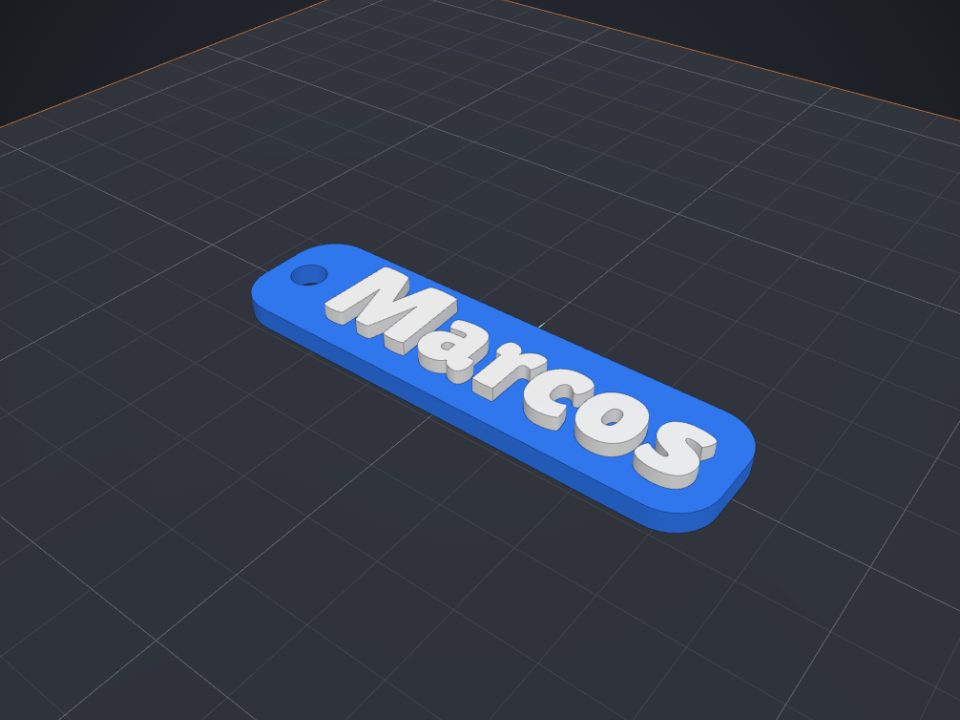
A name keychain is a great first project: it is ready in minutes, prints fast and makes a very personal gift.
Step by step
- Open the keychain maker
On the maker page, type the name, pick the font and the two colors (base and letters).
- Create it in the editor
Click "Create in the editor". The keychain opens ready: rounded base, ring hole and raised letters.
- Adjust if you like
Change the letter size, the thickness, or curve the text (the "Curve" field in the text Properties).
- Download the 3MF
With "Download 3MF", the base and the letters come as separate parts, each with its color. Or use "Open in Bambu Studio".
- Print it
With an AMS or a multicolor printer, pick the filament for each part. On a single-color printer, pause at the layer where the letters start and swap filament.
Tips
- Letters 10 to 14 mm tall on a 3 mm base are sturdy.
- Bold fonts (like Lilita or Archivo Black) print better than thin ones.
- Use 2 to 3 walls in your slicer so the ring does not break.
Other guides
 How to paint a model for multicolor printing on Bambu (AMS)
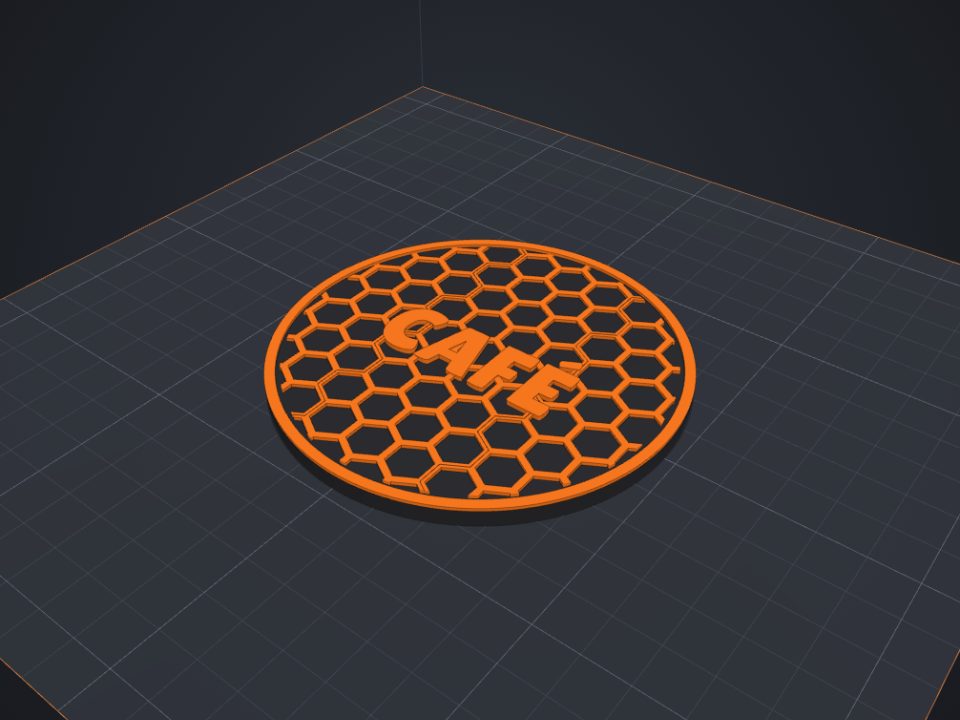
With the Paint tool you pick colors right on the part, like in Bambu Studio, and the 3MF keeps the painting.
How to paint a model for multicolor printing on Bambu (AMS)
With the Paint tool you pick colors right on the part, like in Bambu Studio, and the 3MF keeps the painting.
 How to make a custom-size box with lid for 3D printing
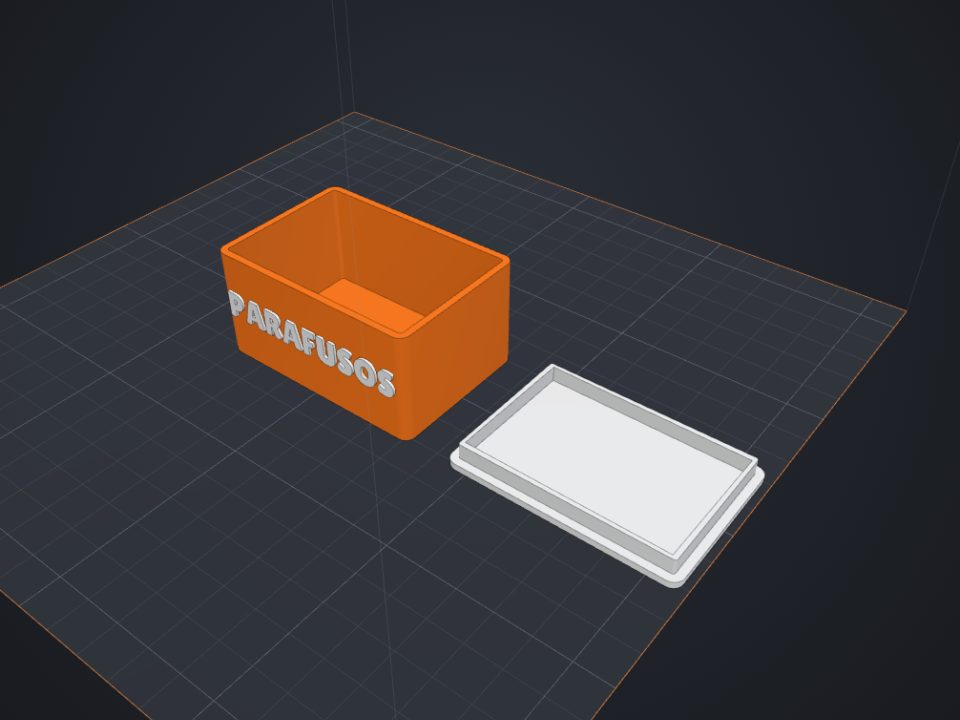
The secret of a box with a lid is clearance: too tight and it will not close, too loose and it falls off. Here is how to get it right the first time.
How to make a custom-size box with lid for 3D printing
The secret of a box with a lid is clearance: too tight and it will not close, too loose and it falls off. Here is how to get it right the first time.
 How to make an articulated part that comes off the printer ready
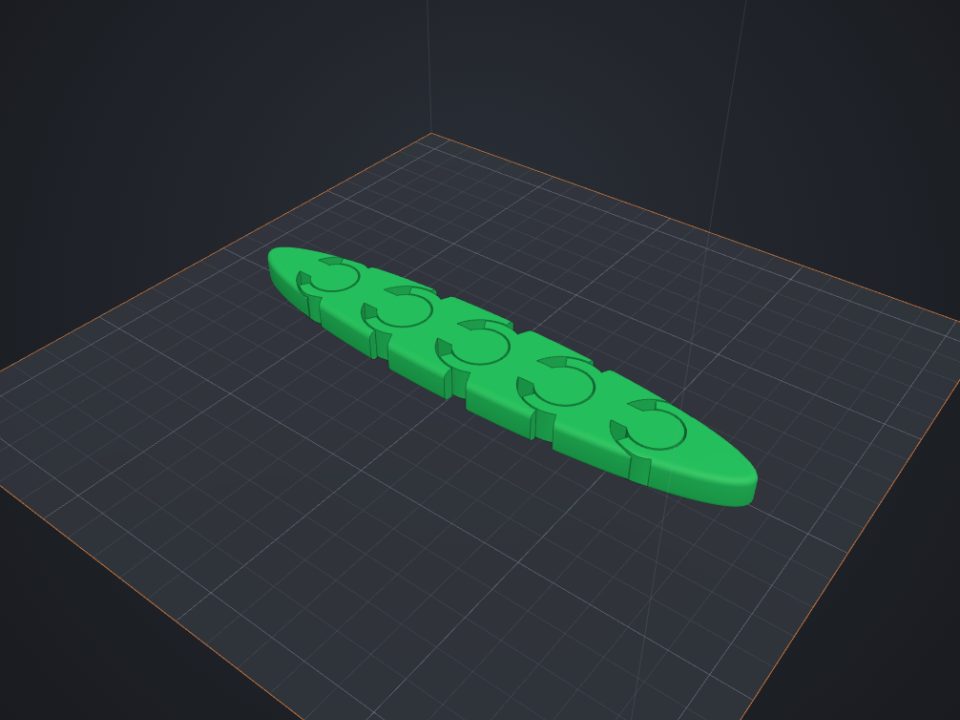
Print-in-place parts come off the printer already articulated: the joints print one inside the other, with a small clearance.
How to make an articulated part that comes off the printer ready
Print-in-place parts come off the printer already articulated: the joints print one inside the other, with a small clearance.
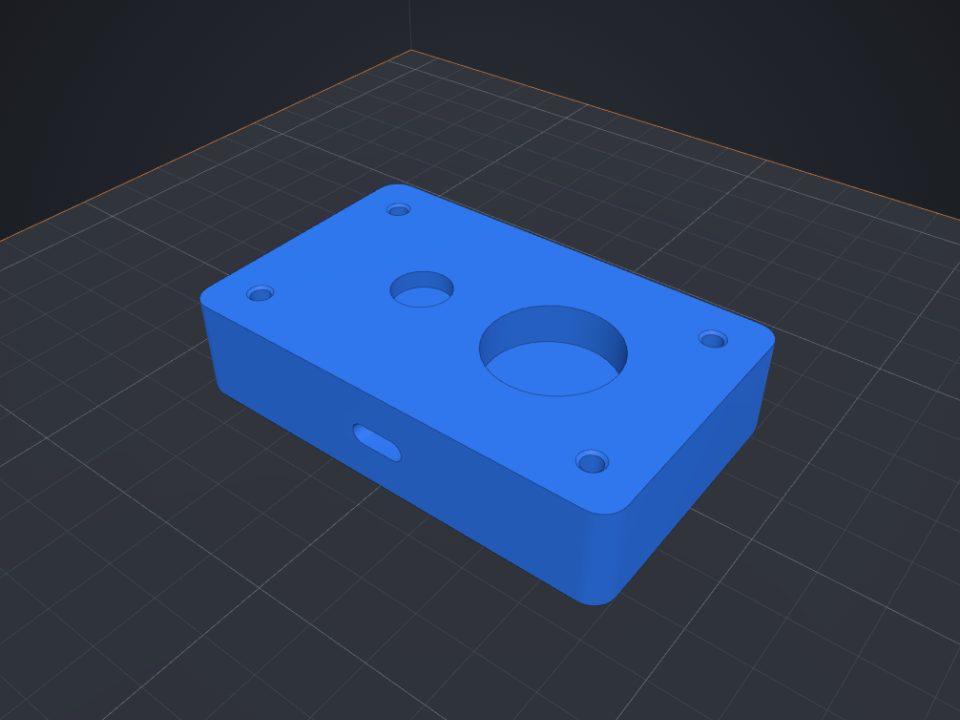 How to add screw holes, nut traps and magnet pockets
Printed holes always come out a bit smaller. Lok3D draws each hole with the right clearance already; you just pick where it goes.
How to add screw holes, nut traps and magnet pockets
Printed holes always come out a bit smaller. Lok3D draws each hole with the right clearance already; you just pick where it goes.