Your photo
PNG, JPG or WebP, processed in the browser.
Turn a photo into a lithophane: a thin plate that shows the image against the light. With a display stand or an LED tea light base. Free; your photo never leaves your computer.
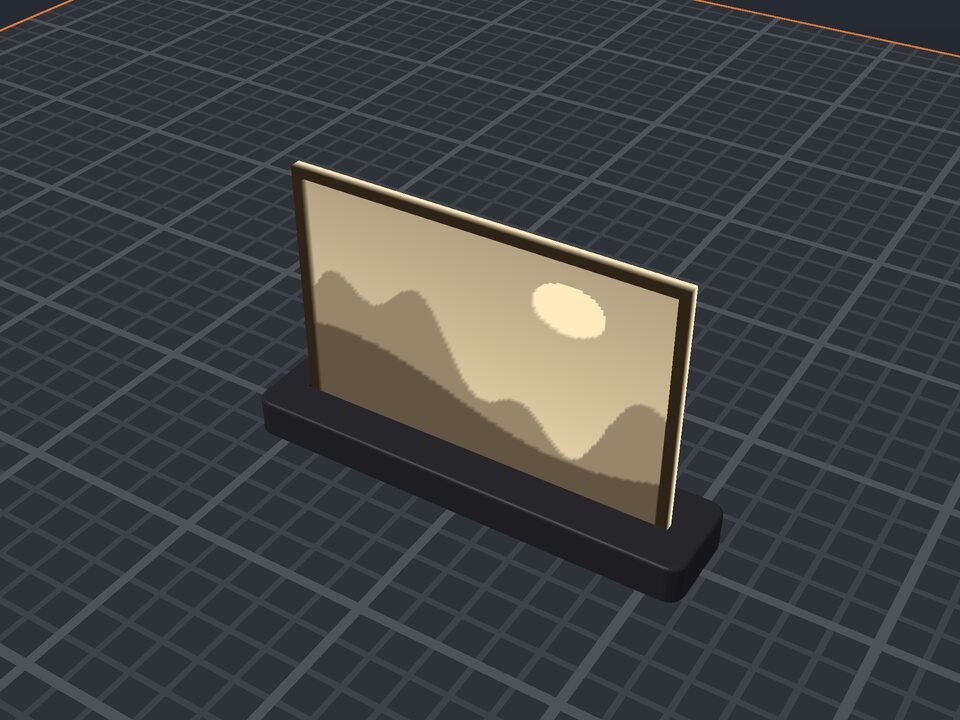
A lithophane is a thin plate where the photo appears when there is light behind it: where the image is dark, the plate is thicker and lets less light through. It is one of the most beautiful gifts you can 3D print.
Choose the width, the minimum and maximum thickness and the frame, plus a stand to hold it upright (or a base with room for an LED tea light behind it). In the editor you pick the photo, which is processed in your browser and never sent to the server.
PNG, JPG or WebP, processed in the browser.
Adjustable minimum and maximum for contrast.
0 to 10 mm border at maximum thickness.
A display stand or a base with an LED tea light behind.
No. The photo is read and turned into 3D in your browser and is not sent to the server.
A lithophane only shows the photo against the light. Put a lamp or LED tea light behind it.
100 mm is a good size. Wider shows more detail but takes longer to print.
Yes. The maker and the editor are free and run in your browser. Without an account, the project is kept for 48 hours; with a free account, it is kept in your account.
3MF (recommended: keeps colors and opens directly in Bambu Studio, OrcaSlicer and Creality Print), STL or OBJ, always in millimeters.
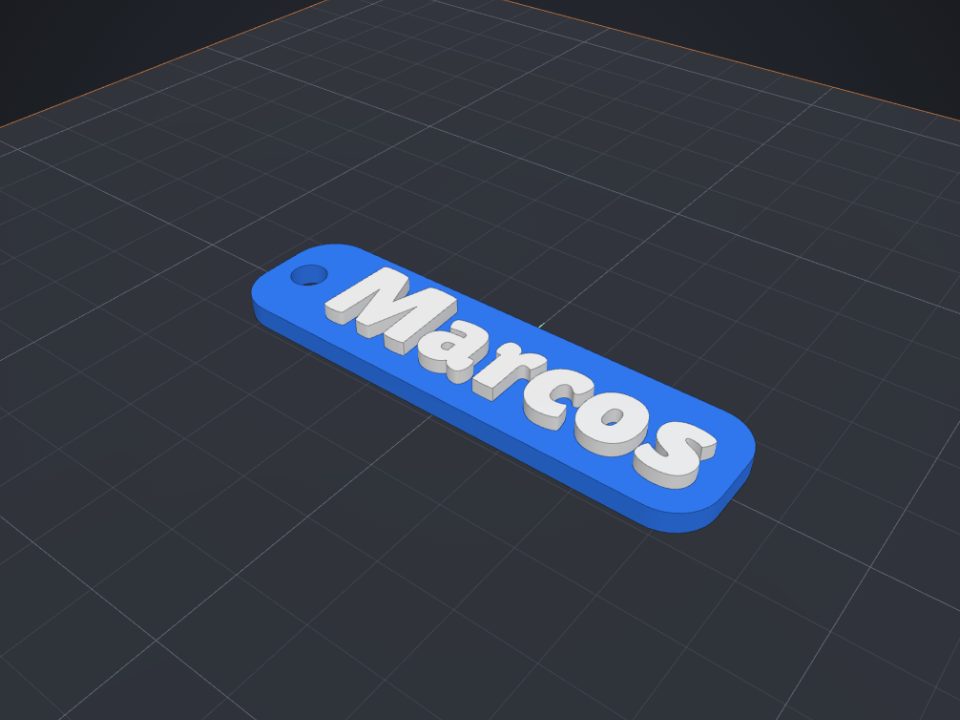 Name keychain to 3D print
Raised name on a base with a ring hole, in two colors.
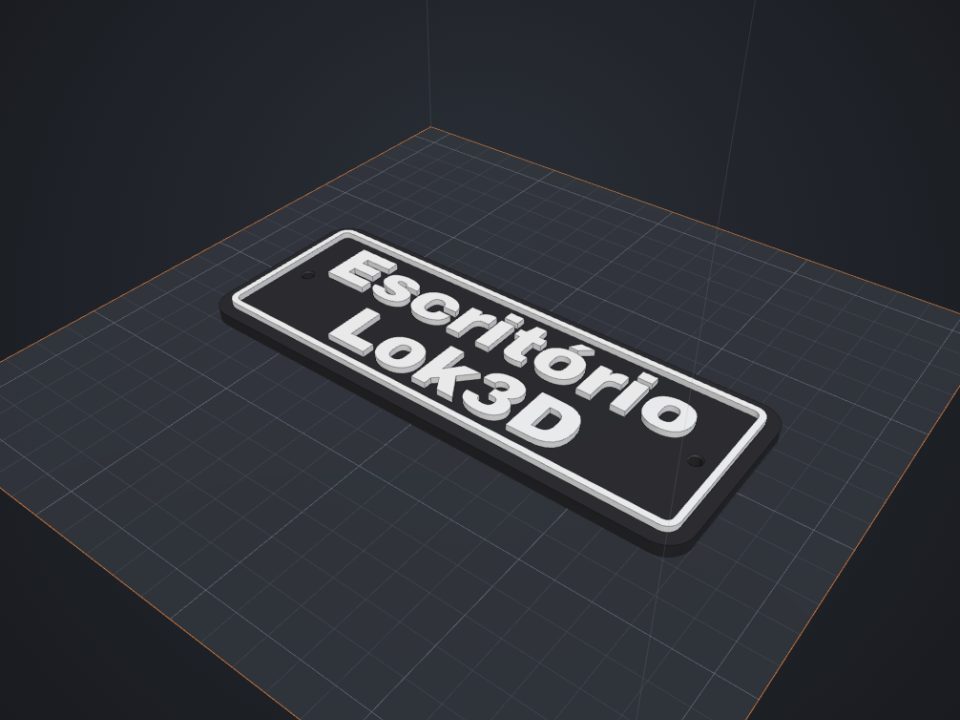 Door sign with text to 3D print
Raised text with a frame and countersunk screw holes.
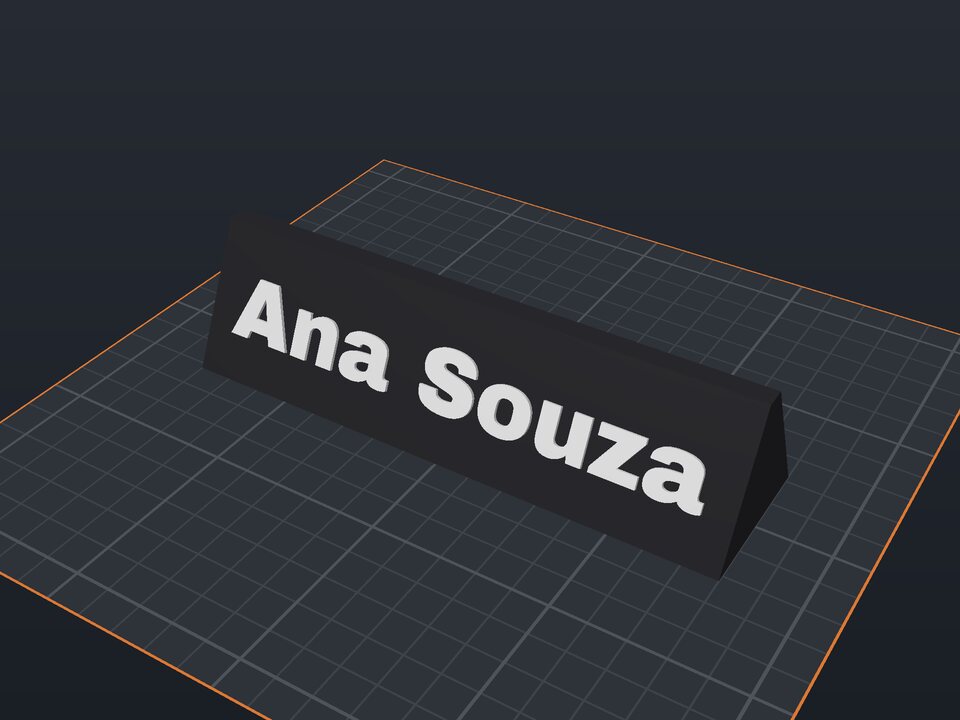 Desk name plate to 3D print
Prism with a name on the front and optional text on the back.
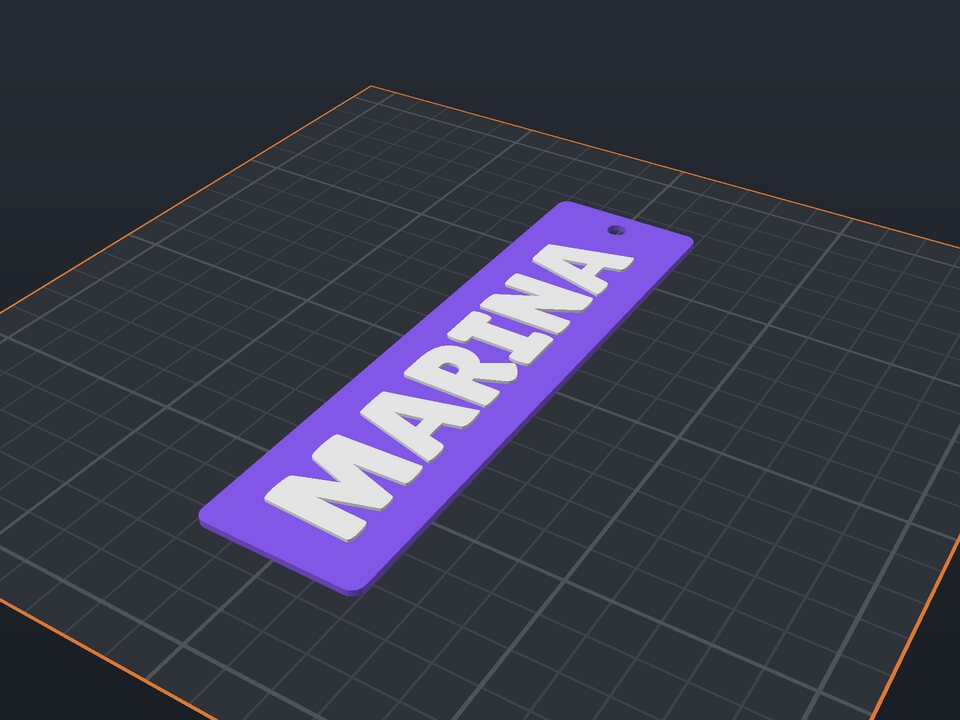 Bookmark to 3D print
Raised name or quote, with a tassel hole.
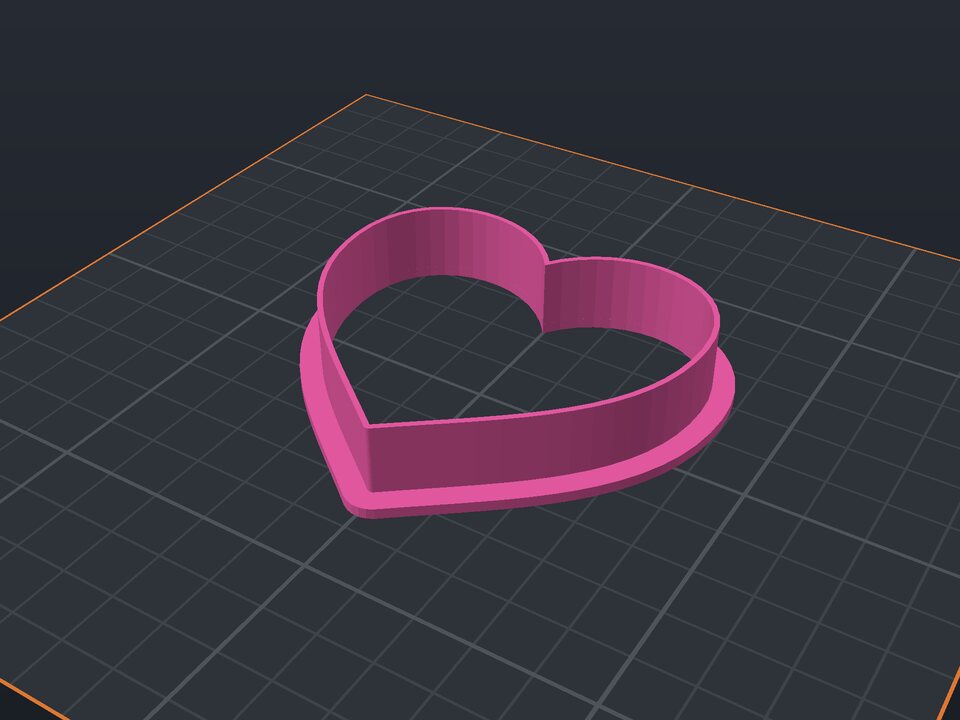 Cookie cutter to 3D print
Heart, star, flower or a name, with blade and rim.
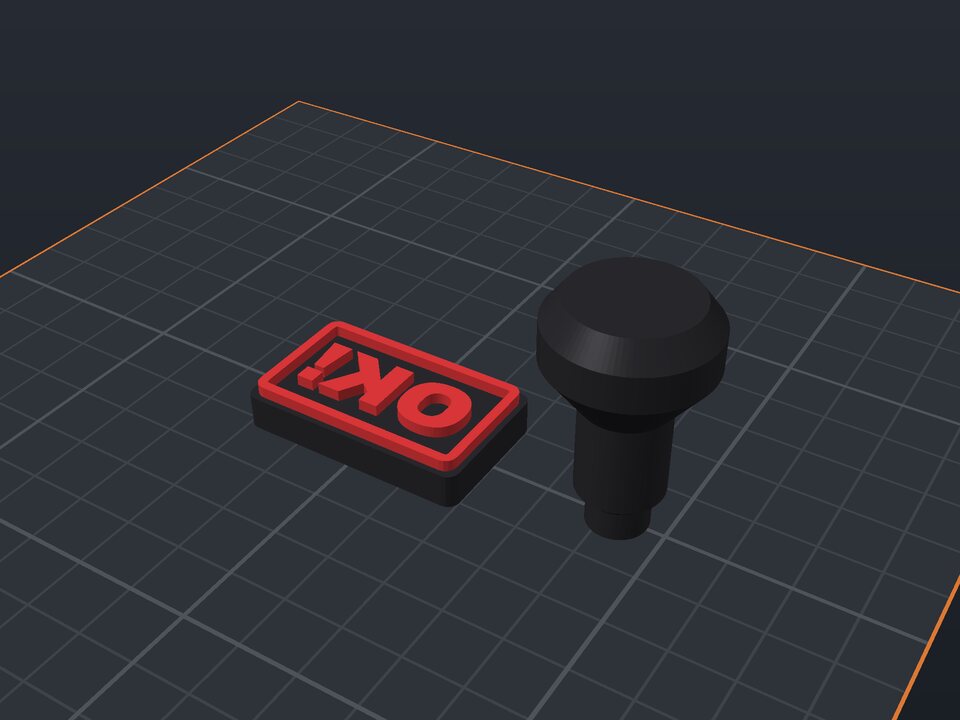 Custom stamp to 3D print
Mirrored text, border and snap-in handle.
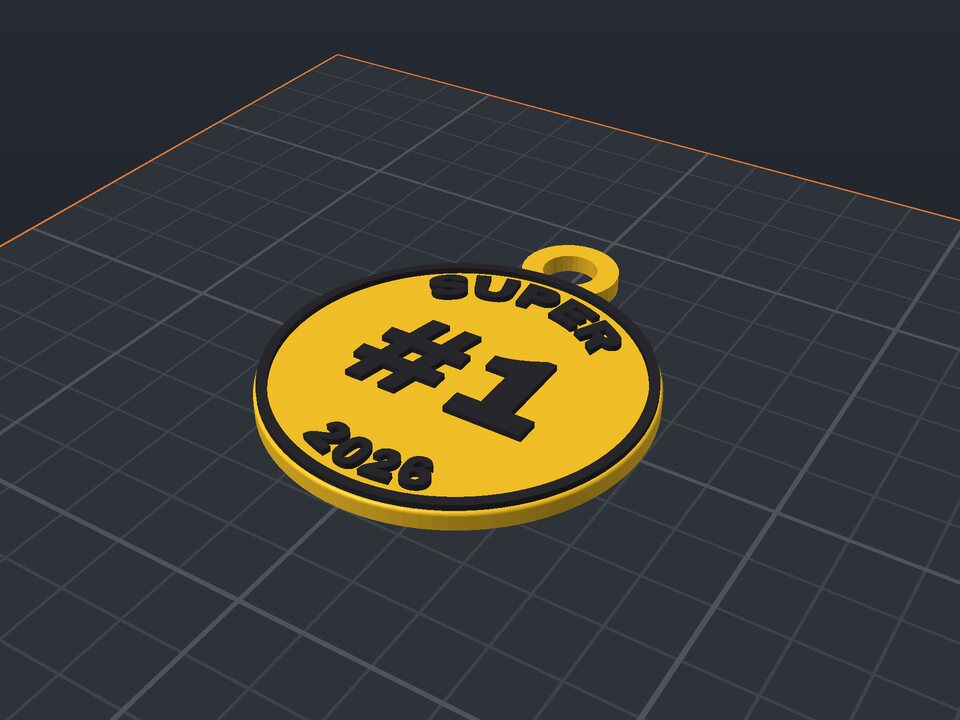 Custom medal to 3D print
Curved text, a number in the middle and a ribbon loop.
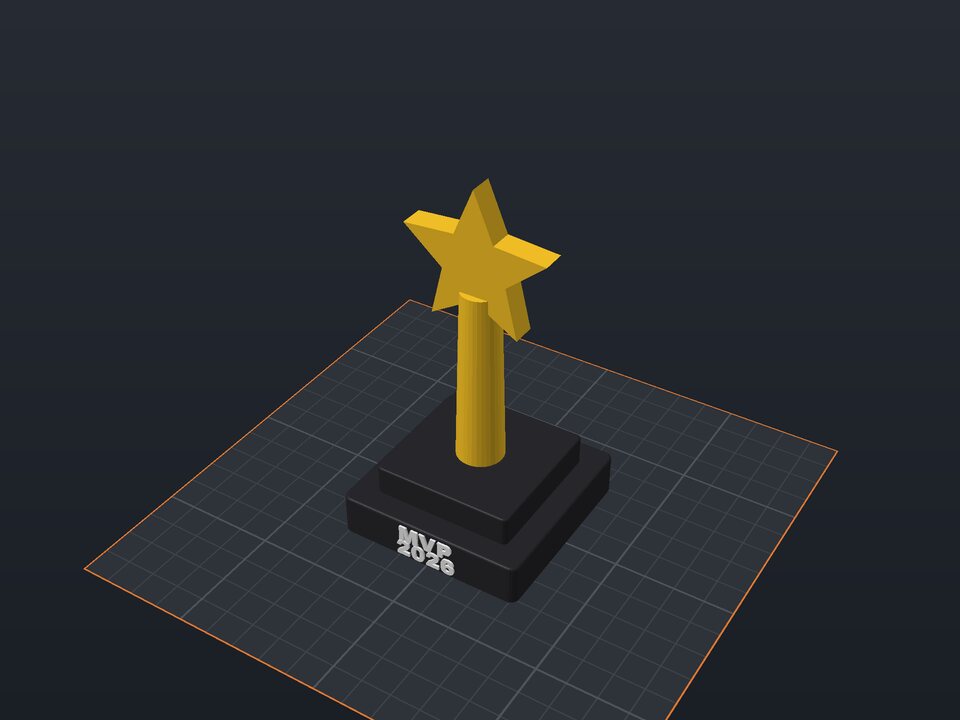 Custom trophy to 3D print
Base with a name, column and a star or cup.