Two lines
Name and phone (or email).
Create a luggage or backpack tag with your name and phone raised on it and a strap slot. Two colors, free and online.
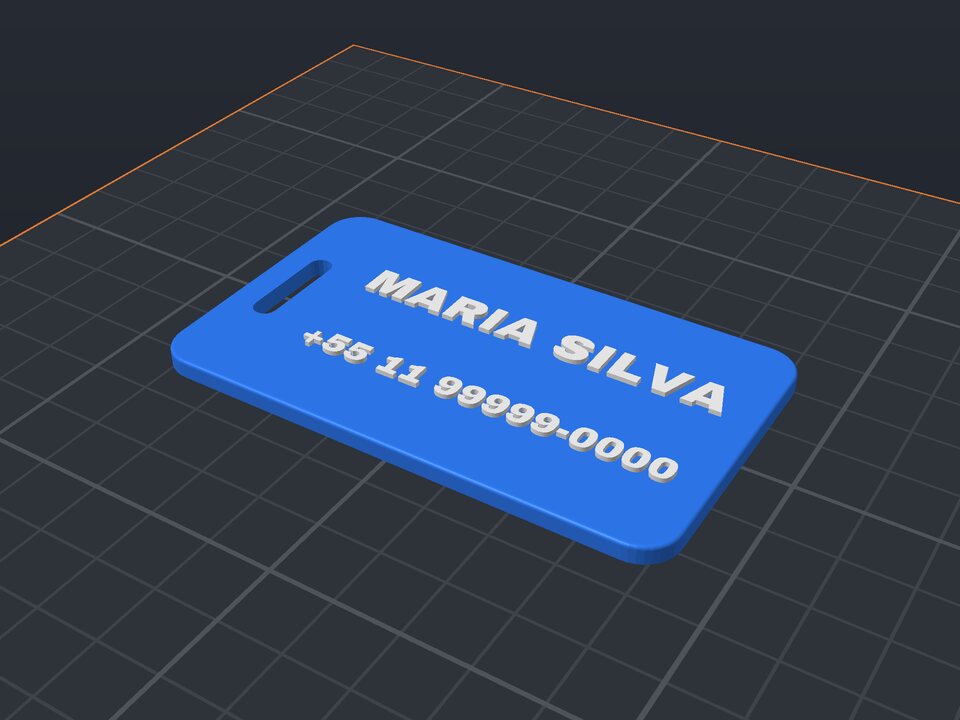
On the airport carousel, all suitcases look the same. A bright tag with your name and phone raised on it helps you spot yours and get it back if it is lost.
The generator makes a plate with rounded corners, a slot for a strap or ribbon, and two lines of text that fit the space.
Name and phone (or email).
For a ribbon, zip tie or cord.
Plate and letters as separate parts.
From 60 × 35 to 120 × 80 mm.
Only add what you are comfortable showing. Many people use just an email or a secondary number.
Pass a ribbon, cord, zip tie or a steel loop through the slot.
Yes. The maker and the editor are free and run in your browser. Without an account, the project is kept for 48 hours; with a free account, it is kept in your account.
3MF (recommended: keeps colors and opens directly in Bambu Studio, OrcaSlicer and Creality Print), STL or OBJ, always in millimeters.
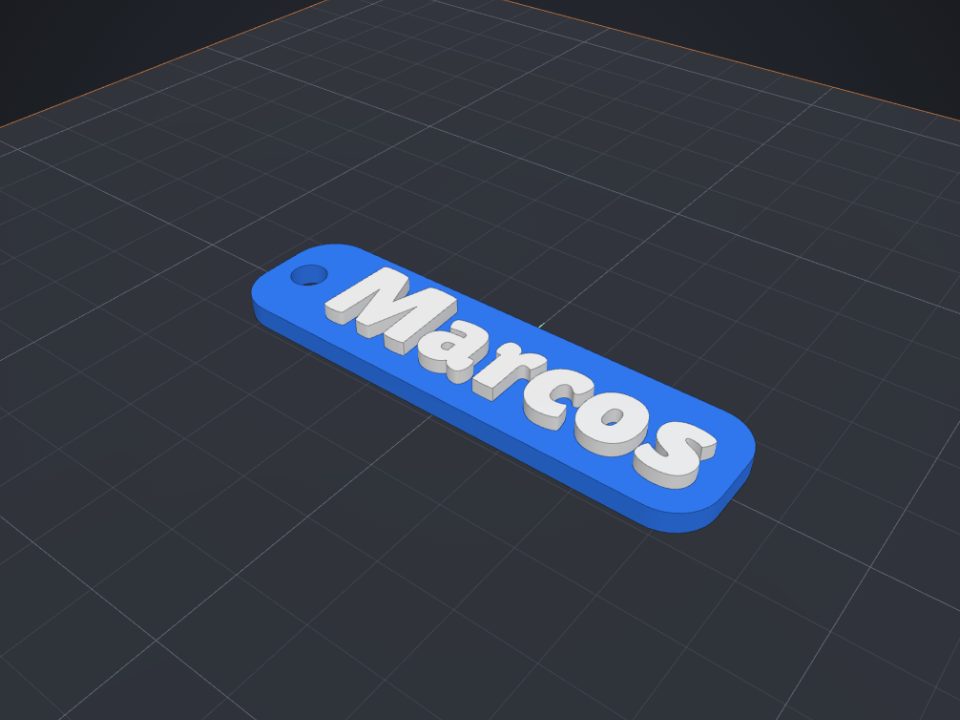 Name keychain to 3D print
Raised name on a base with a ring hole, in two colors.
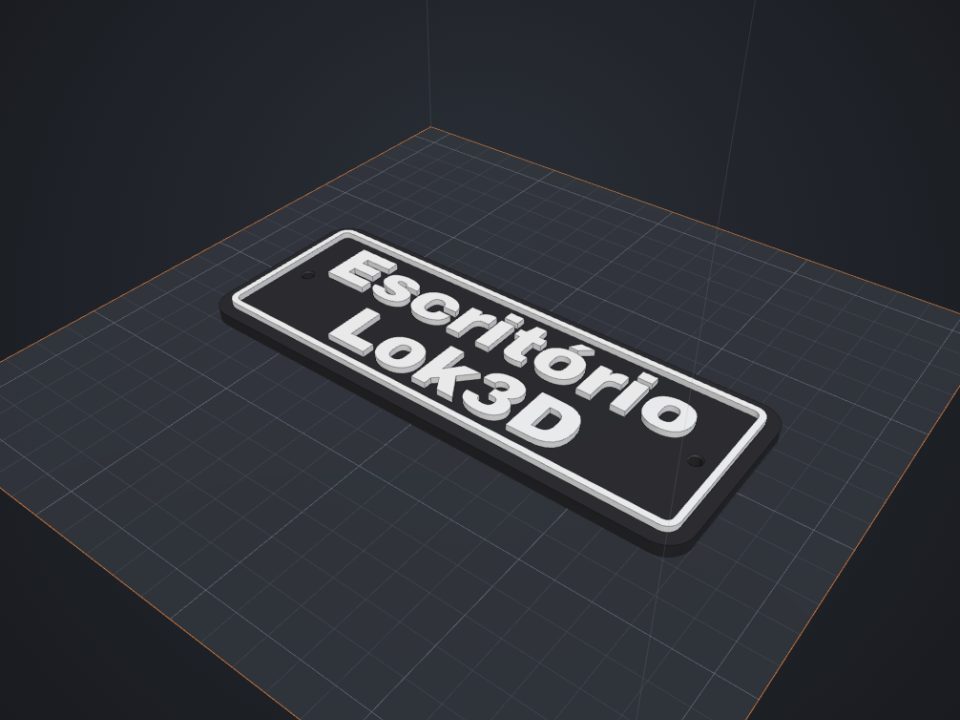 Door sign with text to 3D print
Raised text with a frame and countersunk screw holes.
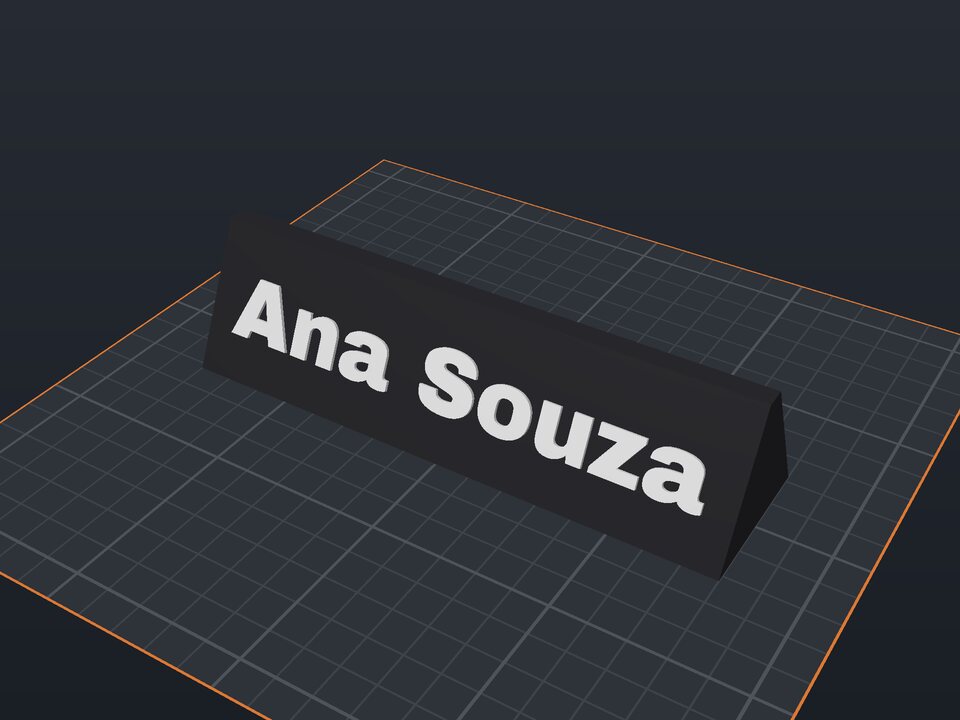 Desk name plate to 3D print
Prism with a name on the front and optional text on the back.
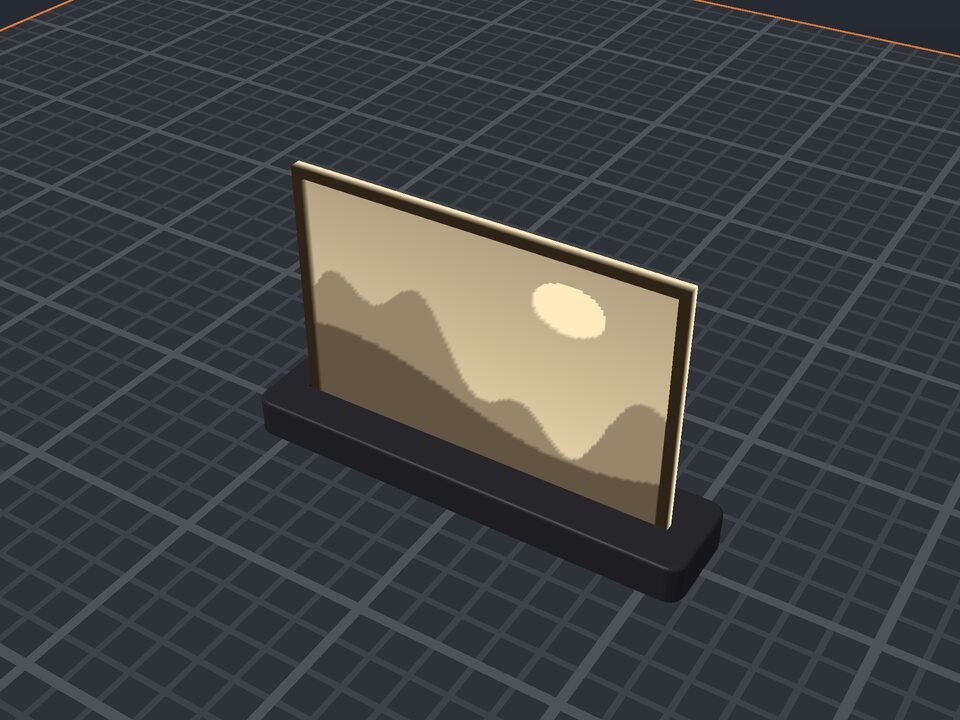 Photo lithophane to 3D print
A photo in a thin plate that shows against the light, with a stand.
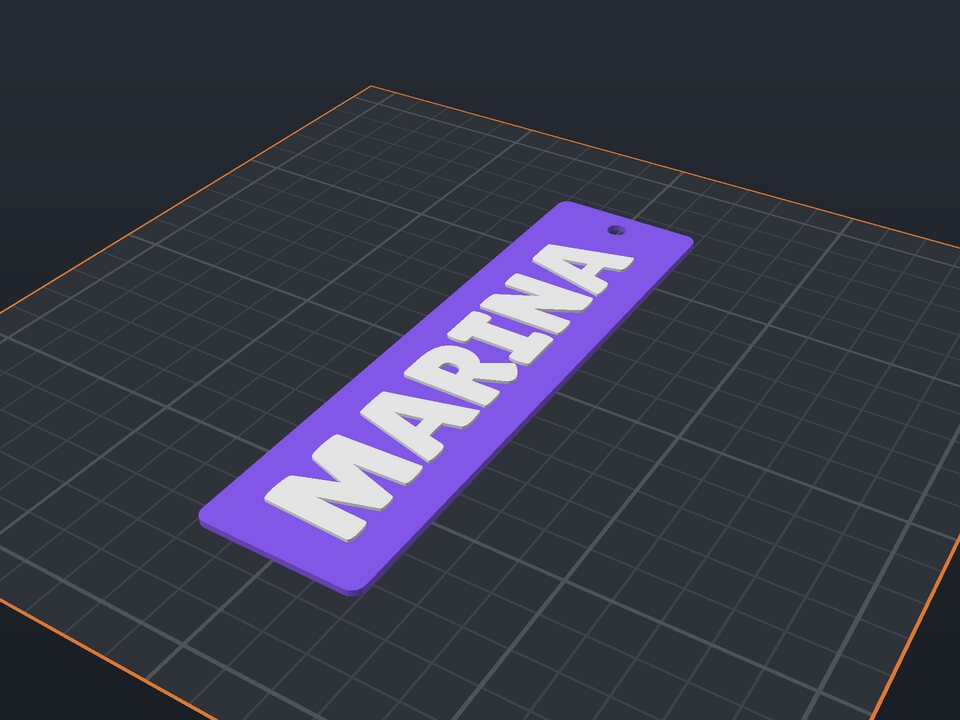 Bookmark to 3D print
Raised name or quote, with a tassel hole.
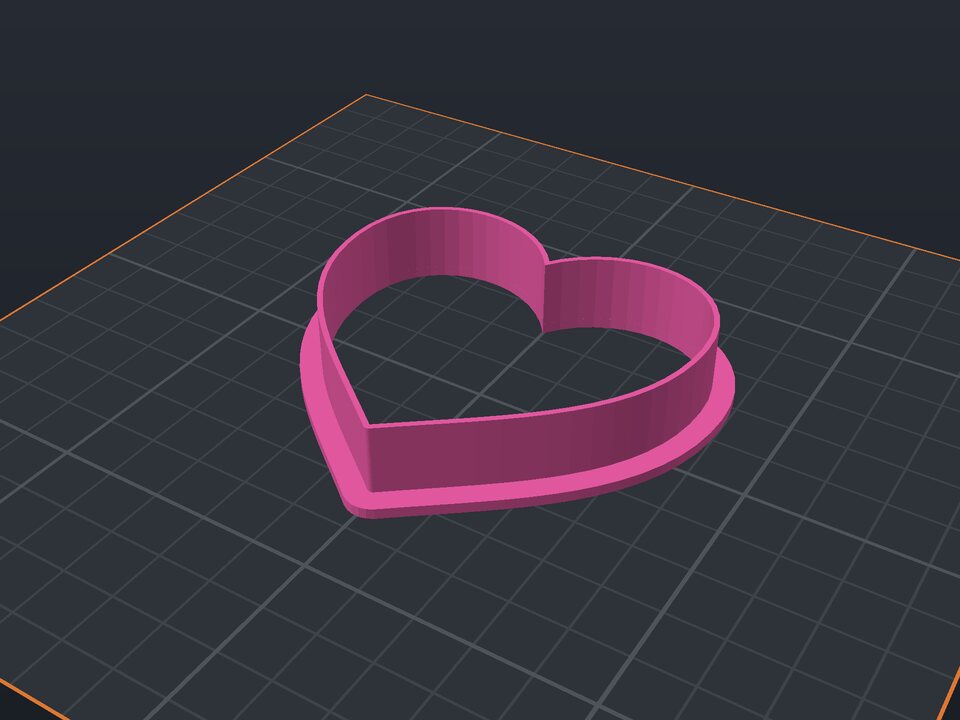 Cookie cutter to 3D print
Heart, star, flower or a name, with blade and rim.
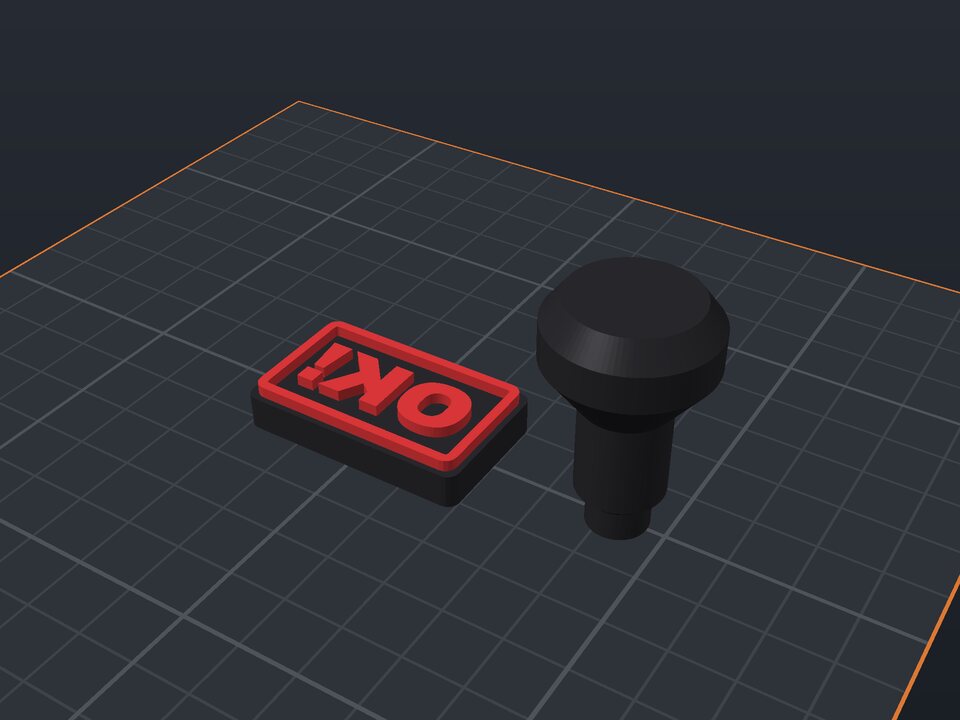 Custom stamp to 3D print
Mirrored text, border and snap-in handle.
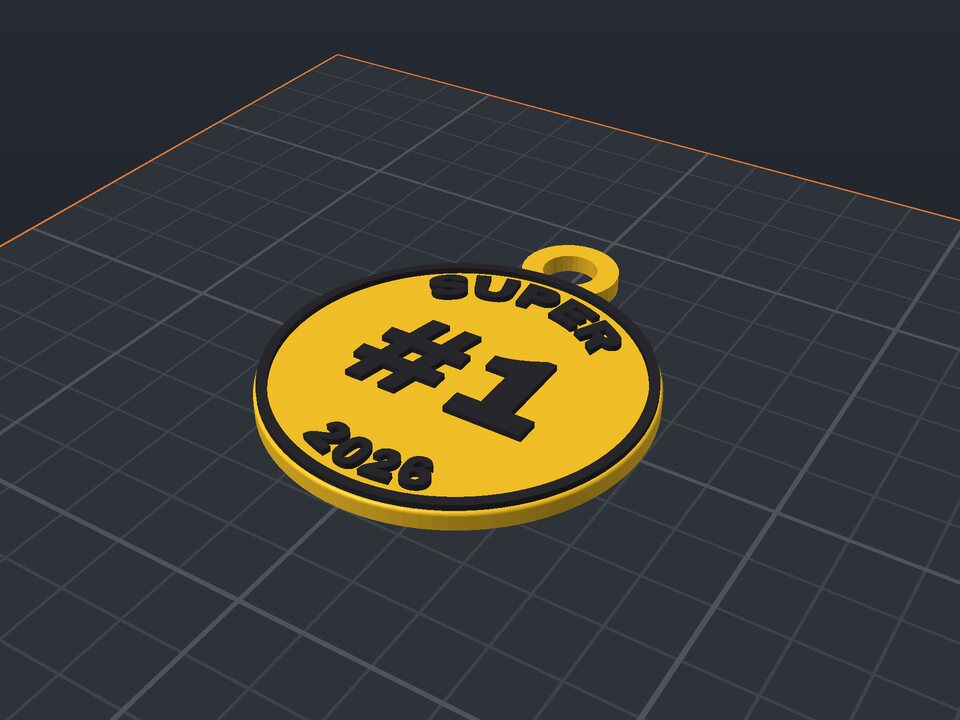 Custom medal to 3D print
Curved text, a number in the middle and a ribbon loop.