Guides · 1 min read
How to make a vase, cup or curved part with sections
A shape in Lok3D is a bottom outline and a top outline. Sections add outlines in between, so the wall can bulge, narrow and curve like a turned vase.
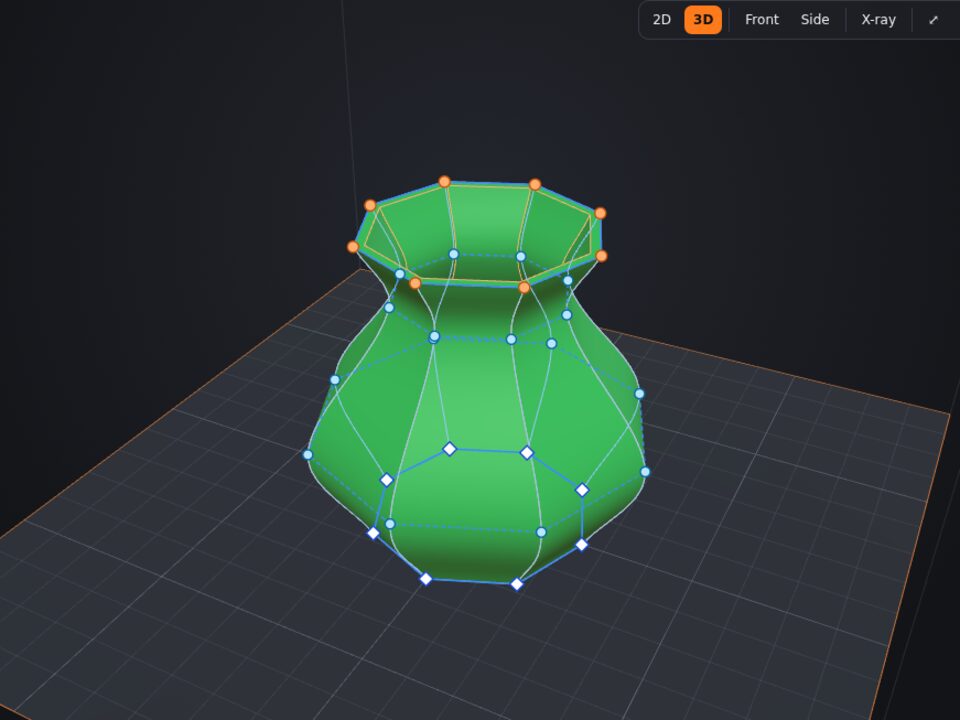
Step by step
- Draw the base shape
A circle, a polygon, a star or any outline drawn with the pen. Set the height in Properties.
- Open the node editor in 3D
Select the part, press N and switch to the 3D view. Blue lines link each bottom node to its top node.
- Double-click a blue line
A section (ring of light-blue nodes) appears at that height. The shape does not change yet.
- Shape it
In Properties, change the section Width (150% = belly, 70% = waist) and Height, or drag a single node. The black arrow and the X/Y/Z box move it precisely.
- Straight or curved sides
Choose "Curved" for a smooth wall that passes through every section, or "Straight" for facets.
- Hollow it and print
Use Wall in Properties to make it hollow (a cup or a pot), or print it solid in vase mode in your slicer.
Tips
- Up to 12 sections per part.
- Overhangs above 45° need support: keep bulges gentle or check them with the Print X-ray.
Other guides
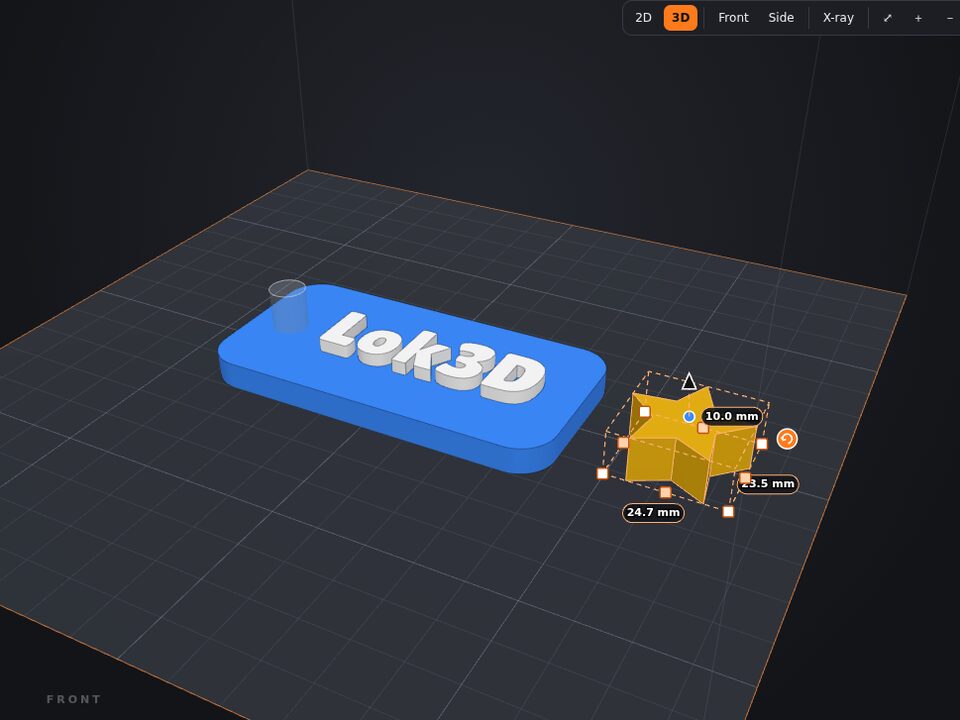 A free Tinkercad alternative made for 3D printing
If you learned 3D with Tinkercad, you already know how to use Lok3D: drag shapes, turn some into holes and combine. The difference is that Lok3D was made for printing: what you design comes out ready for the slicer, in color, at the size of your printer.
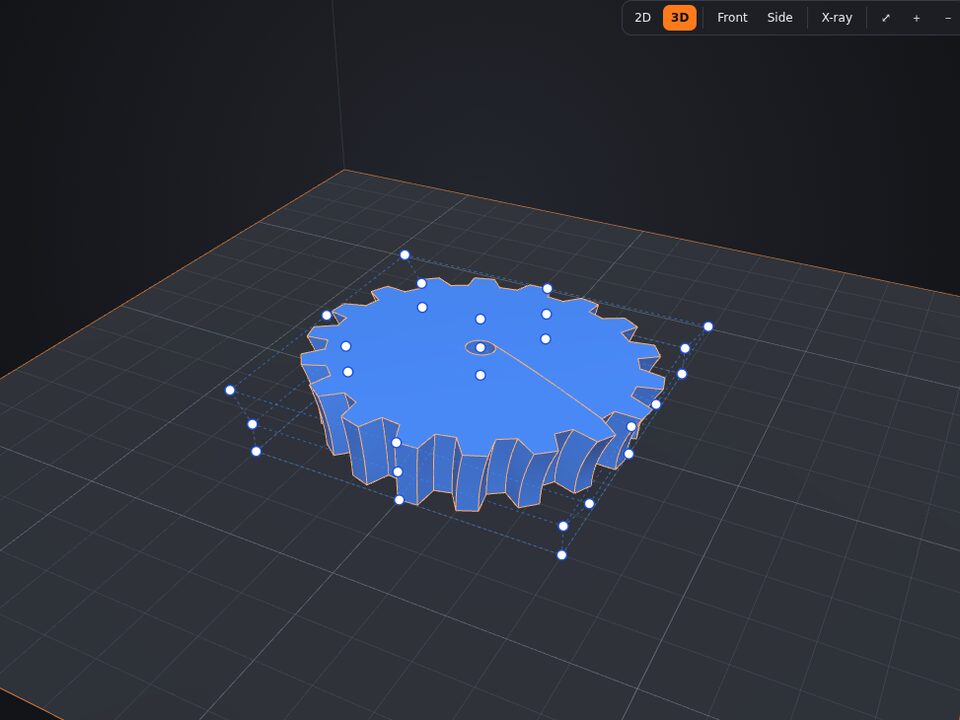 How to edit an STL online: cut, resize, deform, paint and combine
Downloaded a model that is almost what you need? No need to install anything: Lok3D opens the file in the browser and you edit it like any other part.
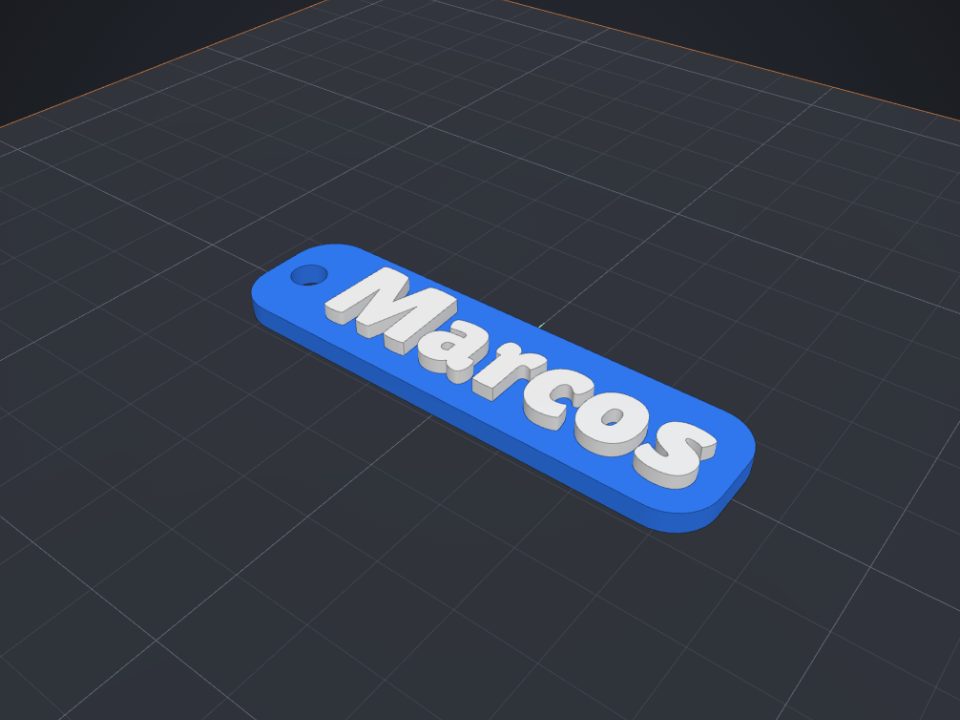 How to make a name keychain for 3D printing
A name keychain is a great first project: it is ready in minutes, prints fast and makes a very personal gift.
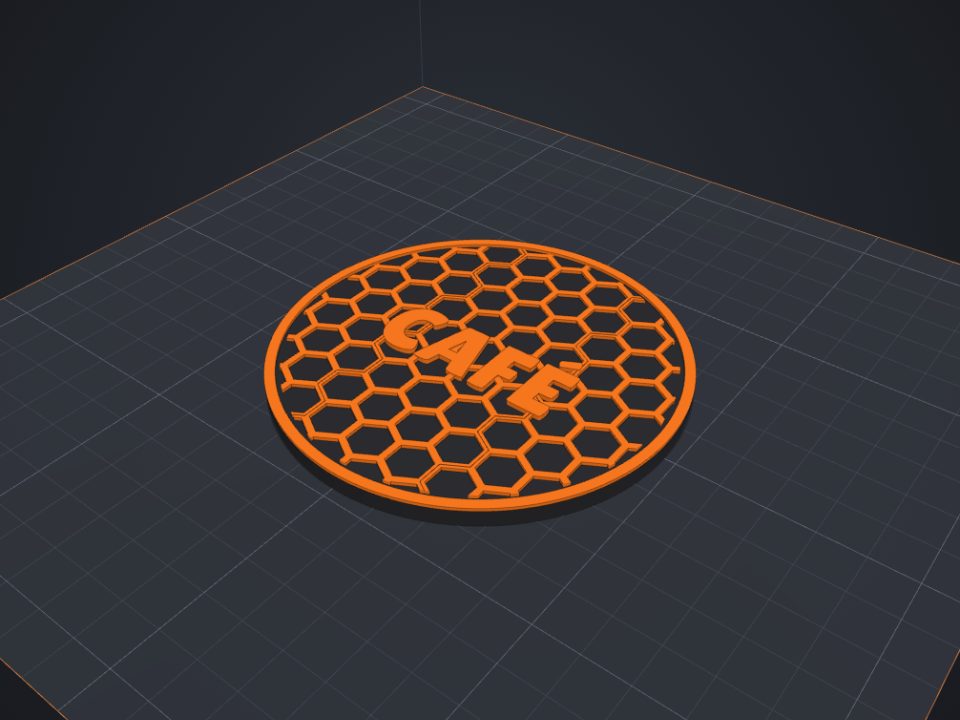 How to paint a model for multicolor printing on Bambu (AMS)
With the Paint tool you pick colors right on the part, like in Bambu Studio, and the 3MF keeps the painting.
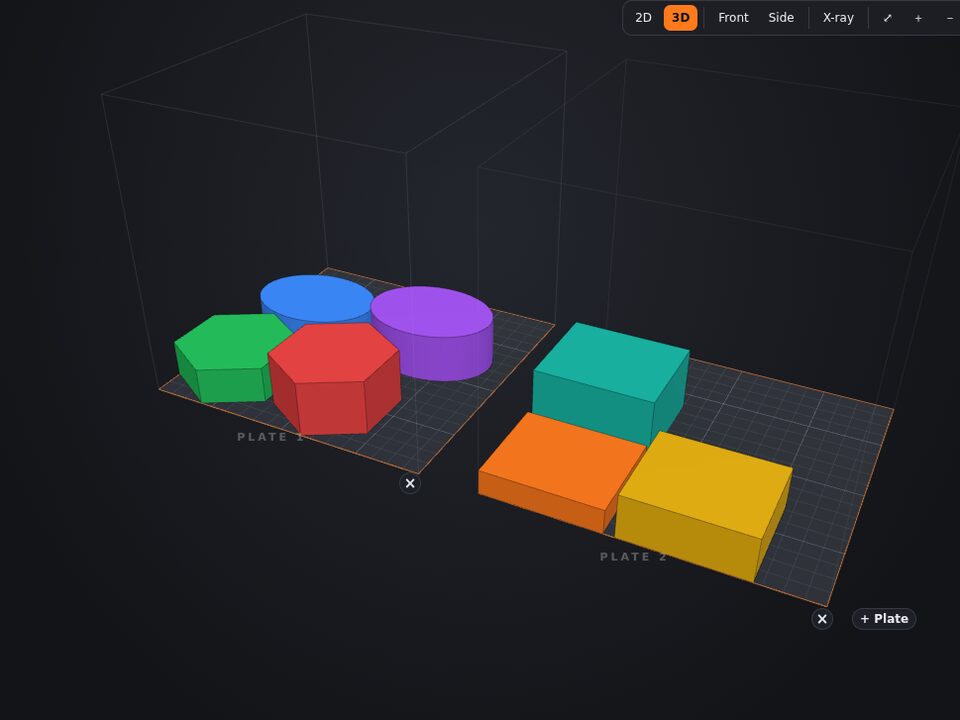 How to use several plates and the right bed size for your printer
Like in Bambu Studio, each plate in Lok3D is one print. Choose your printer once: the bed size is remembered for your next projects.
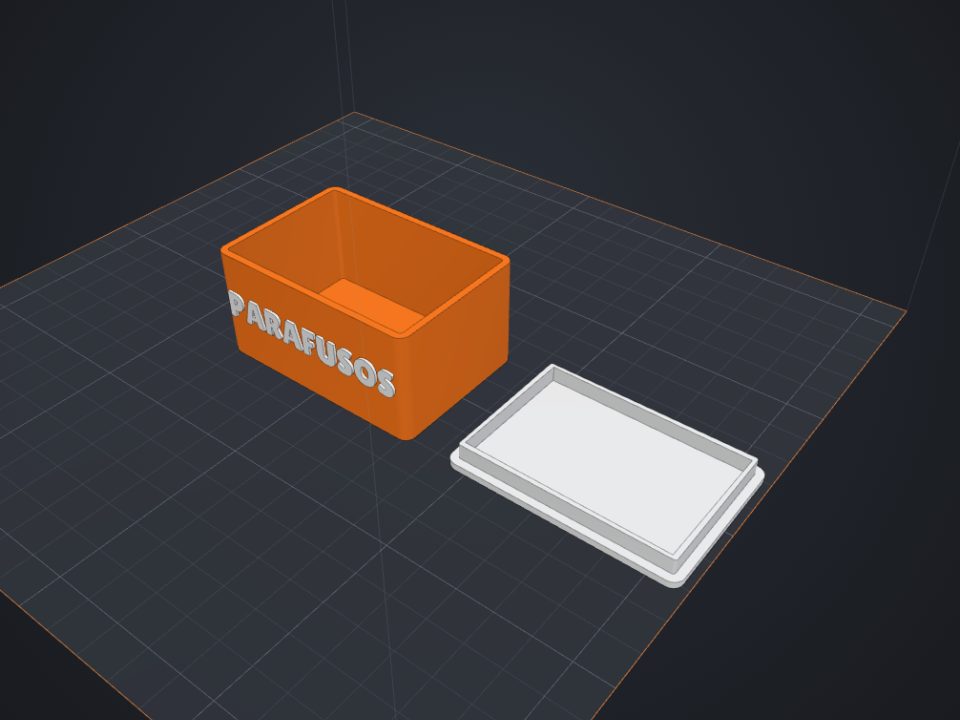 How to make a custom-size box with lid for 3D printing
The secret of a box with a lid is clearance: too tight and it will not close, too loose and it falls off. Here is how to get it right the first time.
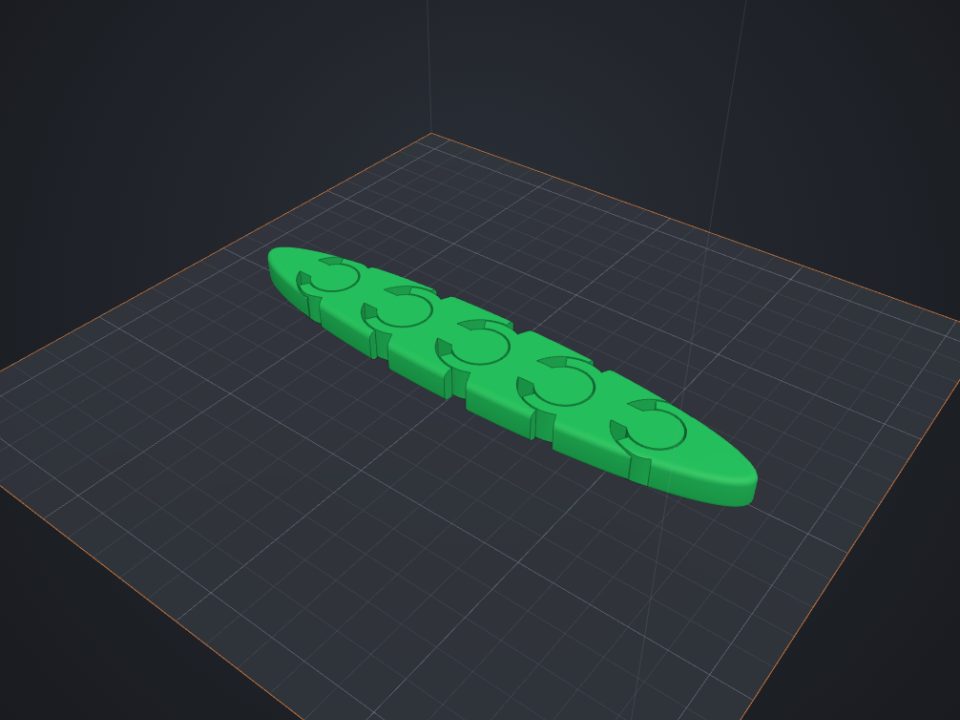 How to make an articulated part that comes off the printer ready
Print-in-place parts come off the printer already articulated: the joints print one inside the other, with a small clearance.
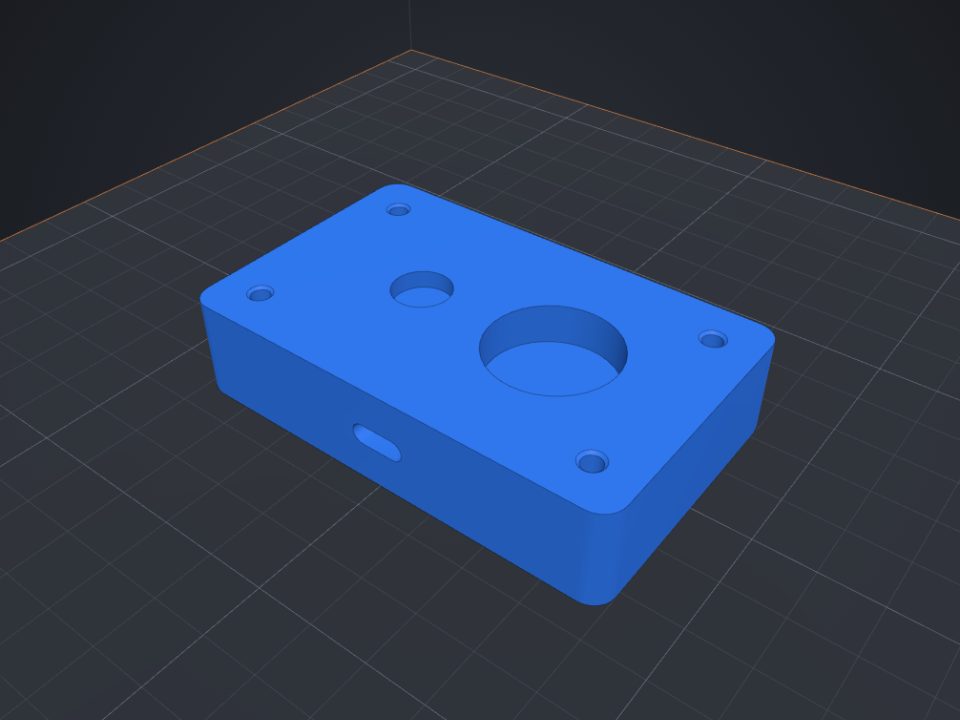 How to add screw holes, nut traps and magnet pockets
Printed holes always come out a bit smaller. Lok3D draws each hole with the right clearance already; you just pick where it goes.