Growing spans
5 to 120 mm.
Generate a bridging test with spans from 5 to 120 mm and the length engraved next to each one. See how far your printer can span in mid-air without supports. Free.
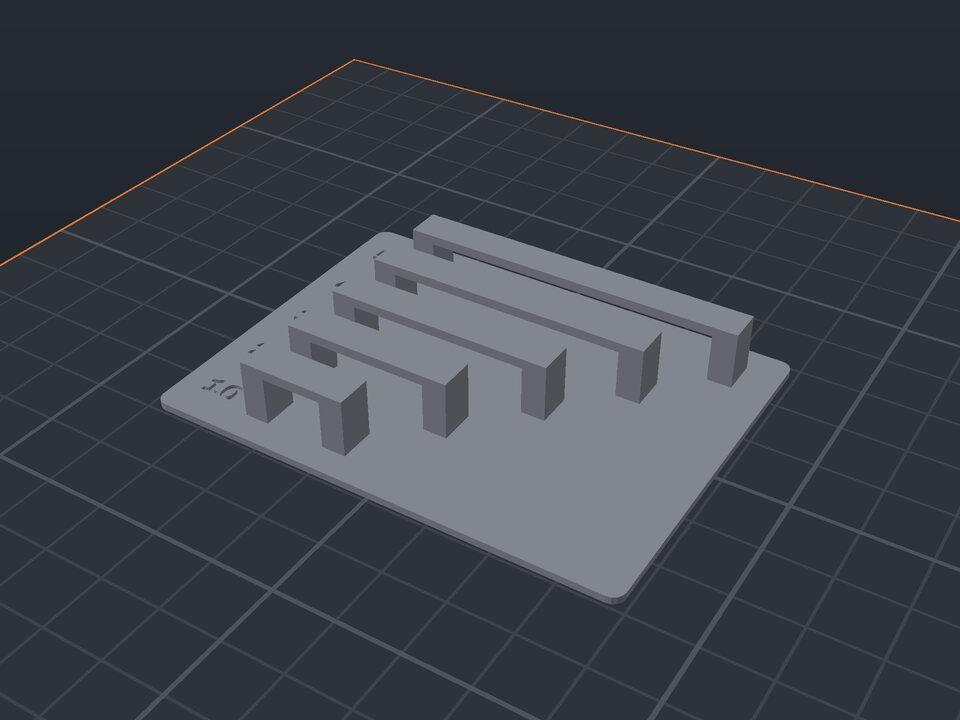
A bridge is a section printed in mid-air between two supports, like the ceiling of a rectangular hole. The printer stretches filament from one side to the other, and the result depends on temperature, speed and fan.
This test prints bridges side by side, with growing spans, with the length engraved on the base. Tune your settings until the longest bridges come out straight.
5 to 120 mm.
5 to 20 mm between bridges.
4 to 20 mm.
The span written next to each bridge.
Well-tuned printers do 30 to 50 mm with PLA. Beyond that, results vary a lot.
Increase the fan, lower the temperature by 5 °C and reduce the bridge flow in the slicer.
Yes. The maker and the editor are free and run in your browser. Without an account, the project is kept for 48 hours; with a free account, it is kept in your account.
3MF (recommended: keeps colors and opens directly in Bambu Studio, OrcaSlicer and Creality Print), STL or OBJ, always in millimeters.
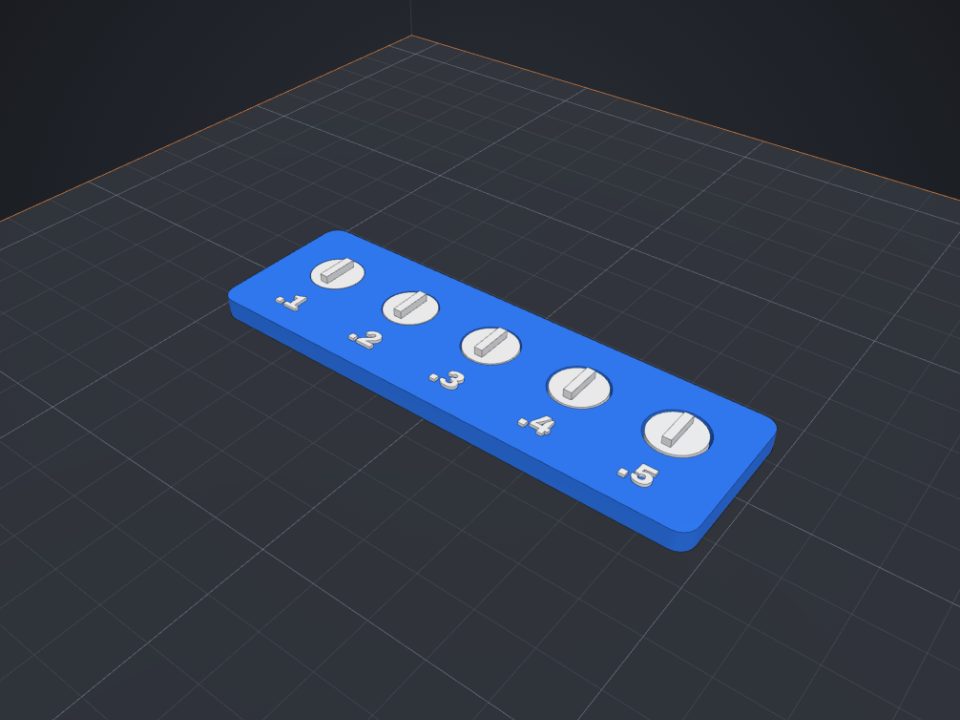 Clearance (tolerance) test for 3D printers
Loose discs with different clearances: see which one spins freely on your printer.
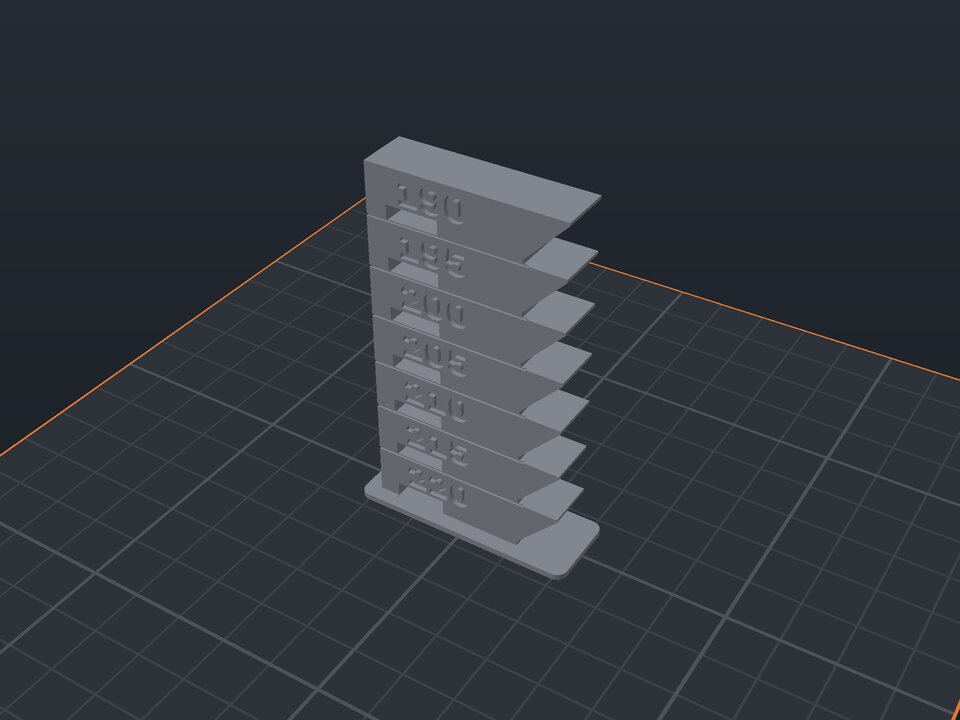 Temperature tower to calibrate filament
One floor per temperature, with overhang, bridge and engraved value.
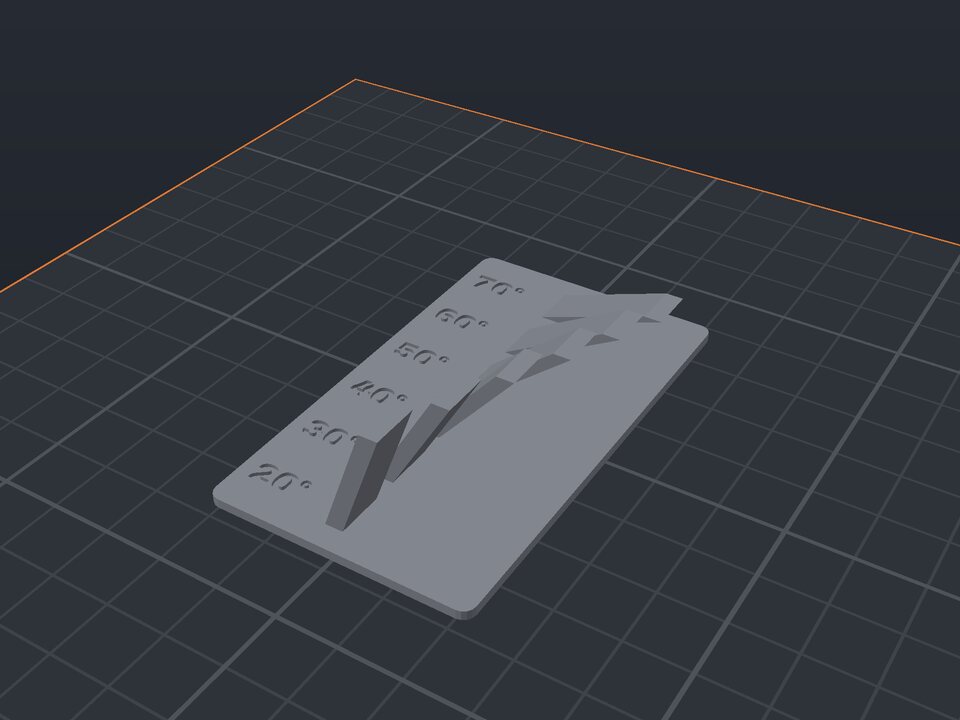 Overhang test for 3D printers
Slanted fins with the angle engraved on each one.
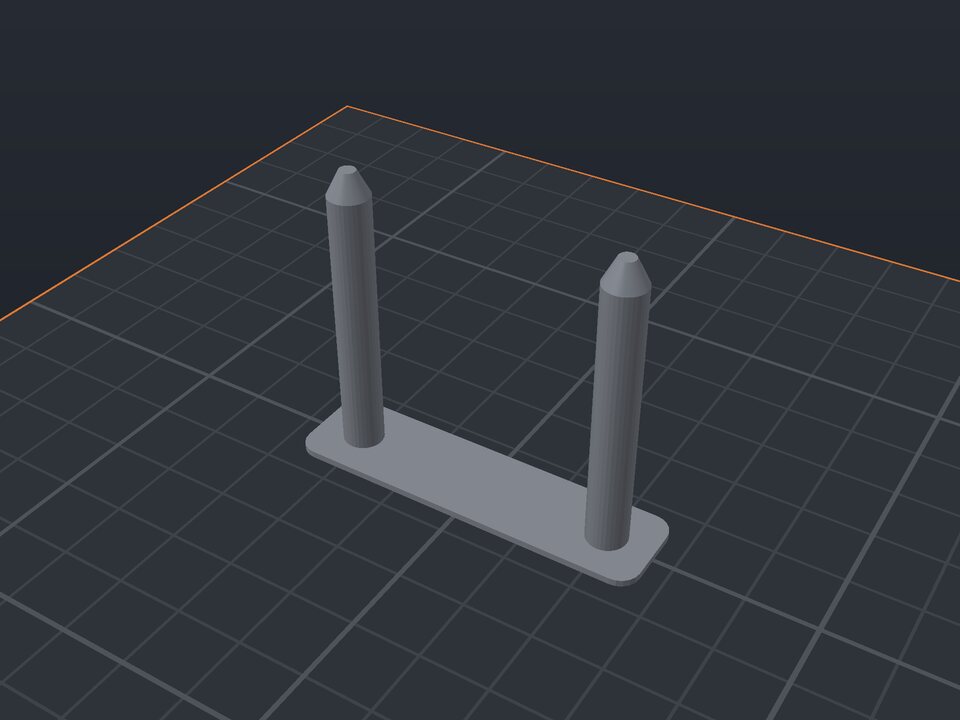 Retraction (stringing) test for 3D printers
Spaced towers to see and fix stringing.
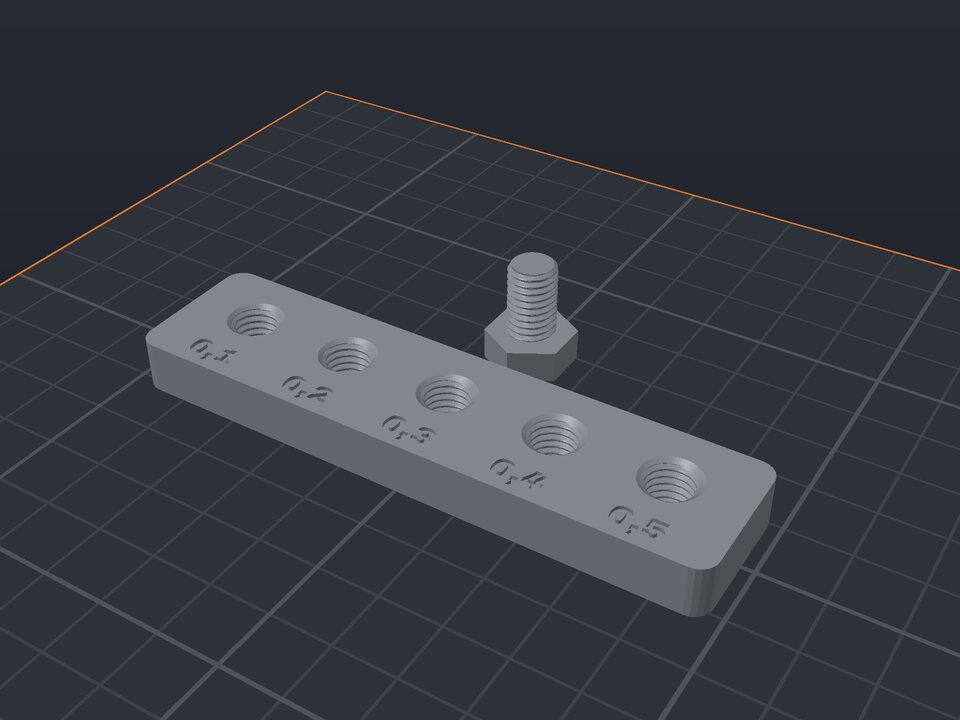 Thread clearance test for 3D printers
Threaded holes with different clearances and a bolt.
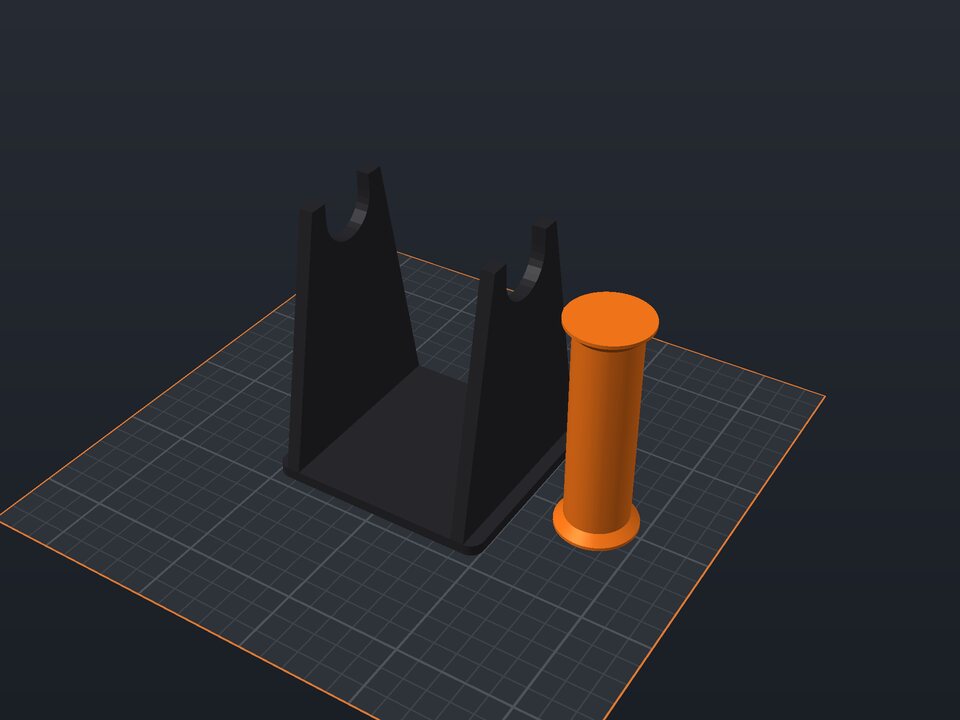 Filament spool holder to 3D print
Base with two supports and an axle, sized to the spool.
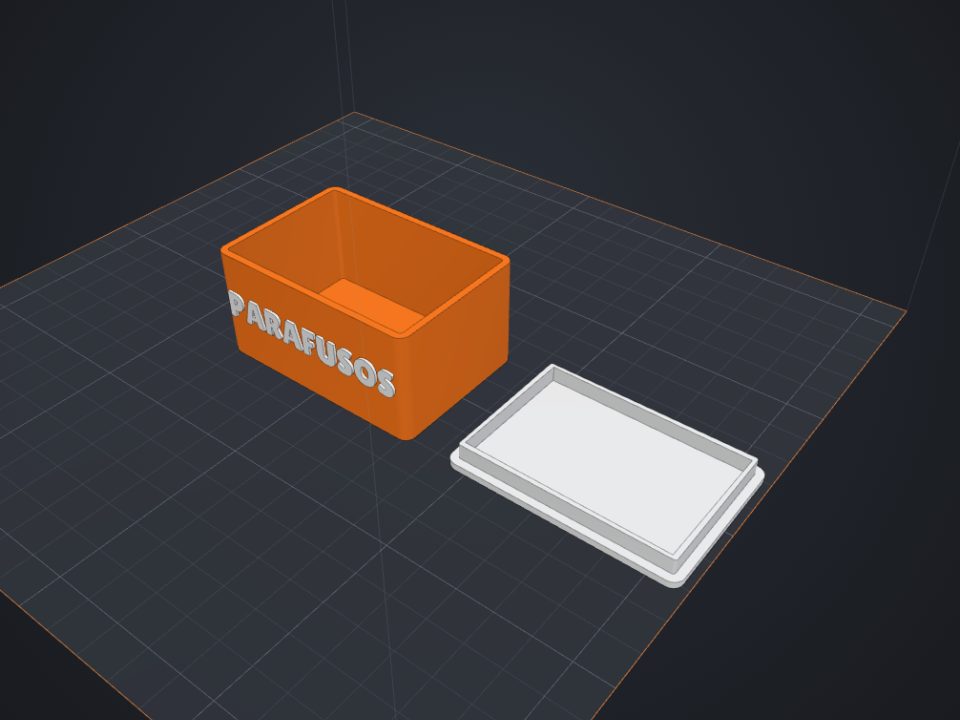 Box with lid to 3D print
Exact inner size, fitted or sliding lid and dividers.
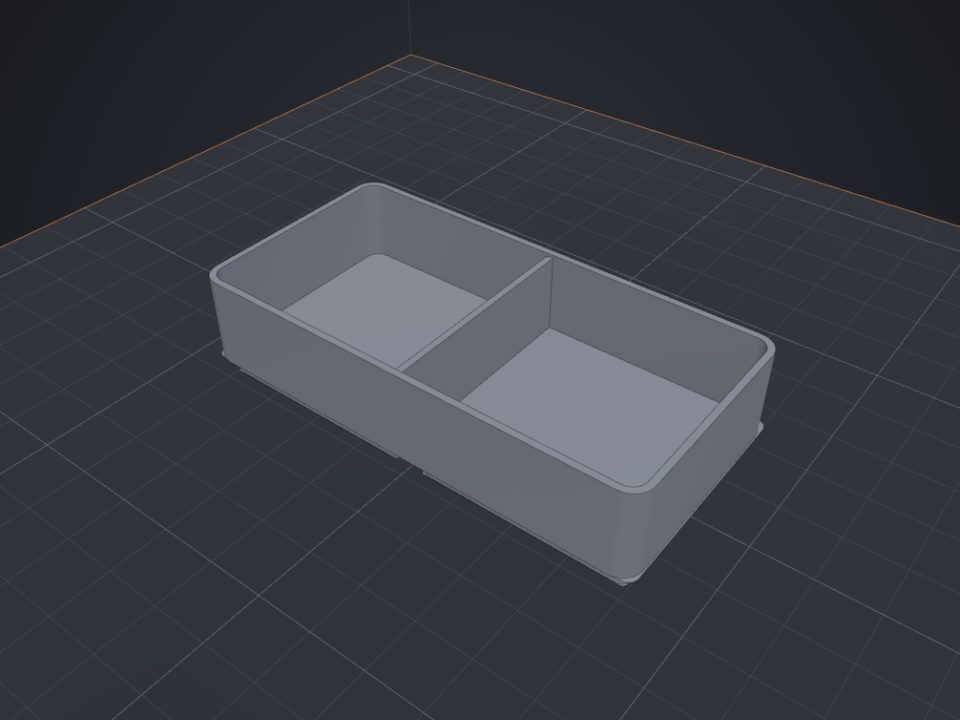 Gridfinity bins to 3D print
Standard 42 mm base, dividers and magnet holes.