Drawer size
Up to 600 × 600 mm inside; the generator divides the space.
Enter your drawer size and generate trays that fill it completely, in columns and rows, with the right clearance. Free, online, download STL or 3MF.
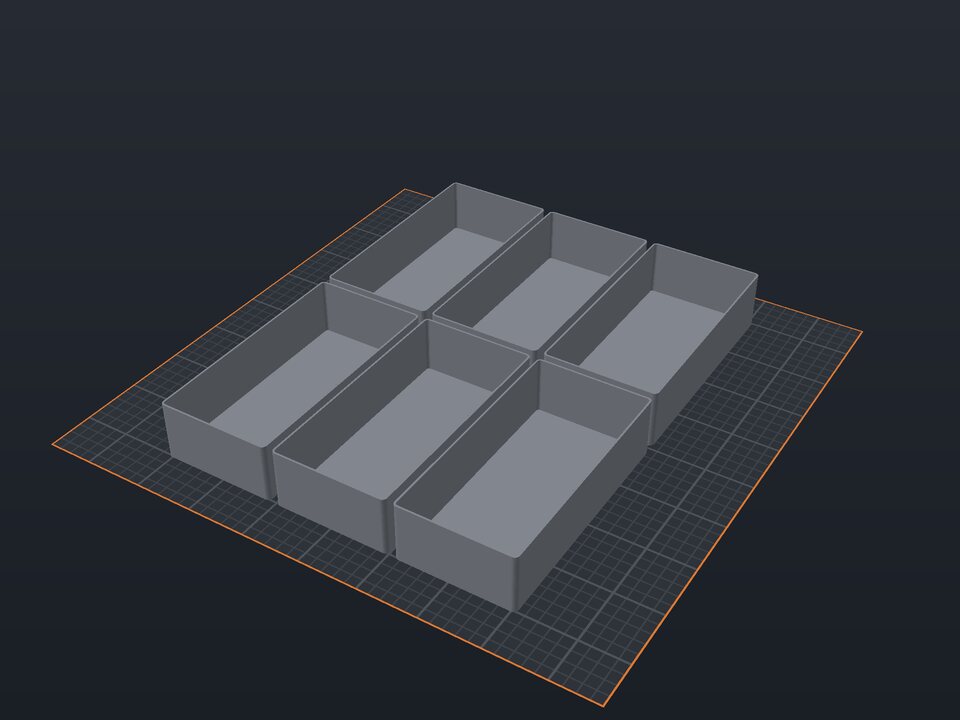
Store-bought drawer organizers rarely fill the space: there is a gap on one side or they do not fit at all. Here you enter the inside width and depth of the drawer and how many columns and rows you want, and the generator sizes each tray with clearance between them.
Each tray is a separate part, so you can print them a few at a time, rearrange them and use different colors. It works for kitchen, office, bathroom or tool drawers.
Up to 600 × 600 mm inside; the generator divides the space.
1 to 8 in each direction.
Space between trays and drawer walls (0 to 3 mm).
Trays 15 to 150 mm tall, wall 0.8 to 3 mm.
Make small items easy to grab and clean.
It depends on the drawer. A 300 × 400 mm drawer split 3 × 2 gives trays of about 99 × 198 mm, which fit a 220 mm bed. If not, increase columns or rows.
Yes, in the editor: select a tray and change its width or depth. Remember to keep the clearance.
1 mm is usually good: trays do not jam and do not slide around.
Yes. The maker and the editor are free and run in your browser. Without an account, the project is kept for 48 hours; with a free account, it is kept in your account.
3MF (recommended: keeps colors and opens directly in Bambu Studio, OrcaSlicer and Creality Print), STL or OBJ, always in millimeters.
Create your drawer organizer now ↑
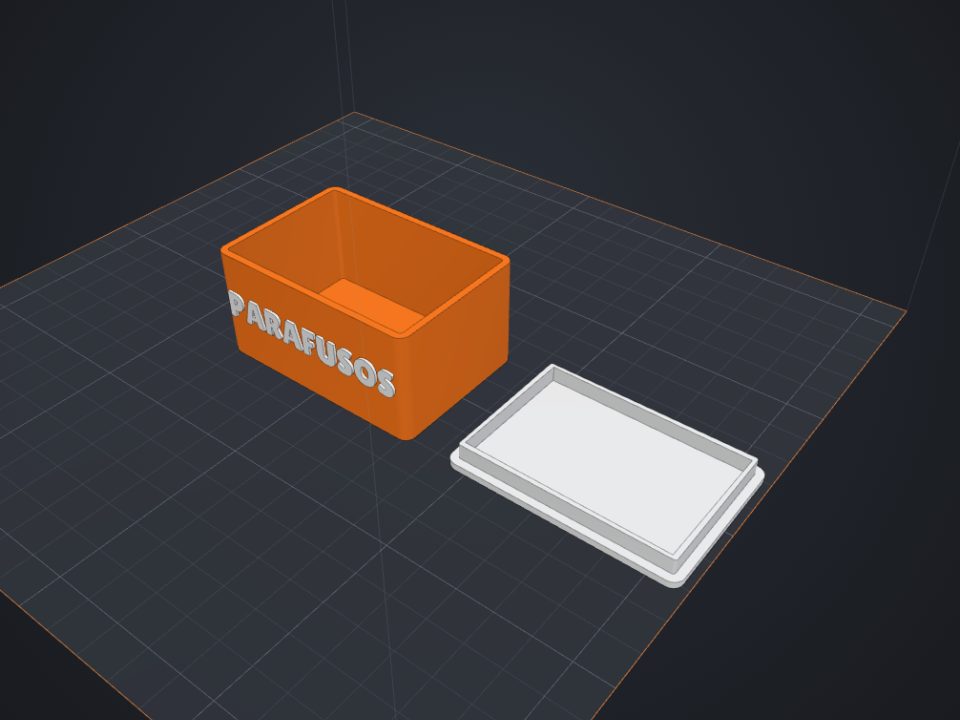 Box with lid to 3D print
Exact inner size, fitted or sliding lid and dividers.
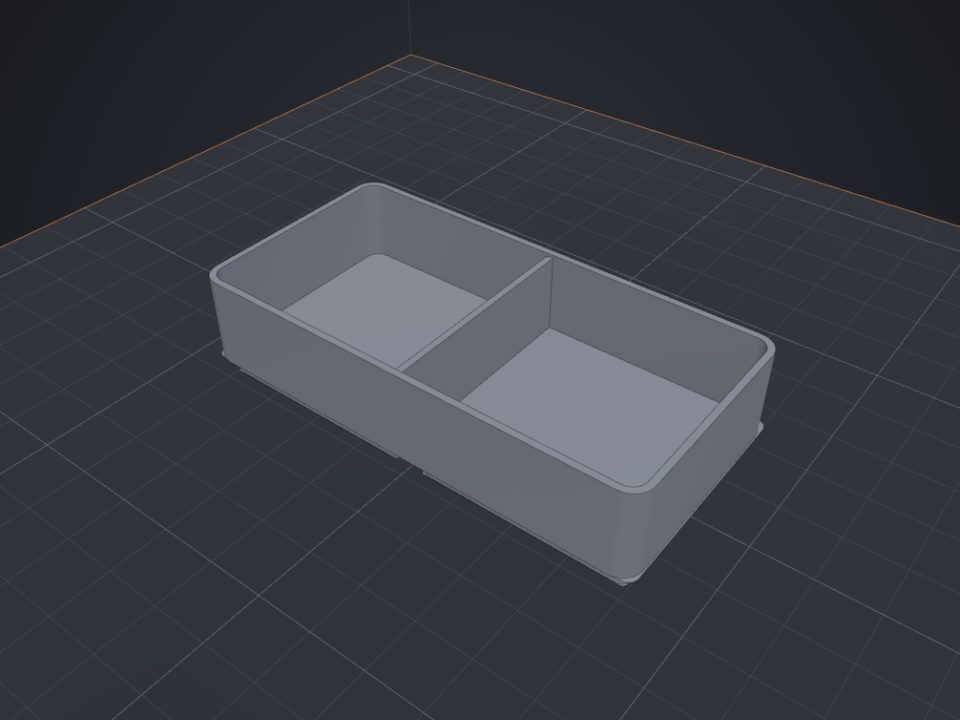 Gridfinity bins to 3D print
Standard 42 mm base, dividers and magnet holes.
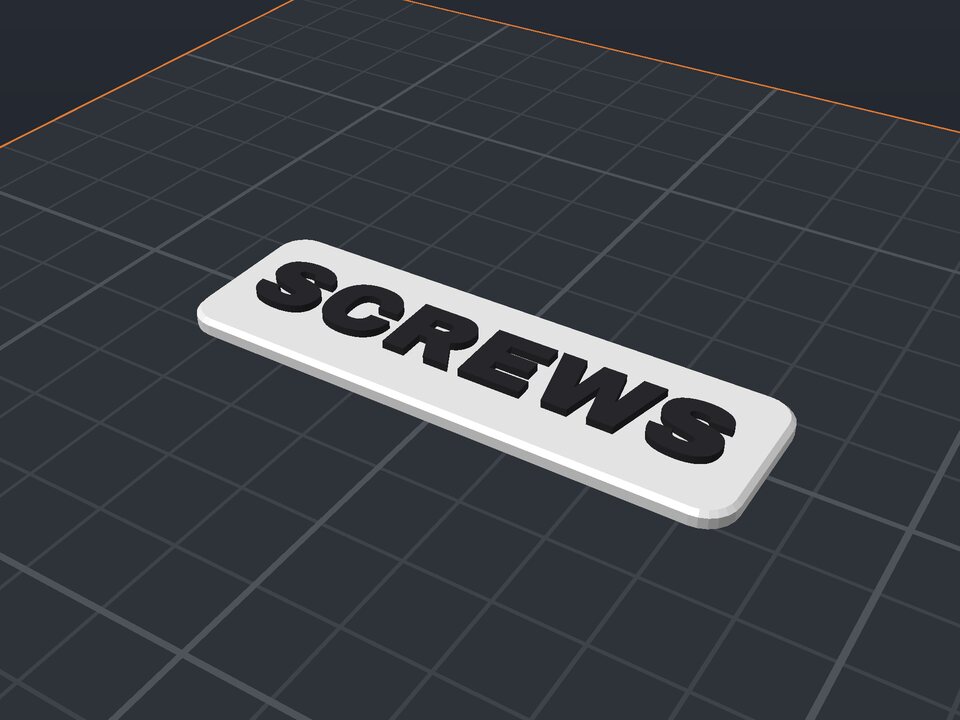 Drawer and shelf label to 3D print
Raised two-color text, with tape, screws or magnets.
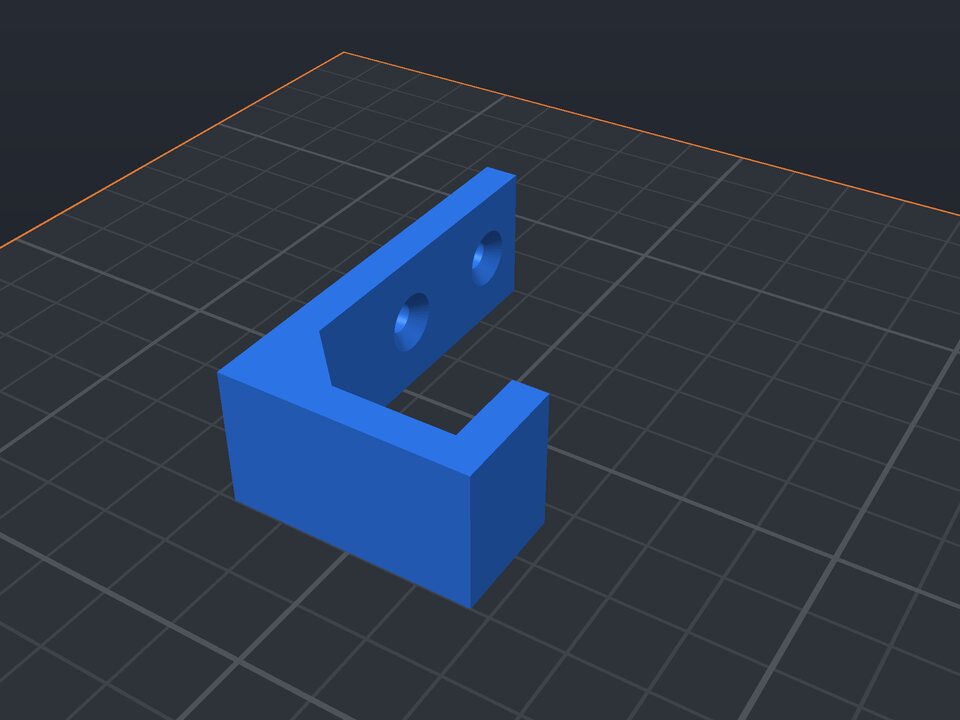 Wall hook to 3D print
J hook printed on its side: strong, with countersunk holes.
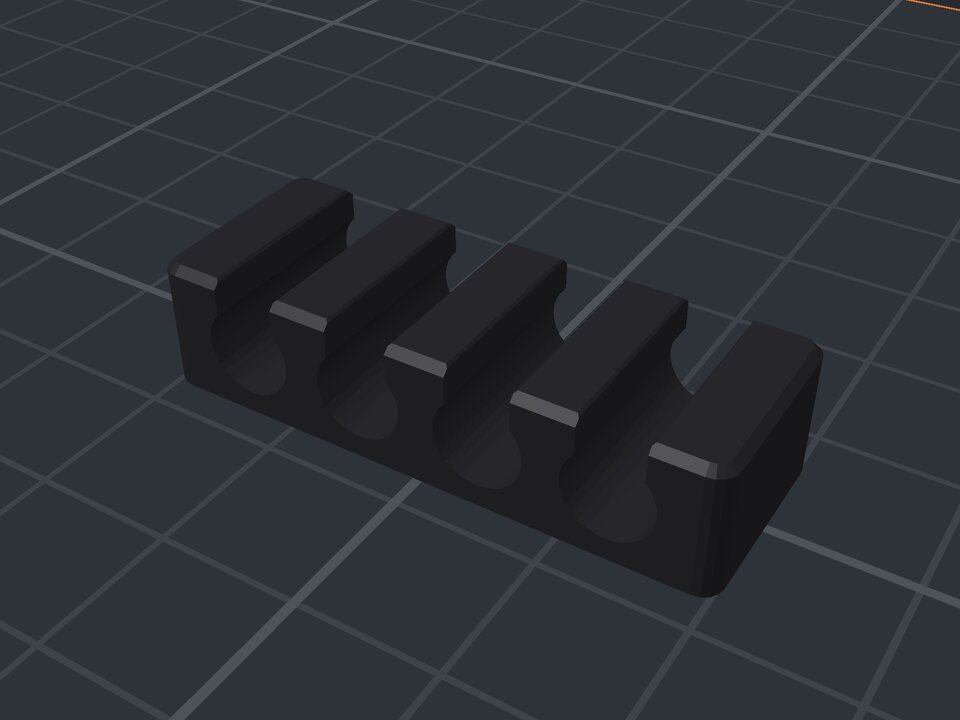 Cable organizer to 3D print
Channels sized to the cable that snap in.
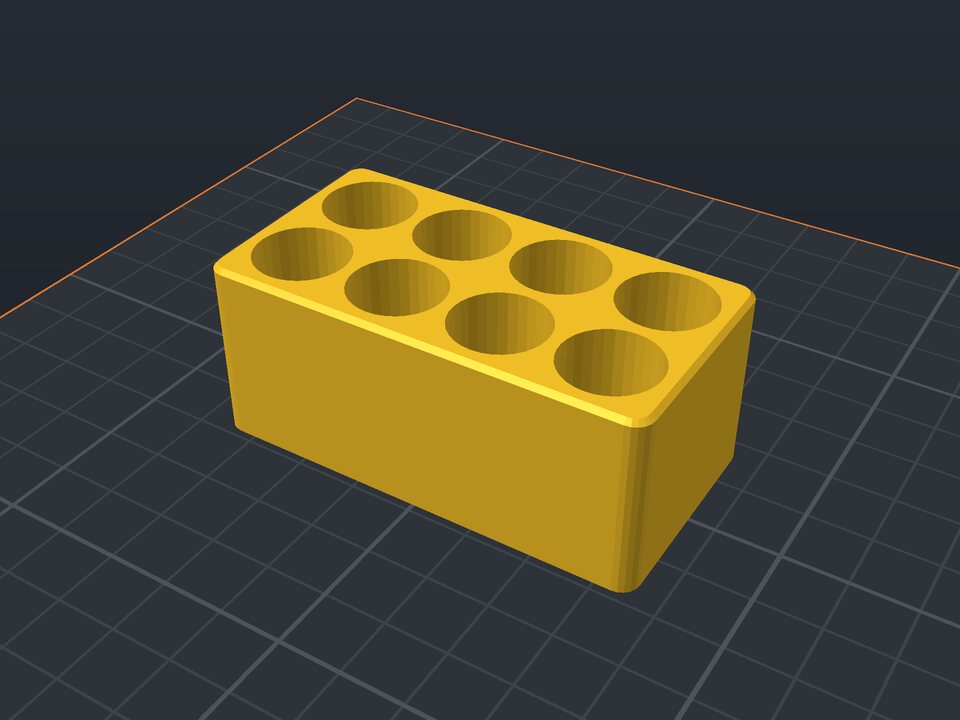 Battery holder to 3D print
AA, AAA, 18650, CR2032 or 9V, in columns and rows.
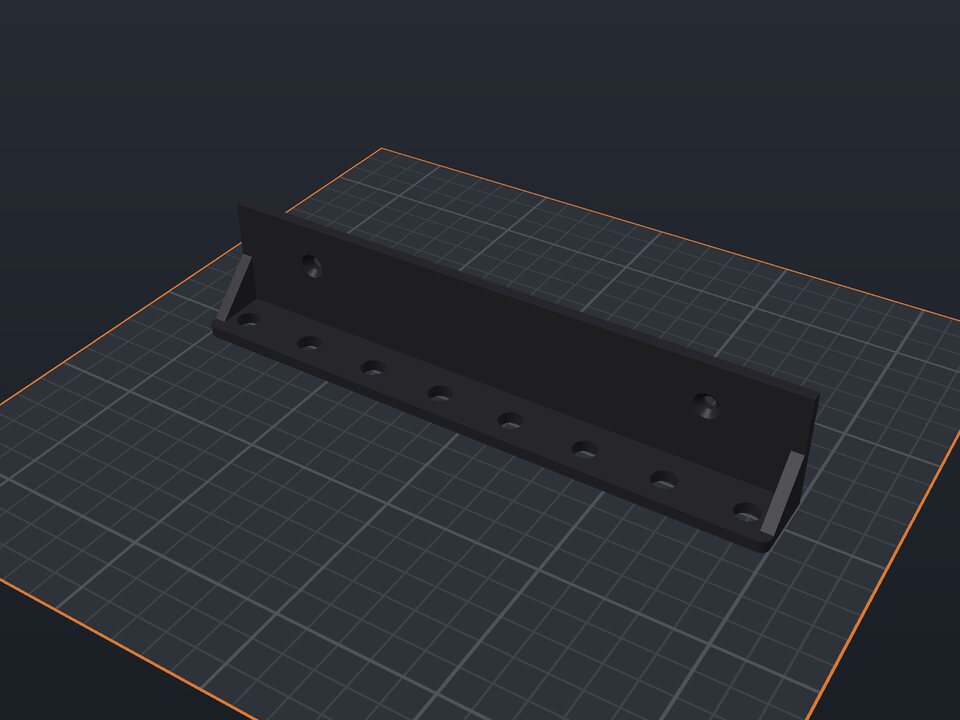 Wall tool holder to 3D print
Shelf with holes or slots for screwdrivers and pliers.
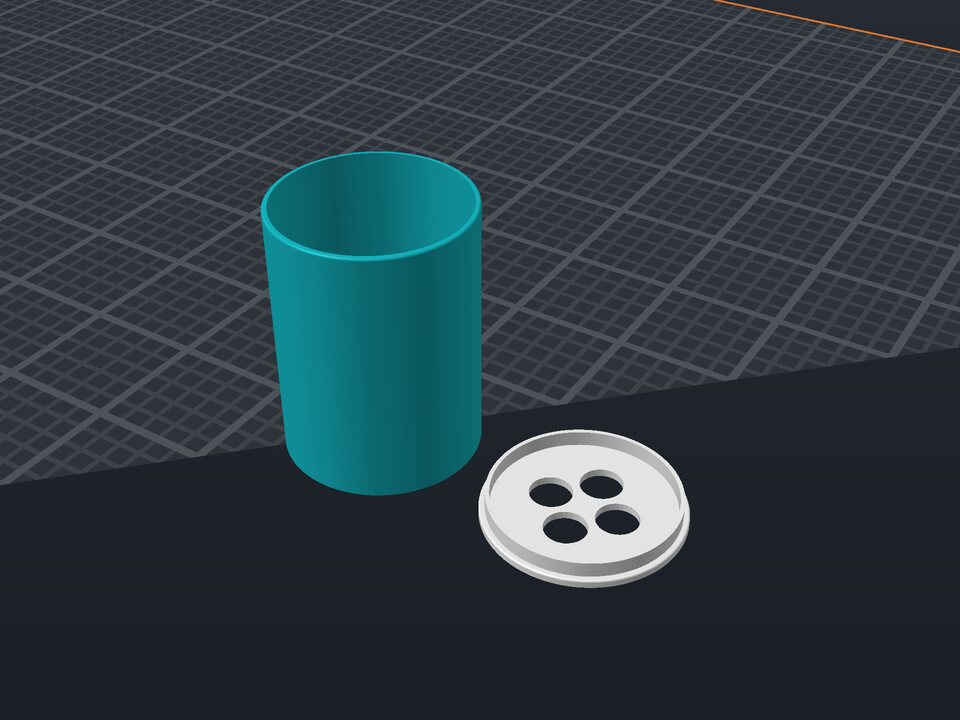 Toothbrush holder to 3D print
Cup with a holed insert that keeps each brush apart.